Webflow
Video Tutorial
Webflow
Watch on Tutorials page →
Info
Before following this section, add data to your AI Assistant as described in the Data Sources Section and test it in the AI Task Section.
Follow these steps to embed your AI Assistant as a chatbot widget in Webflow.
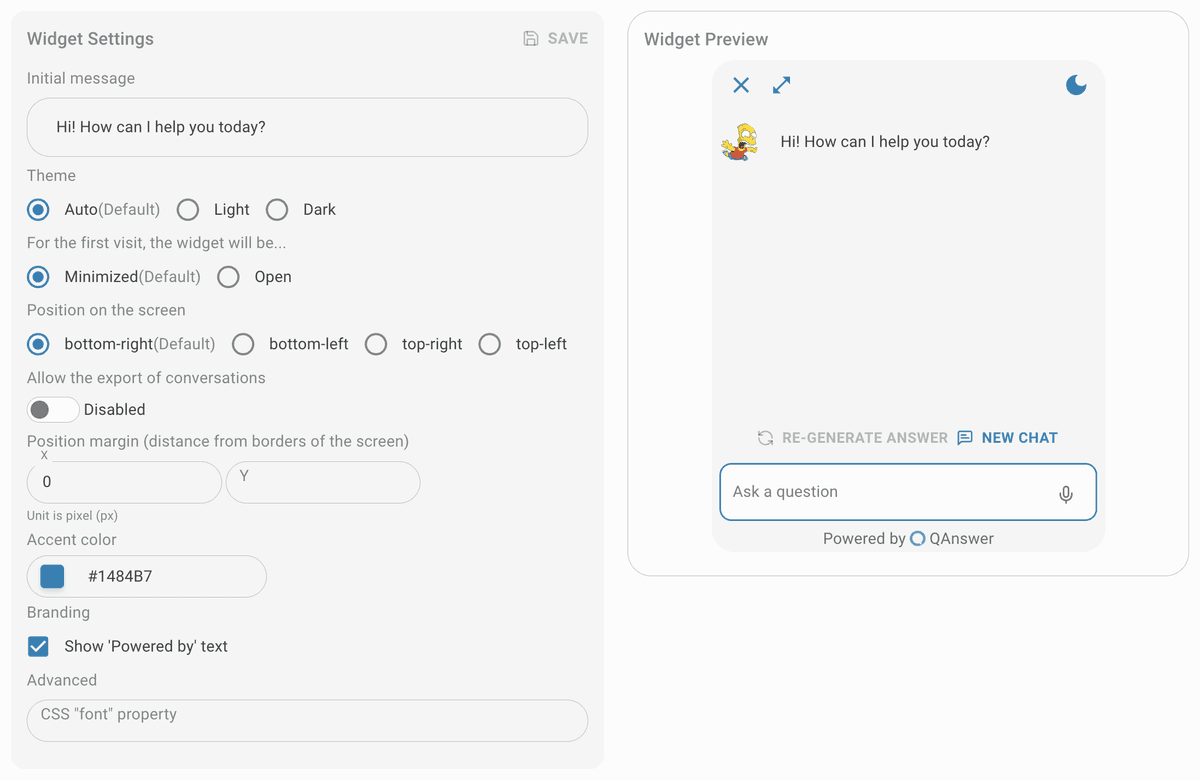
Customize
Customize the widget and save it.
Make public
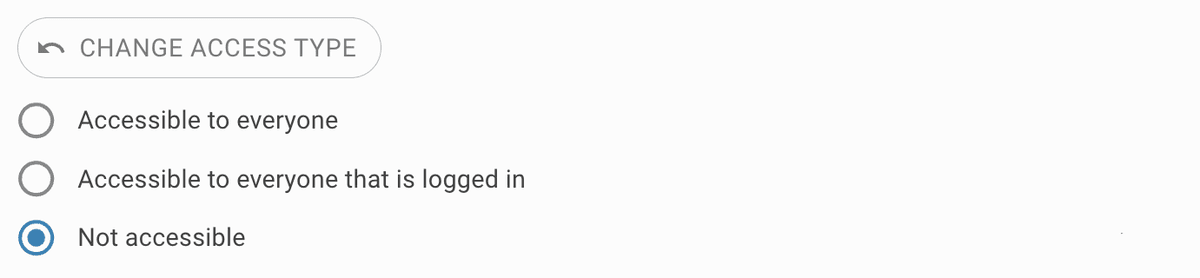
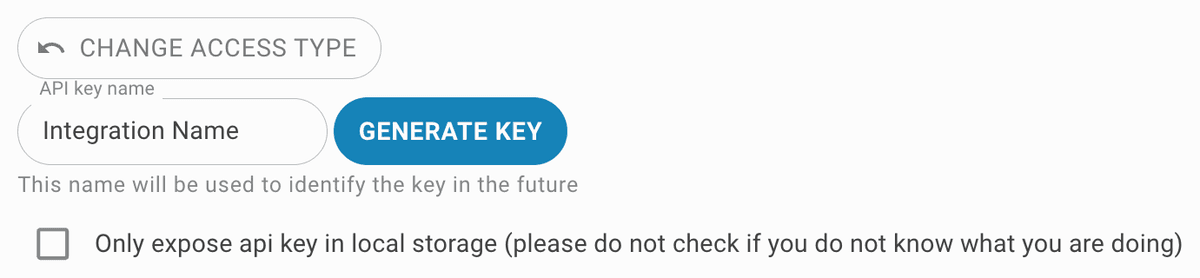
Set the access type to public. To restrict access, generate an API key for the widget integration.

Setup
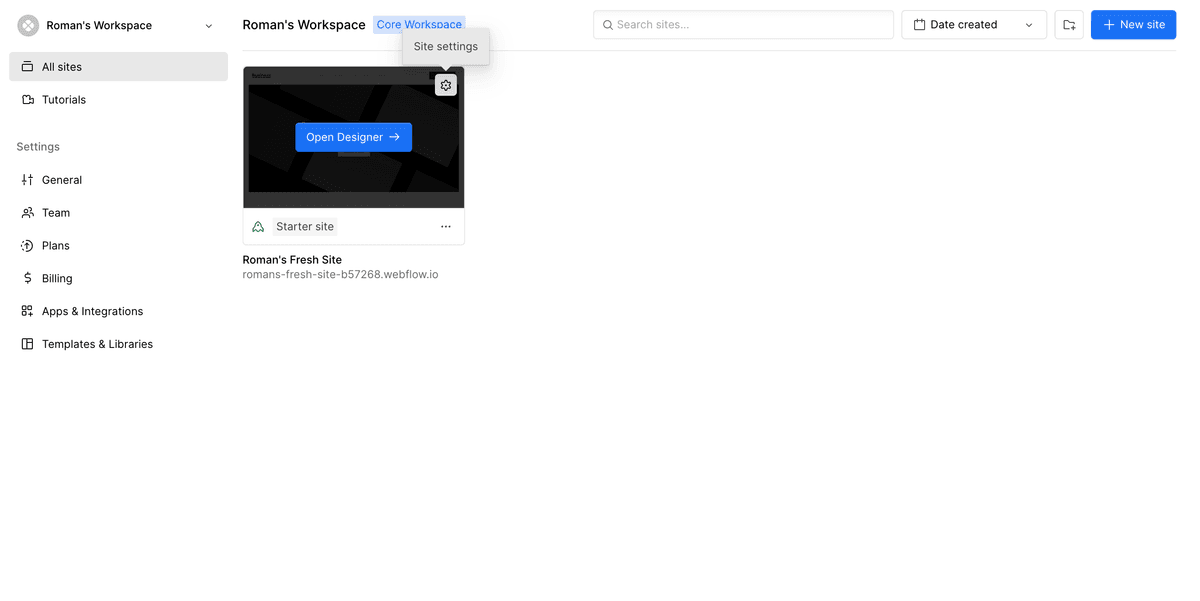
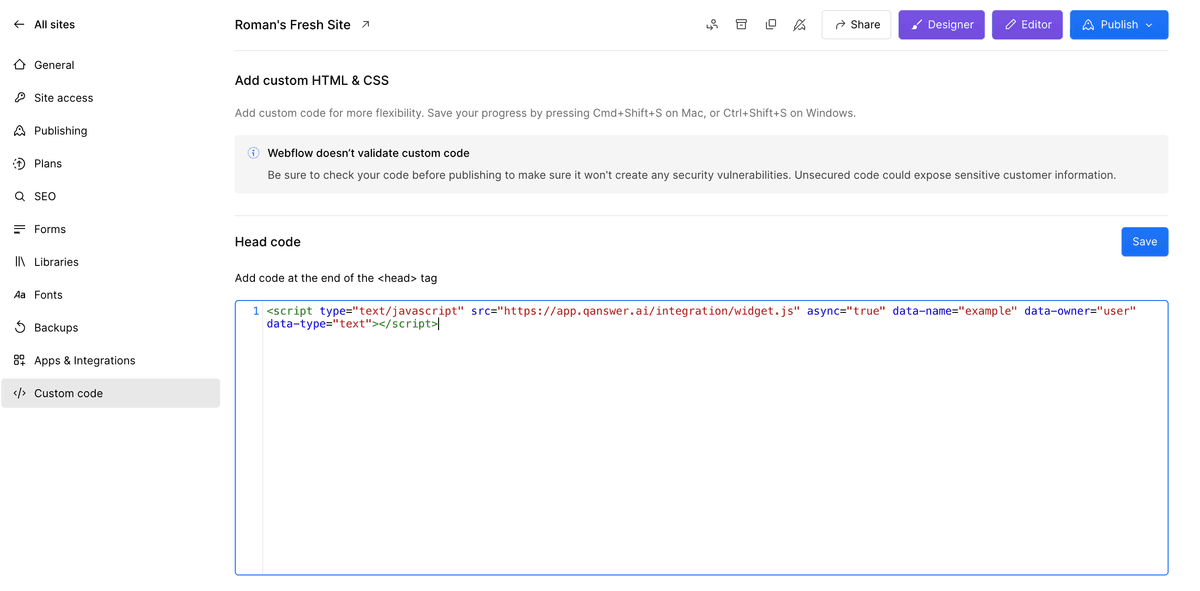
In your Webflow dashboard, click "Site settings" for the target website. Go to Custom code, paste the AI Assistant custom code into the "Head code" text area, and click Save.