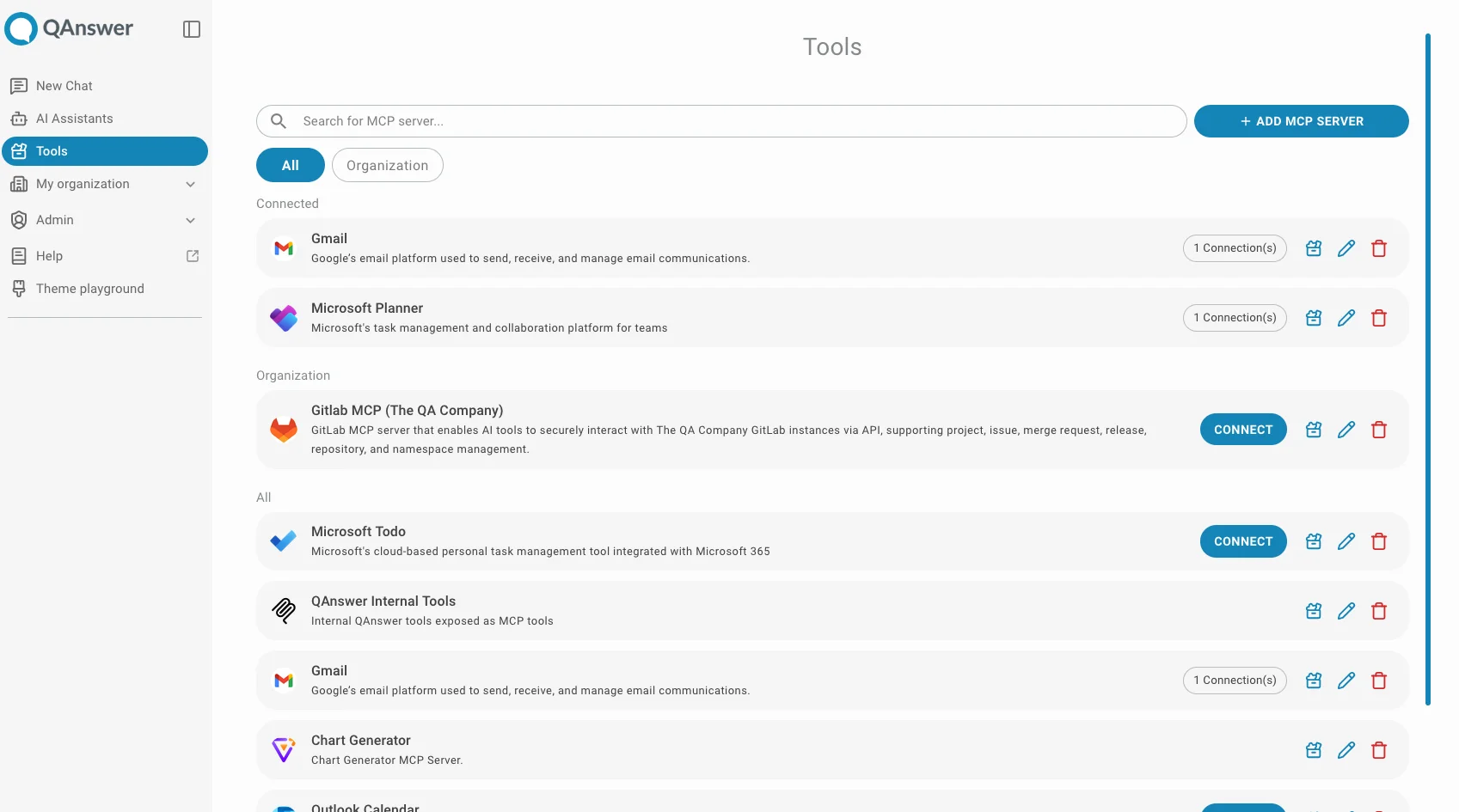
QAnswer Documentation
QAnswer combines Large Language Models with your enterprise data. The platform covers a full-featured chat interface, custom AI assistants, team collaboration, and MCP integration.
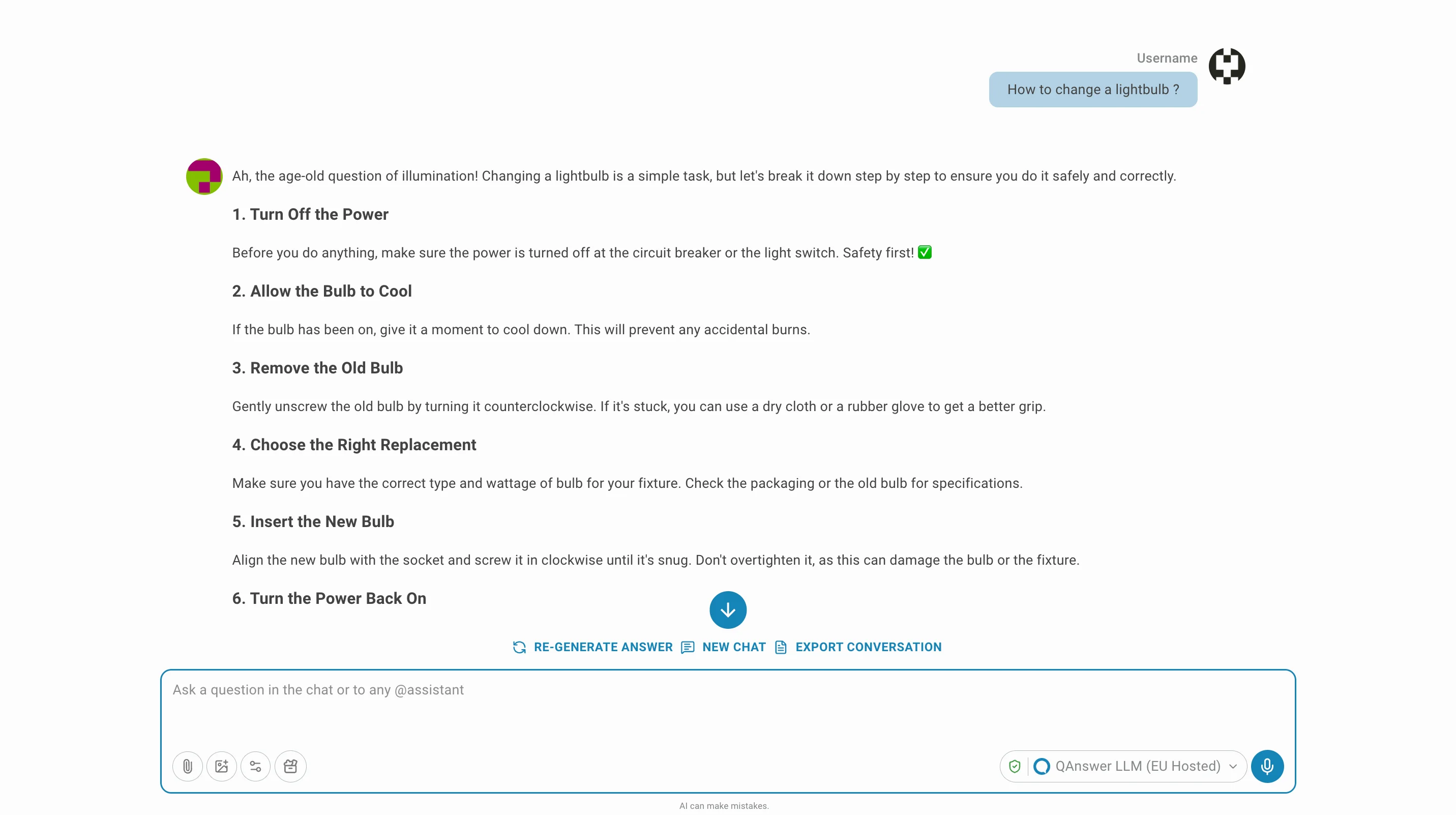
Powerful LLM Chat Interface
A full-featured chat interface giving you direct access to the latest large language models — from a single, unified UI.
- Access to leading models: OpenAI, Anthropic, Mistral, and more
- Multi-turn conversations with full context retention
- File upload and in-chat document analysis
- Web search augmentation for real-time, up-to-date answers
- Invoke your own AI assistants directly from the chat
- Chat Completion API for programmatic access
- Embedder API to integrate semantic search into your apps
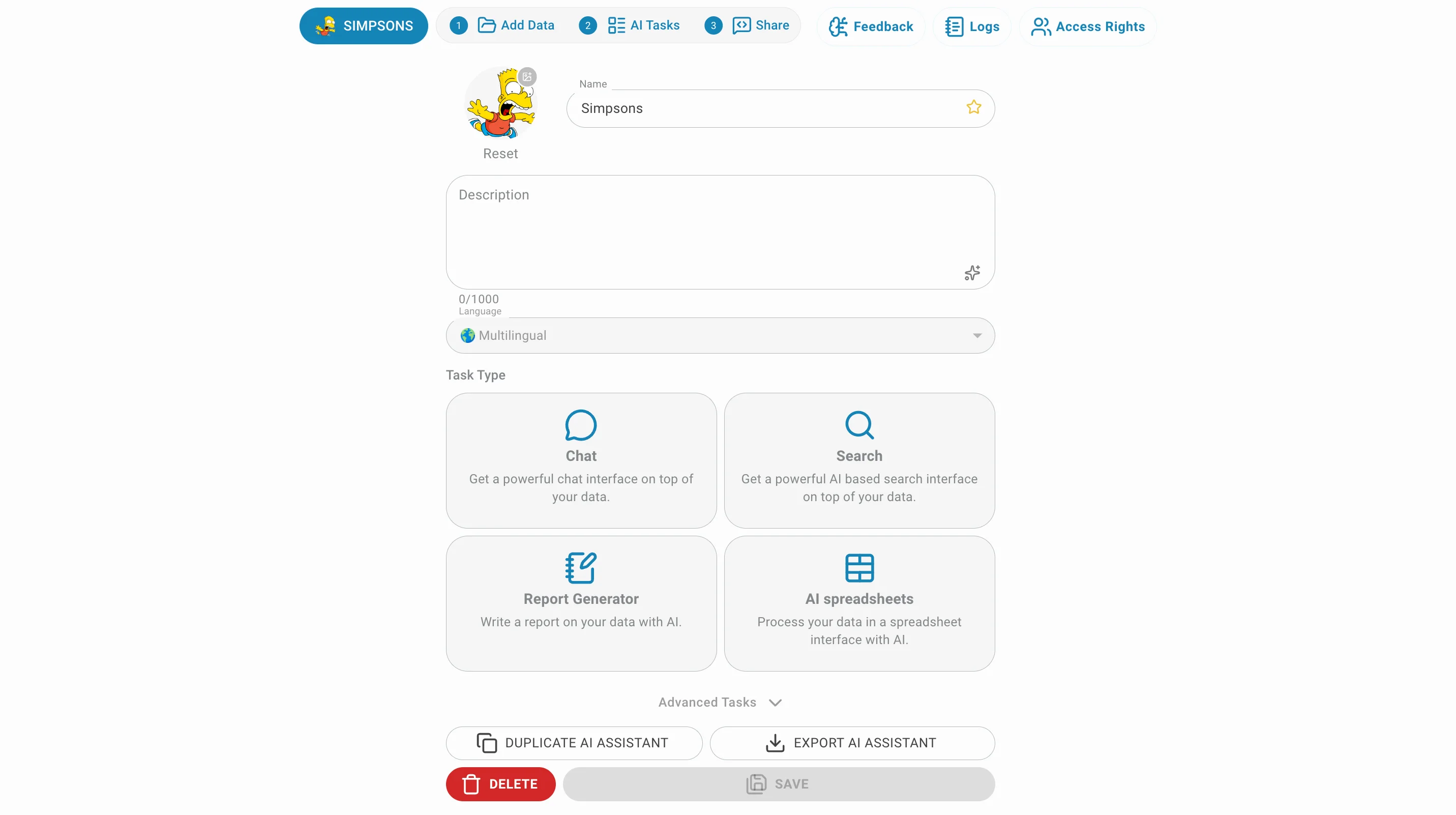
AI Assistant Construction
Build custom AI assistants grounded in your own data — no code required. Connect your sources, pick an AI task, and expose it wherever your users are.
- 10+ data connectors: Documents, Websites, OneDrive, SharePoint, Google Drive, Email, Q&A, RDF…
- AI tasks: Chatbot, Semantic Search, Data Extraction, Report Generation
- Embed as a website chatbot, search widget, or chat interface
- Third-party integrations: Microsoft Teams, Slack, Confluence, WordPress, Bubble…
- Full REST API for every feature
- Per-assistant access rights and visibility control
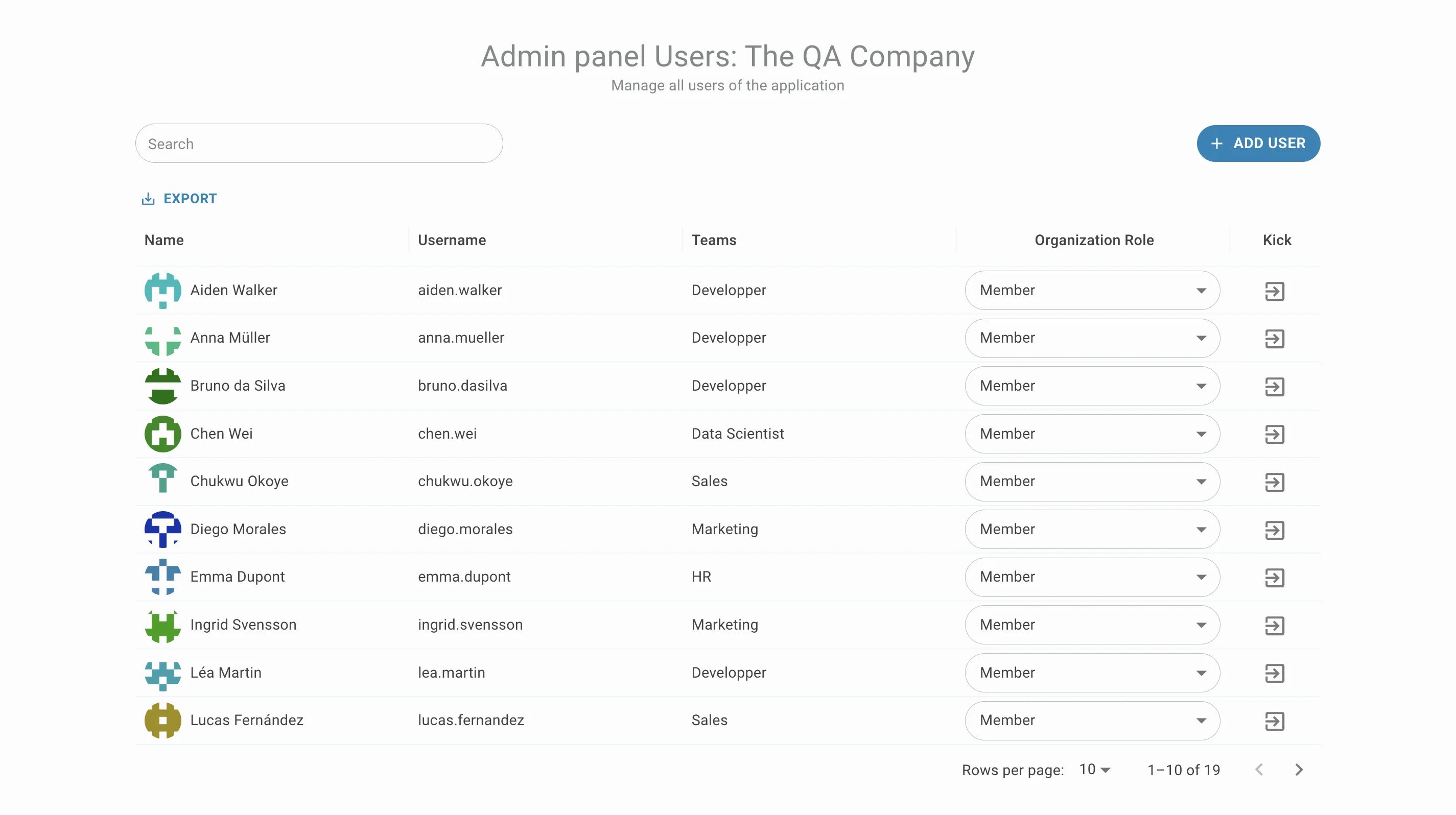
Tight Organization Integration
QAnswer is built for teams. Enterprise-grade access control, user management, and collaboration baked in from day one.
MCP Integration
Expose your AI assistants and data to any LLM that supports the Model Context Protocol. Turn QAnswer into a tool your agents can call.