Search Interface
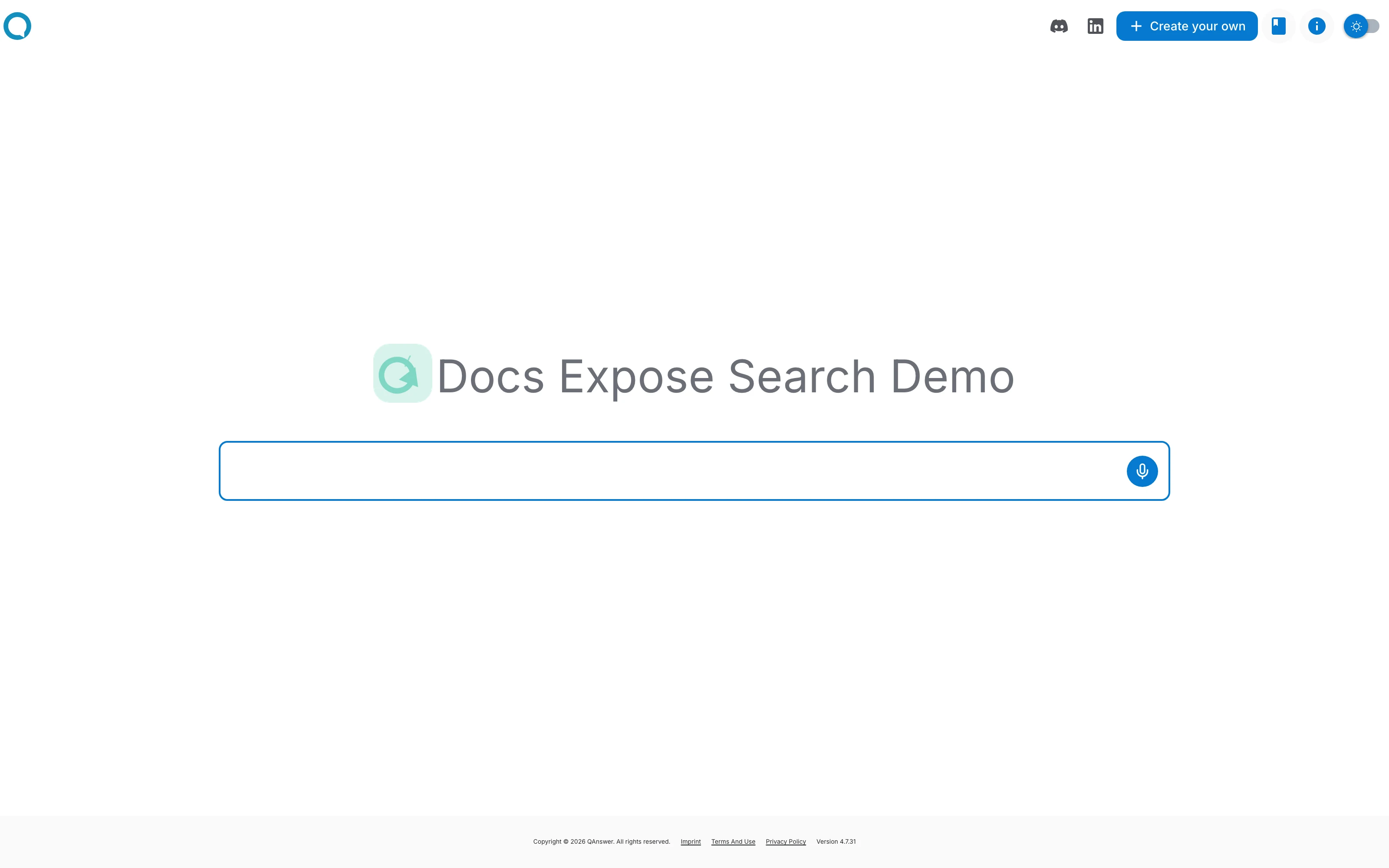
The search interface is a full page, hosted by QAnswer, where people type a question and get an answer drawn from your assistant's data. You share it as a single link — there is nothing to install and no website of your own required.
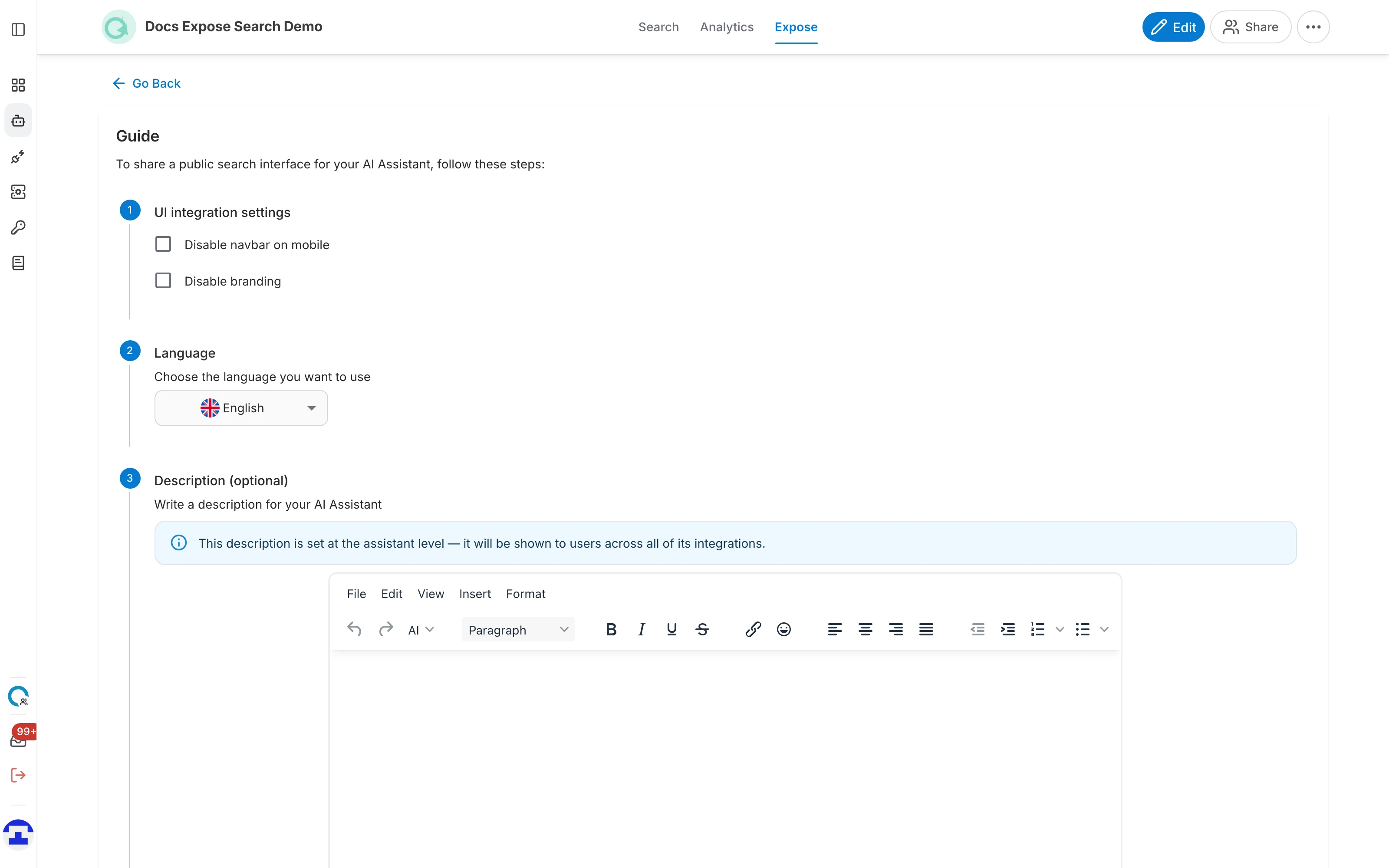
Open the assistant, go to the Expose tab and select the Search interface card. The page that opens is a five-step guide.
Step 1 — UI integration settings
Two checkboxes control how the hosted page is framed:
- Disable navbar on mobile — hides the top navigation bar for visitors on phones, leaving more room for the search results.
- Disable branding — removes the QAnswer logo and footer, so the page carries nothing but your assistant.
Step 2 — Language
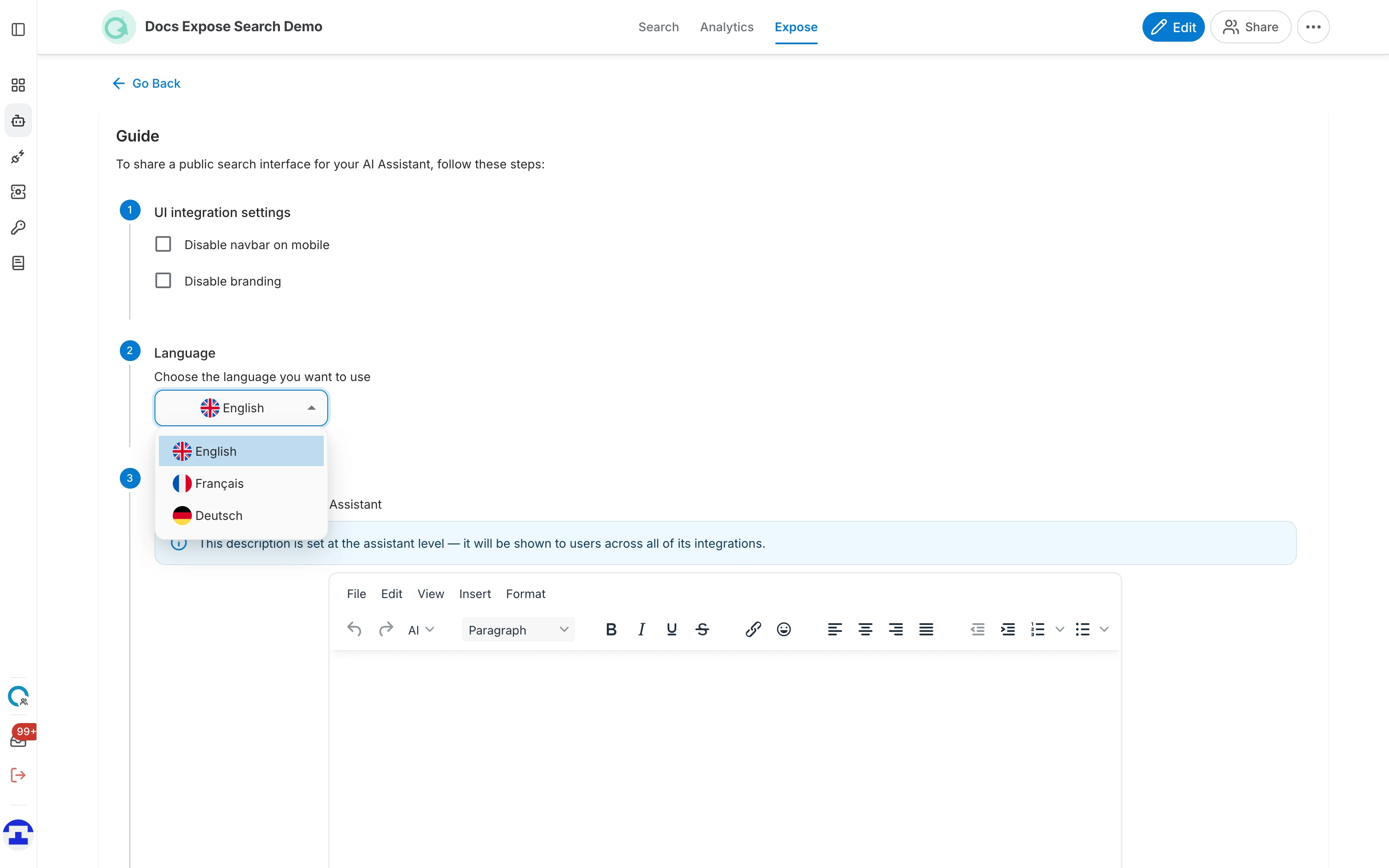
Choose the language the interface itself is displayed in — the labels, buttons and placeholder text. Visitors can still ask questions in any language your assistant understands.
Step 3 — Description (optional)
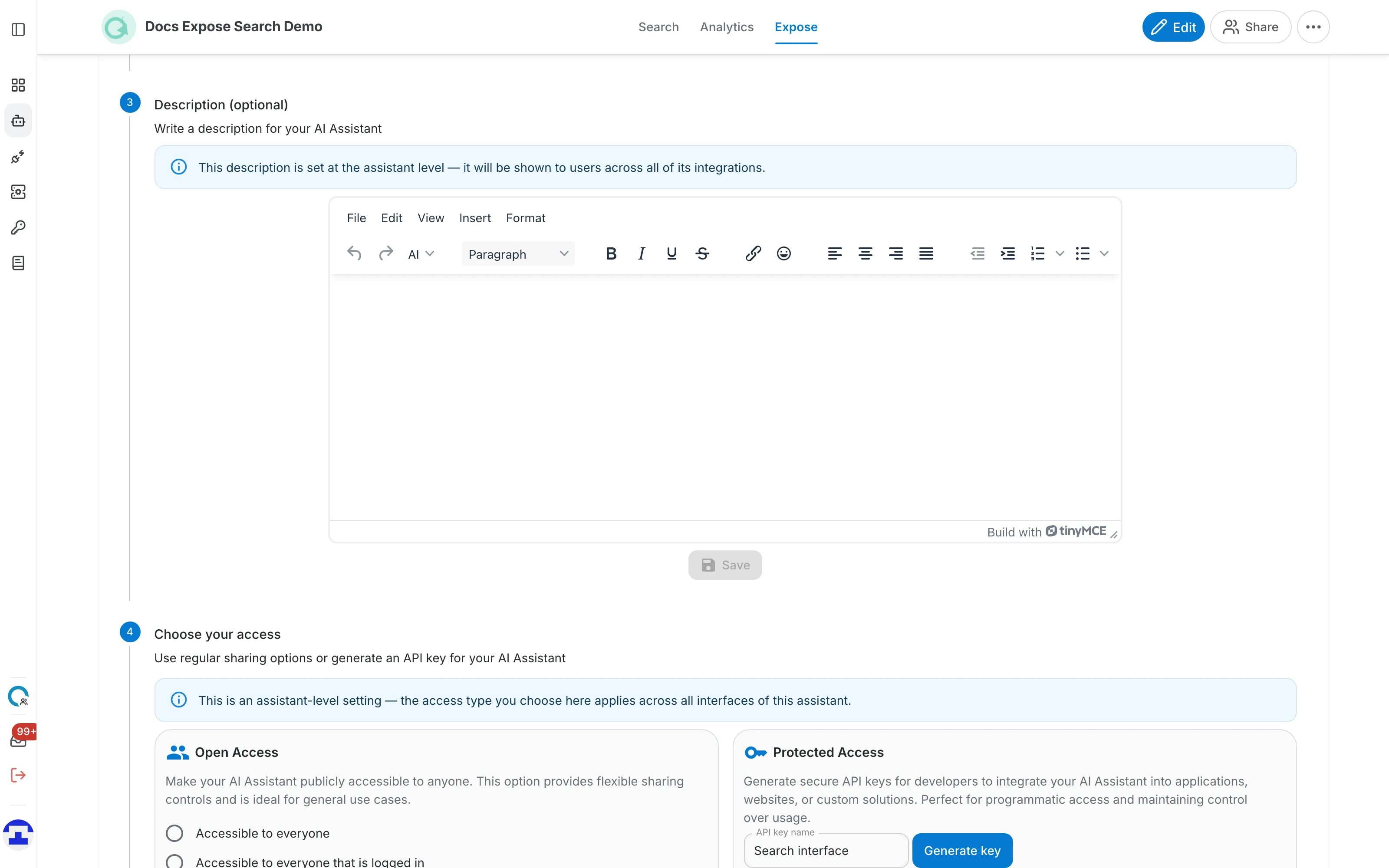
The description tells visitors what this assistant is for and what kind of questions it can answer. It is shown on the public page, and the rich-text editor lets you add links and formatting.
Step 4 — Choose your access
Nobody can open the link until you decide who is allowed in:
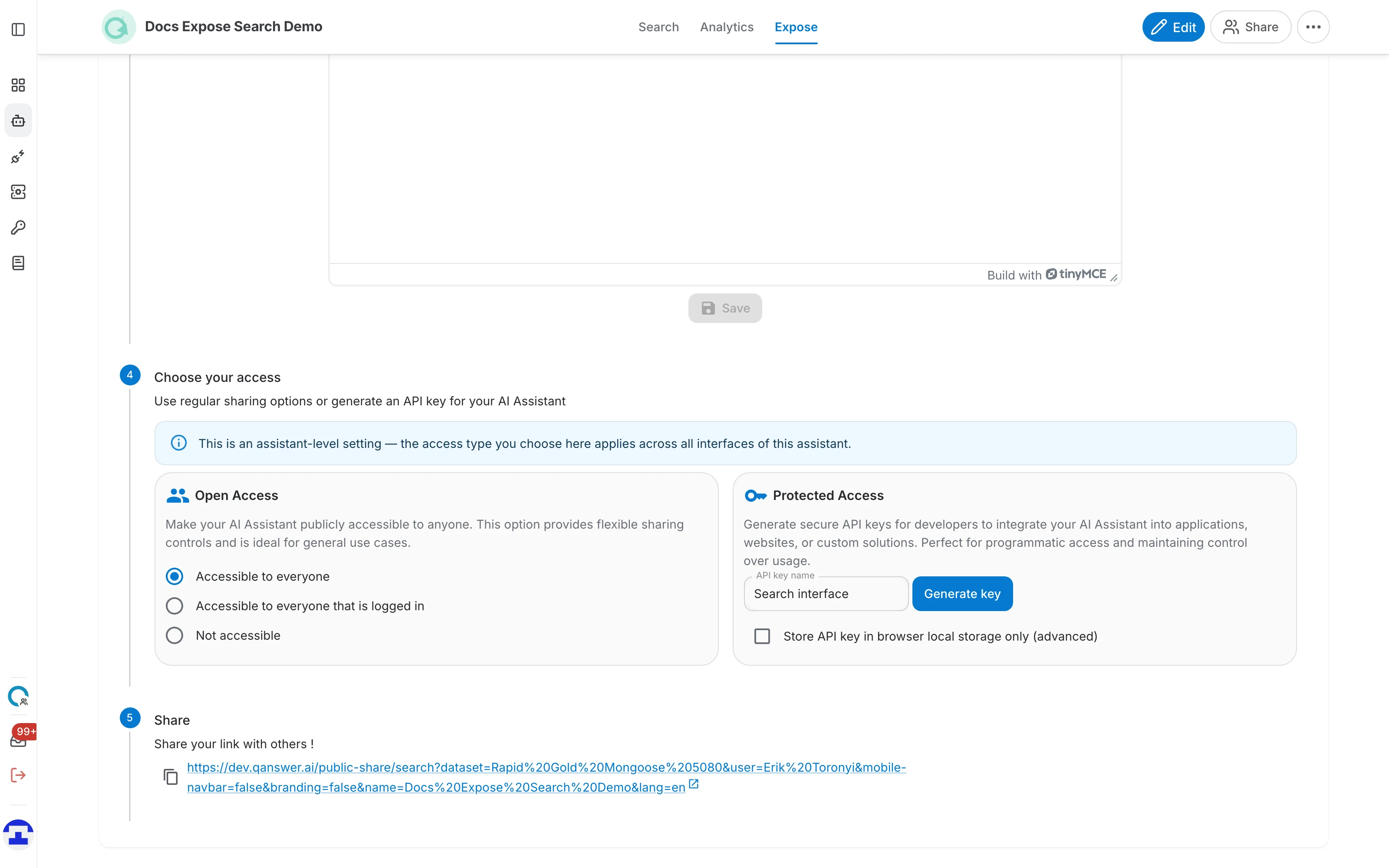
- Accessible to everyone — anyone with the link can search, with no sign-in. This is the usual choice for a public link.
- Accessible to everyone that is logged in — the link works, but only after the visitor signs in to QAnswer. Useful for sharing inside a company.
- Not accessible — the link is dead. Select this to take a published interface offline again.
- Protected Access — instead of opening the assistant up, generate an API key that callers must supply. Meant for programmatic use rather than a link you send to people.
Step 5 — Share
Once access is set, the link appears. Use the copy icon beside it, or the arrow to open it in a new tab.
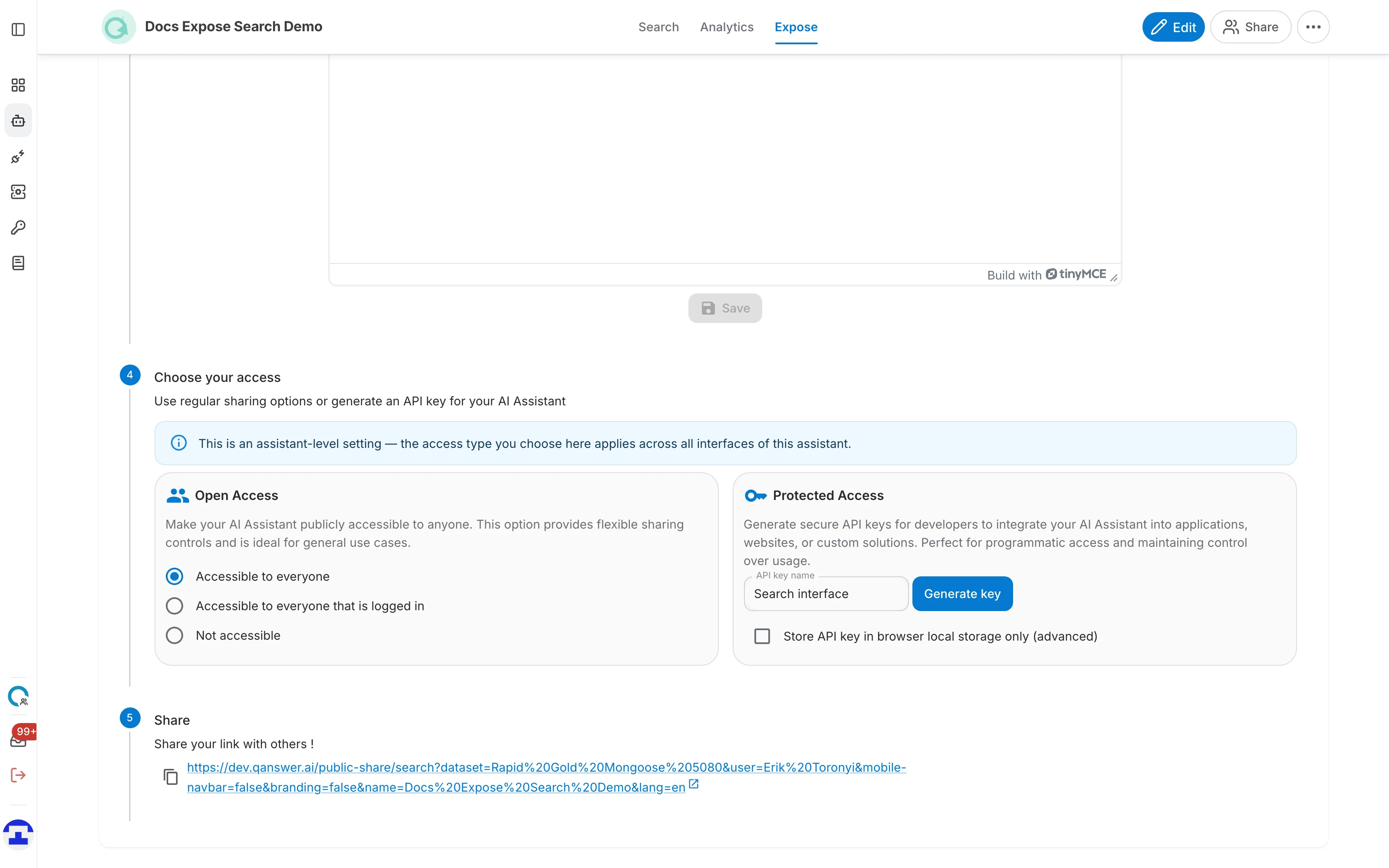
The link carries your choices from the earlier steps as parameters — the language, and whether the navbar and branding are hidden. Changing a step regenerates it, so copy the link again after you adjust anything.
What visitors see
Opening the link gives a clean search page named after your assistant, with a single question box: