
RDF Graph
An RDF connector attaches a knowledge graph to your assistant. Instead of retrieving passages of text, QAnswer translates questions into queries over your graph.
Add an RDF connector
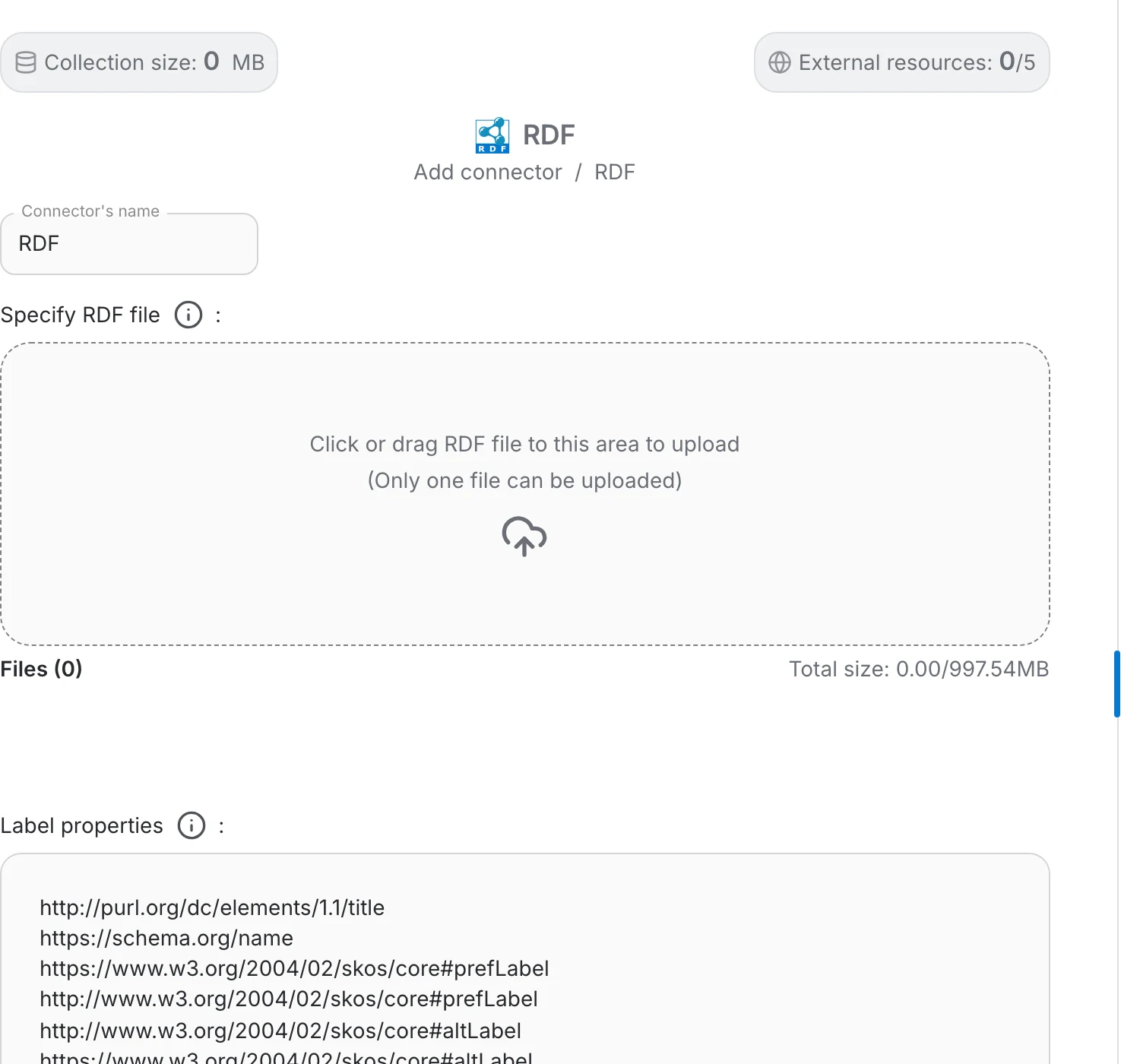
Choose RDF in the Add connector menu, then:
- Name the connector after the graph it holds.
- Provide the graph itself — upload your triples or point QAnswer at the endpoint that serves them.
- Click Finish to load it.
Info
The usual RDF serialisations are accepted, including N-Triples, Turtle and RDF/XML.
Tasks built on a graph
A graph unlocks task types that plain documents cannot support:
- Sparql Endpoint — ask questions in natural language and get the query and its results
- Entity Linker — find the entities of your graph inside free text
- Linker — link fragments of text to the entities they refer to
Note
Set the assistant's task type accordingly on the General tab. An RDF graph attached to a plain Chat assistant is not used the way a document collection is.
Managing the graph
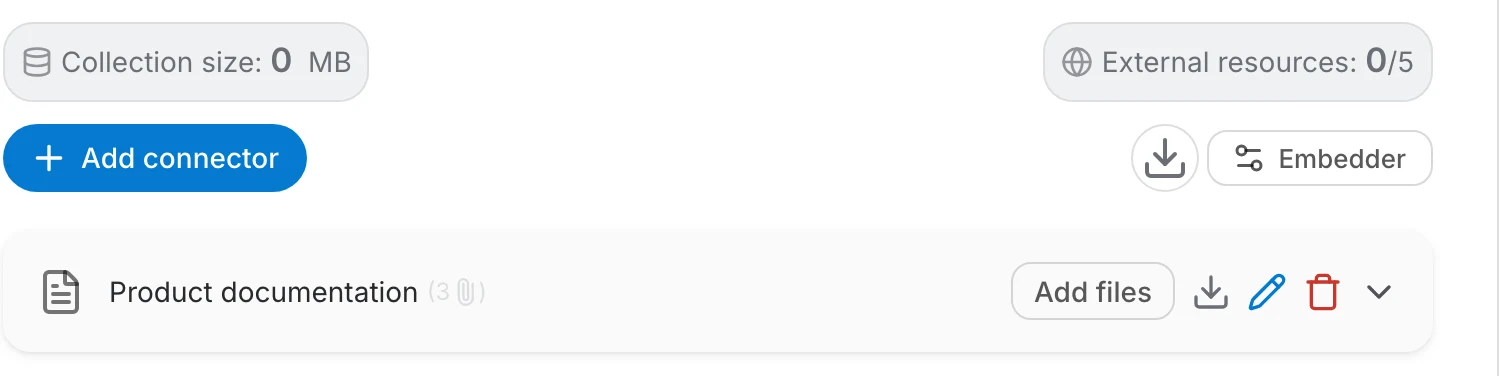
The connector row behaves like any other: rename it, download what it holds, delete it, or expand it to inspect what was loaded.
Tip
Large or frequently changing graphs are easier to maintain over the API — see the RDF API reference.