
Entity Linker
The Entity Linker task takes a piece of free text and finds every entity of your RDF knowledge graph that appears in it. The matches are highlighted in place, so you see which words the graph recognised and which it did not.
Warning
This task only works on RDF data. Add an RDF Graph data source first — the entities it links are the ones in that graph.
Set up the task
- In the assistant editor, on the General tab, click Advanced and select the Entity Linker tile.
- Click Use to open the assistant's page, whose first tab is the linker.
Link a text
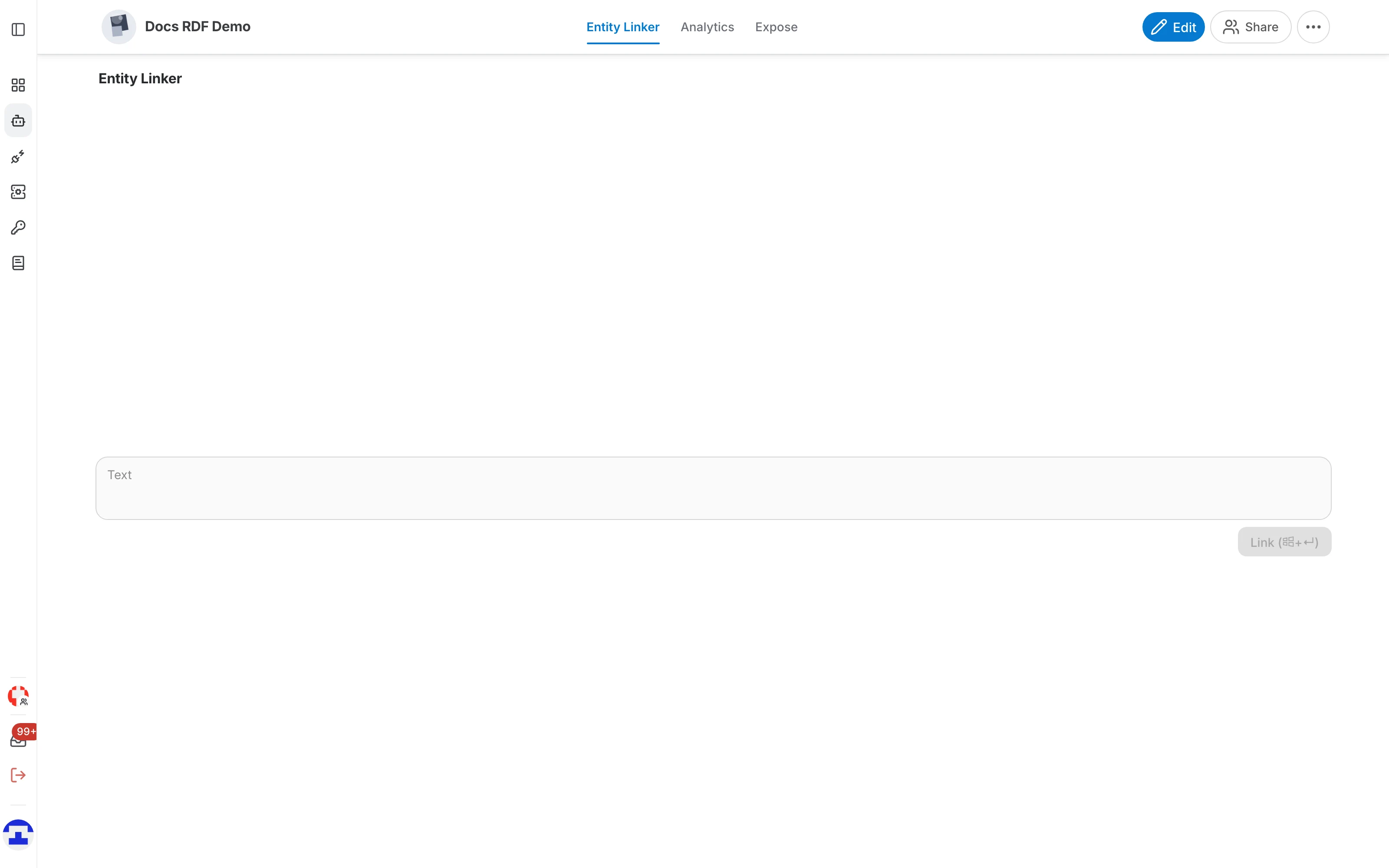
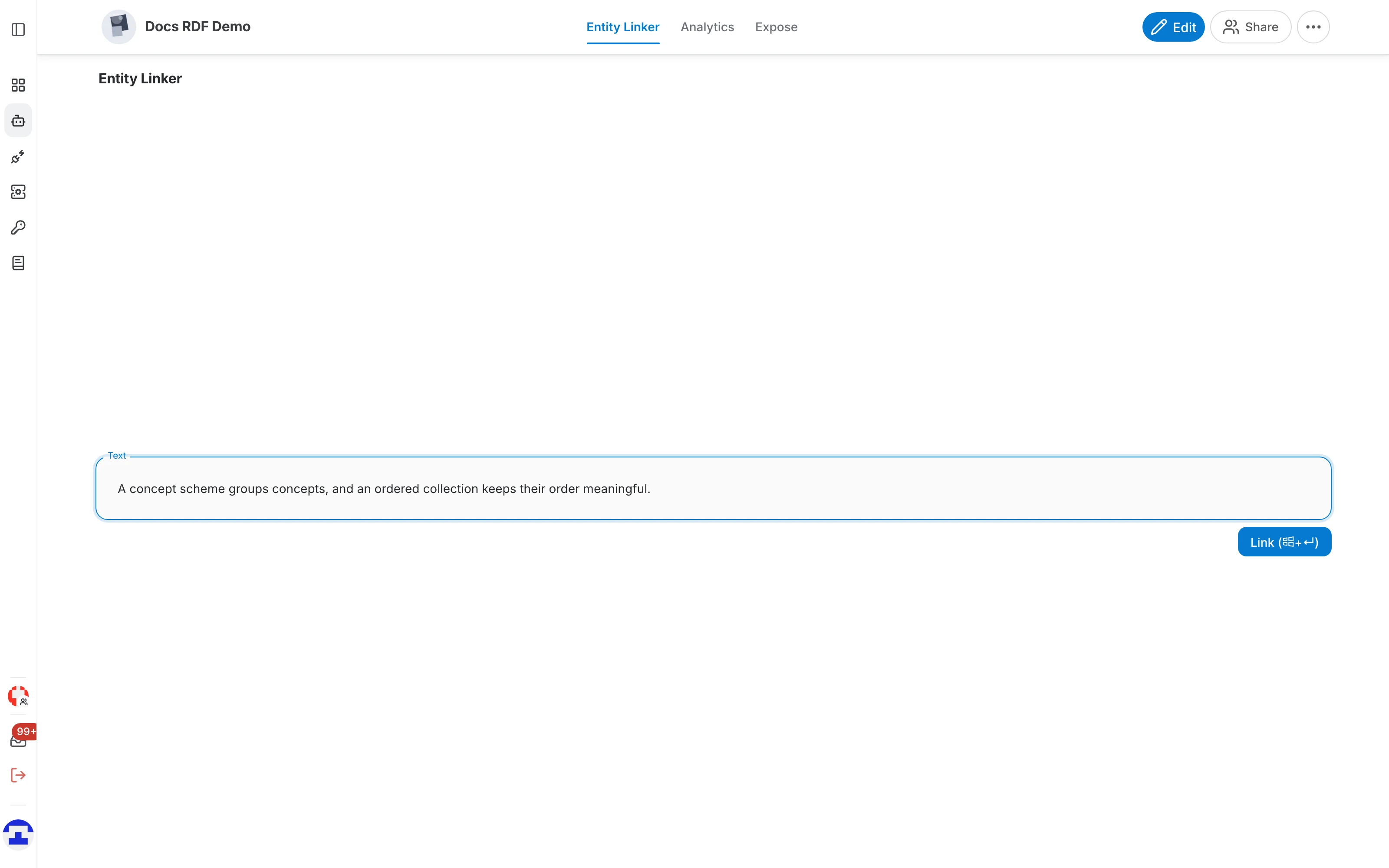
- Paste or type the text into the field — a sentence, a paragraph, a whole document section.
- Click Link (or press the shortcut shown on the button).
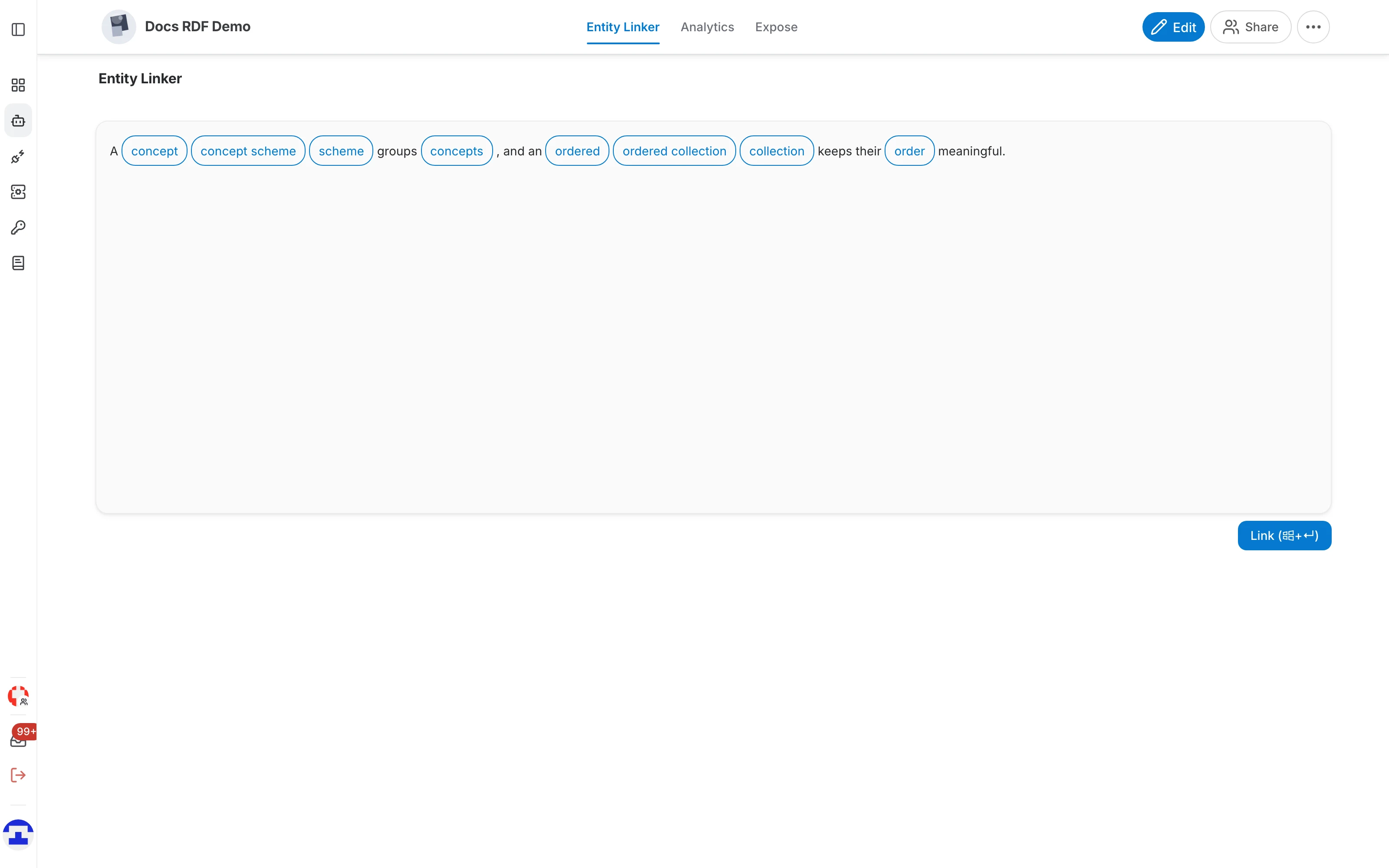
- The recognised mentions are outlined in the text. Hover one to see which entity of the graph it was matched to.
Tip
Overlapping mentions are all shown: in "concept scheme", both "concept" and "concept scheme" can be recognised, because both may exist as entities. Hovering tells you which is which, and the longest match is usually the one you want.
What it is good for
- Checking coverage: paste a typical document and see how much of your vocabulary the graph actually recognises.
- Enriching text: find the entities behind a free-text field so it can be indexed, filtered or joined on them.
- Debugging labels: a term that stays unhighlighted usually means the label is missing from the graph, or spelled differently there.
Info
A public entity linker over Wikidata, useful for trying the idea without any data of your own, is available here.
Entity Linker or Linker?
Entity Linker works out of the box against the whole graph and needs no training. The Linker task is the other end of the trade-off: you give it your own labels, train it and get an API tuned to one specific reconciliation job. Start with Entity Linker; move to Linker when you need repeatable, measured accuracy on a fixed set of labels.
Note
To link text from your own code, see Entity Linker API .