
OneNote
The OneNote connector indexes notebooks, sections and pages, which makes meeting notes and internal know-how answerable without copying them anywhere.
Connect your account
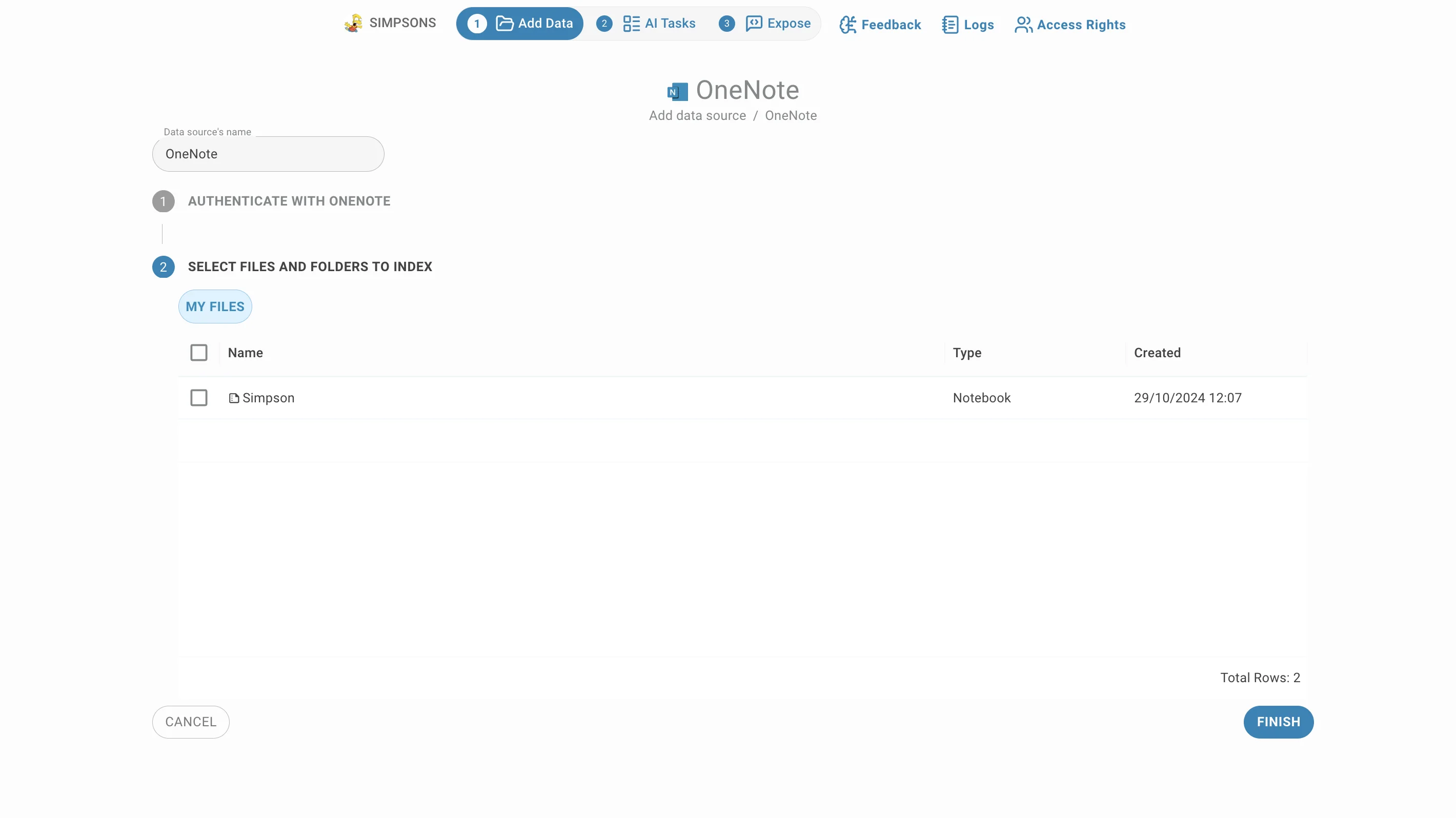
Choose OneNote in the Add connector menu. The page is a two-step stepper, and nothing is read from your notebooks until you finish the second step.
- Authenticate with OneNote — explains that QAnswer needs permission to reach your OneNote data, and holds the button that starts the Microsoft sign-in. A tick appears on it once the account is connected.
- Select files and folders to index — stays closed until authentication succeeds, then opens with your notebooks listed.
Clicking a step header folds it away, which helps when you come back to a connector later.
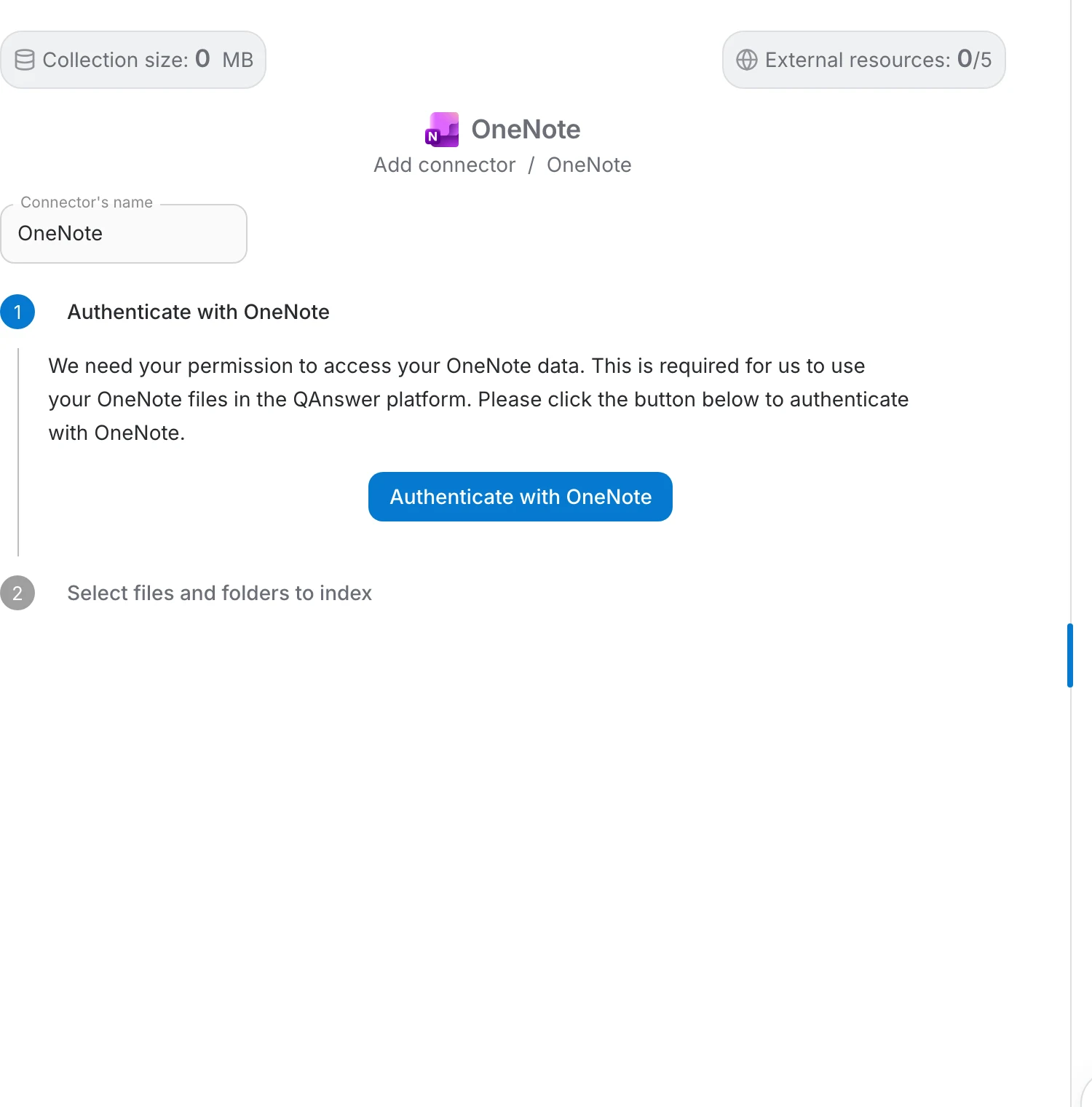
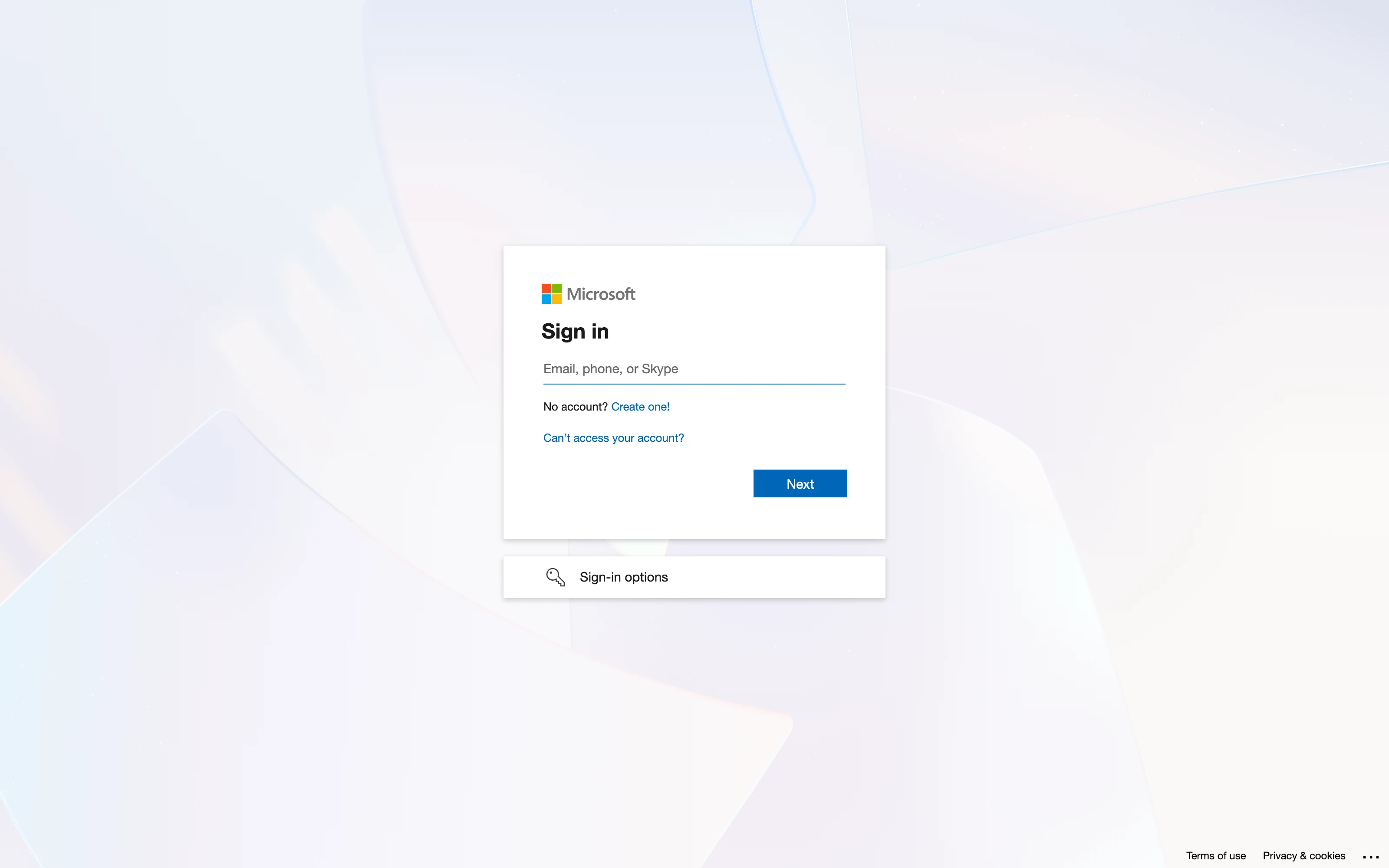
Sign in with Microsoft
Microsoft opens its own sign-in page. Enter the email address of the account that owns the notebooks and click Next . Use the account the notebooks actually belong to — a personal account cannot reach work notebooks, and the reverse is also true.
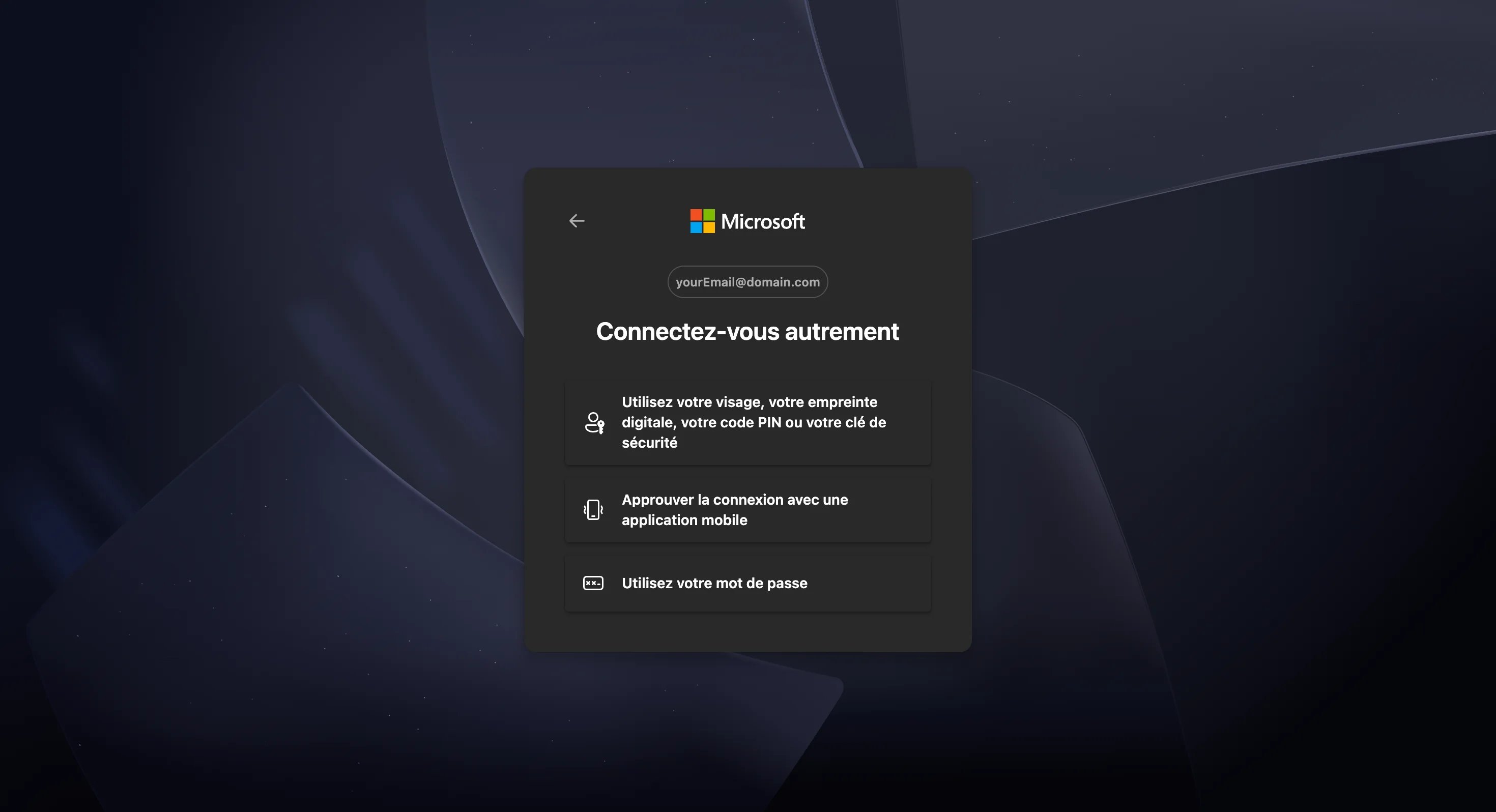
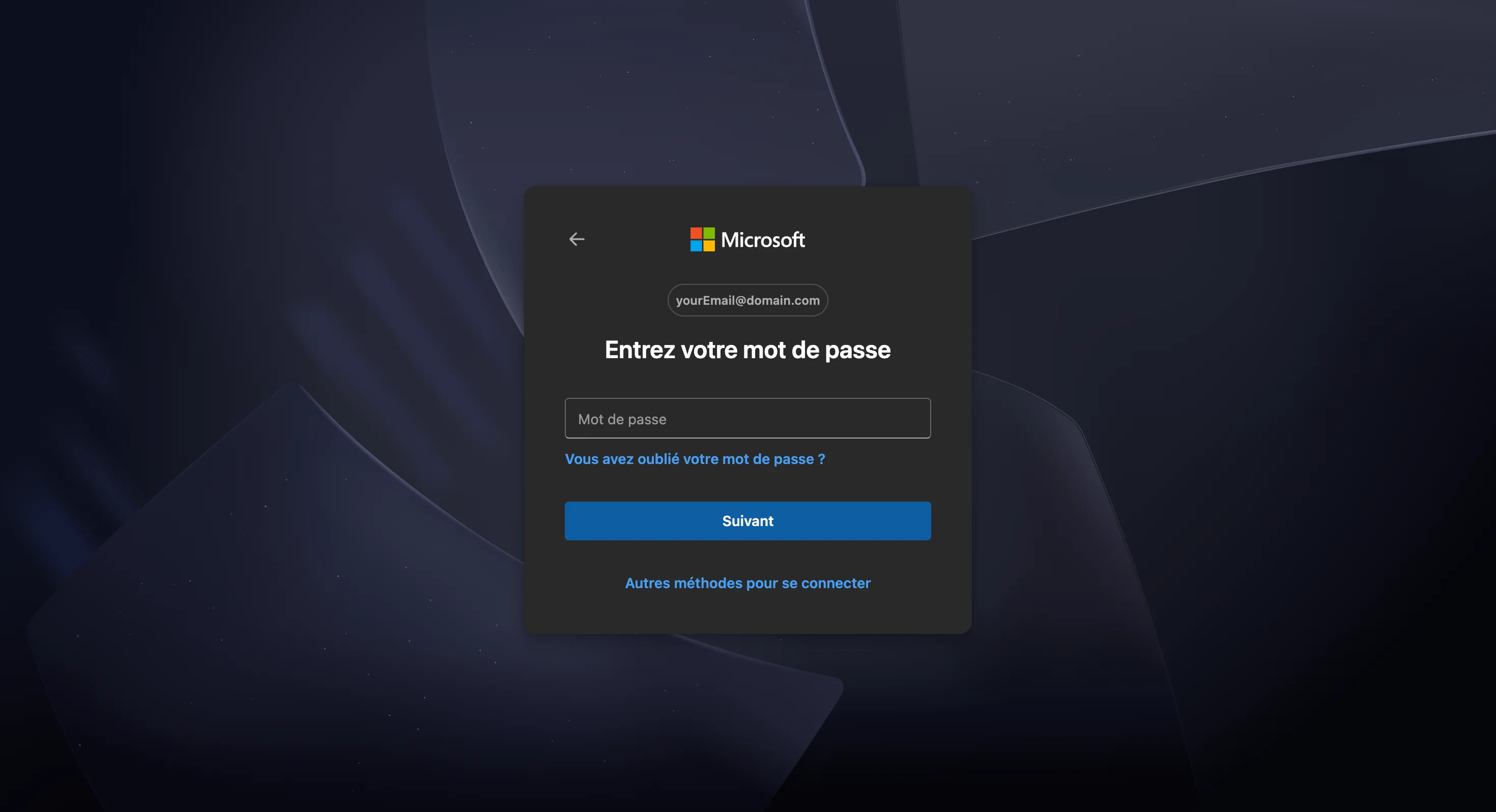
Microsoft then asks you to unlock the session with one of its methods, which vary by account and device:
- fingerprint, face recognition, a PIN or a security key,
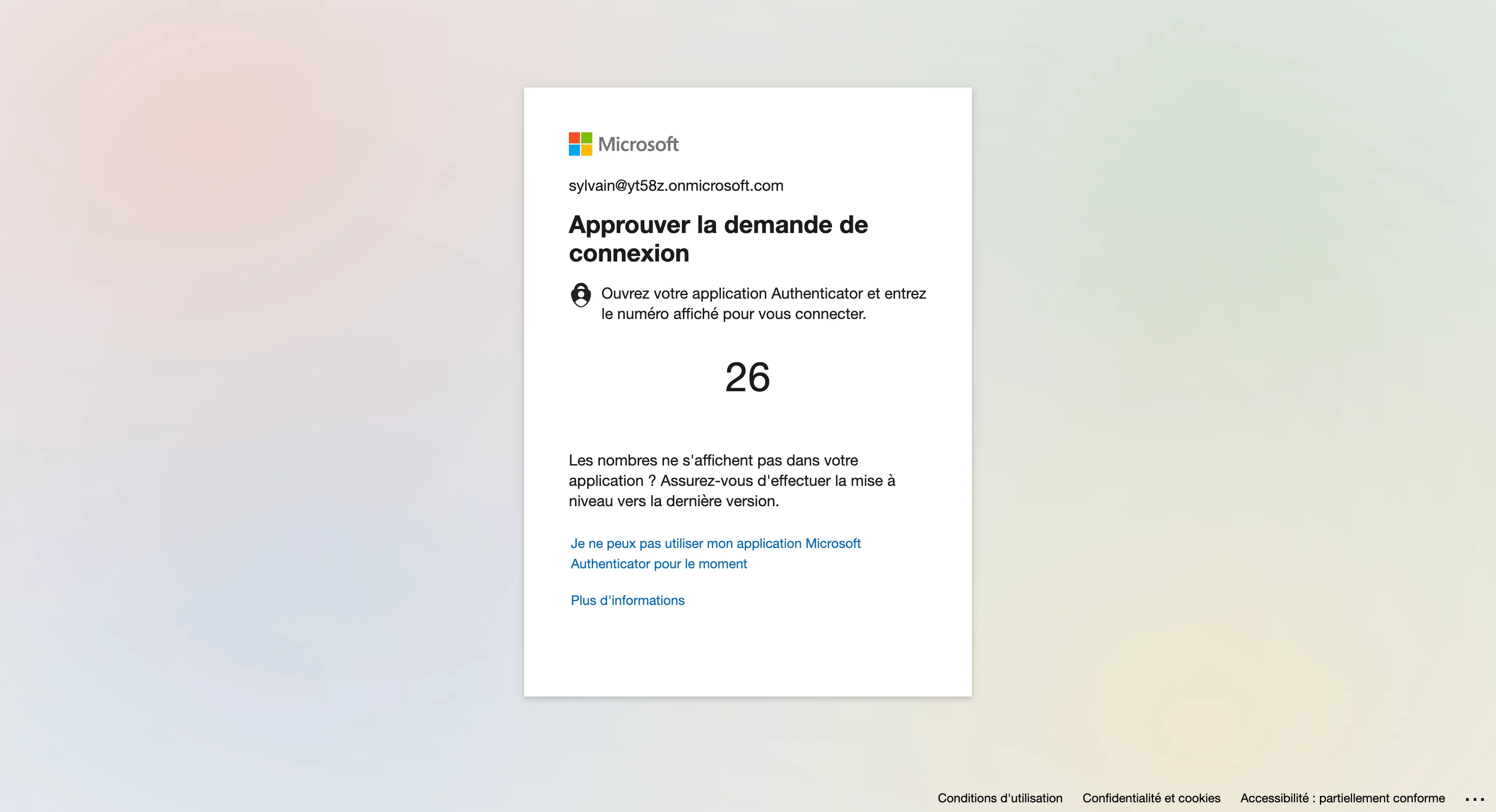
- a push notification through the Microsoft Authenticator app,
- the account password.
If the offered method is not the one you want, click Other ways to sign in and pick another.
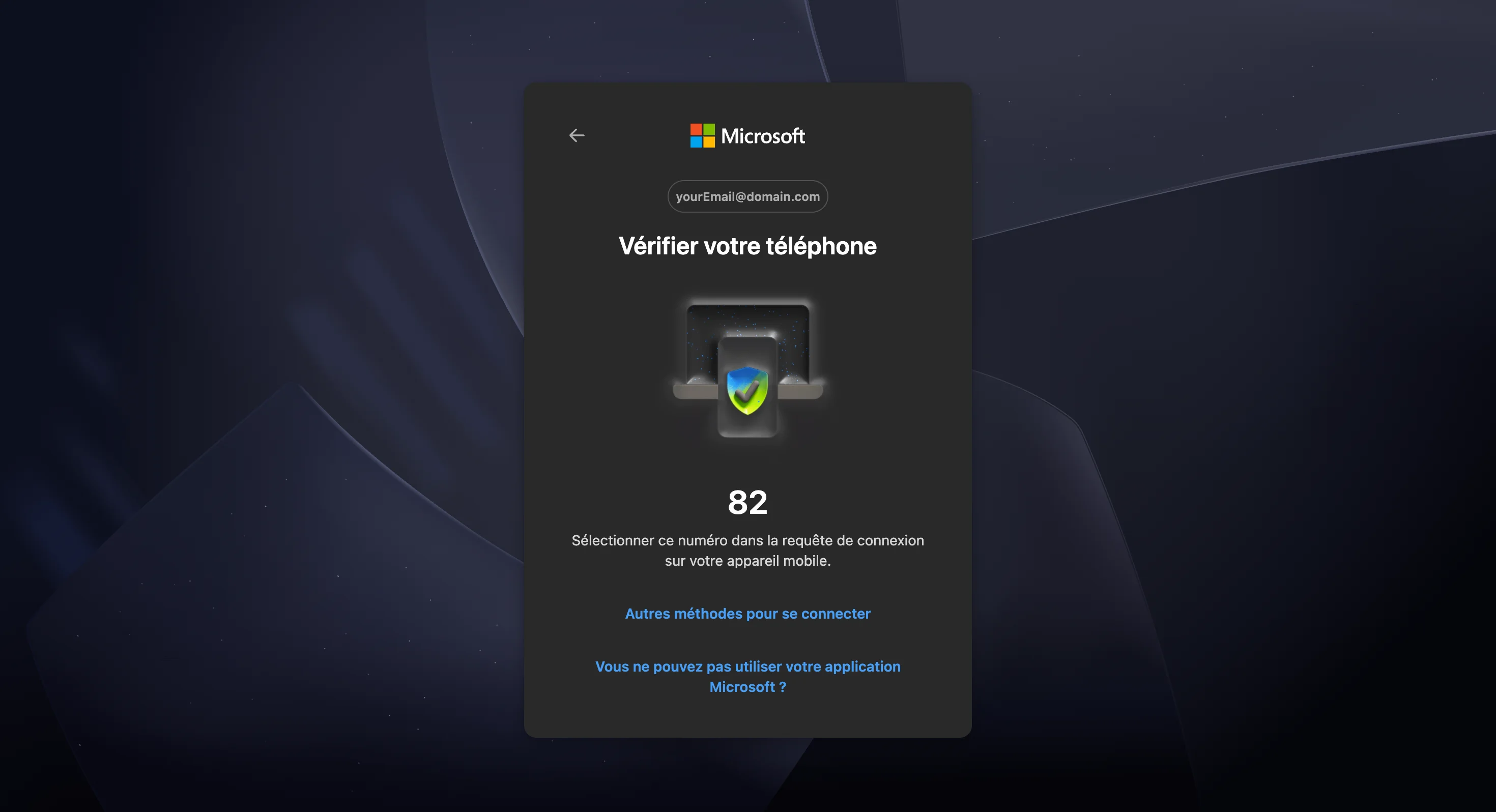
Microsoft Authenticator
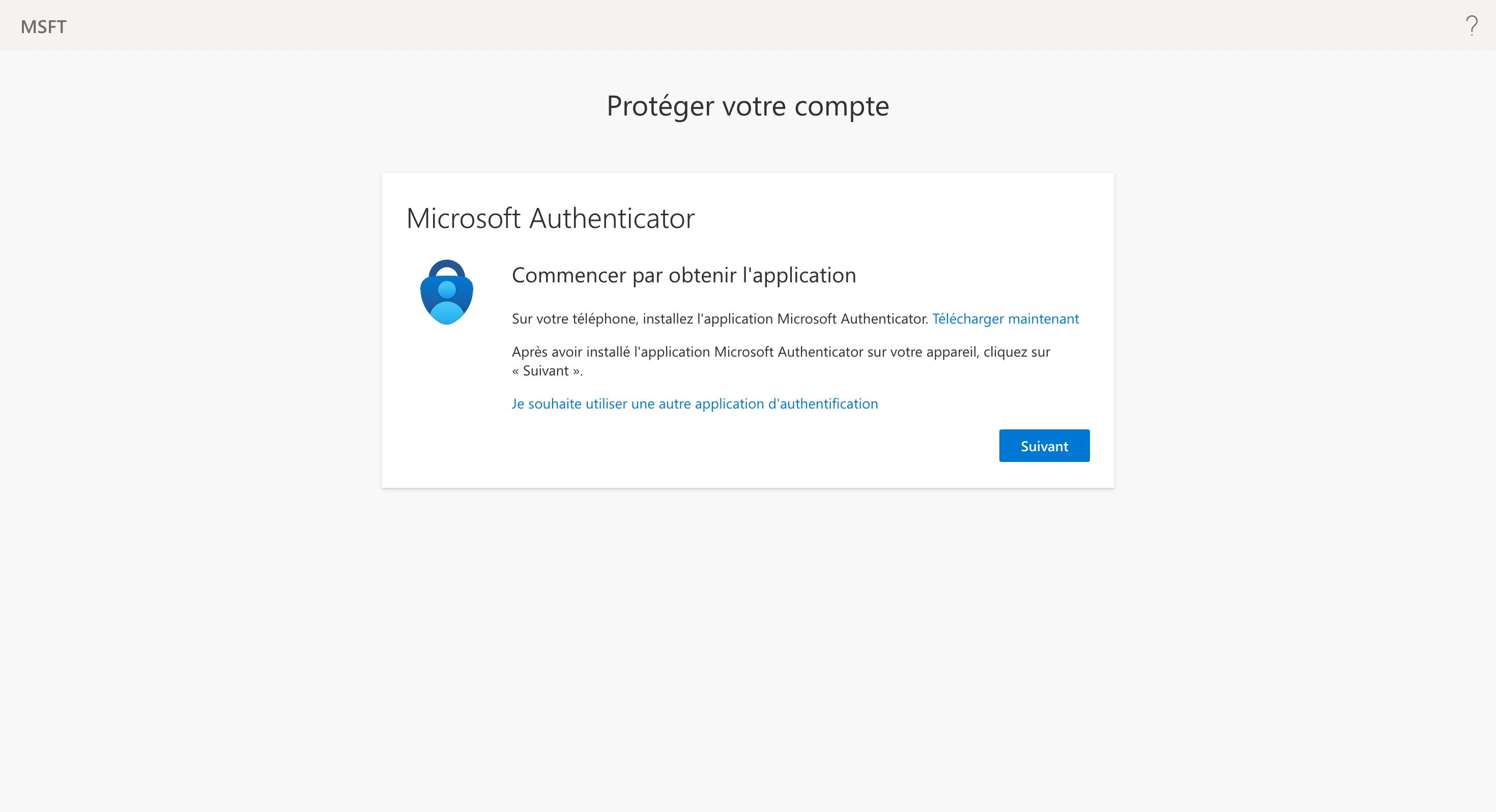
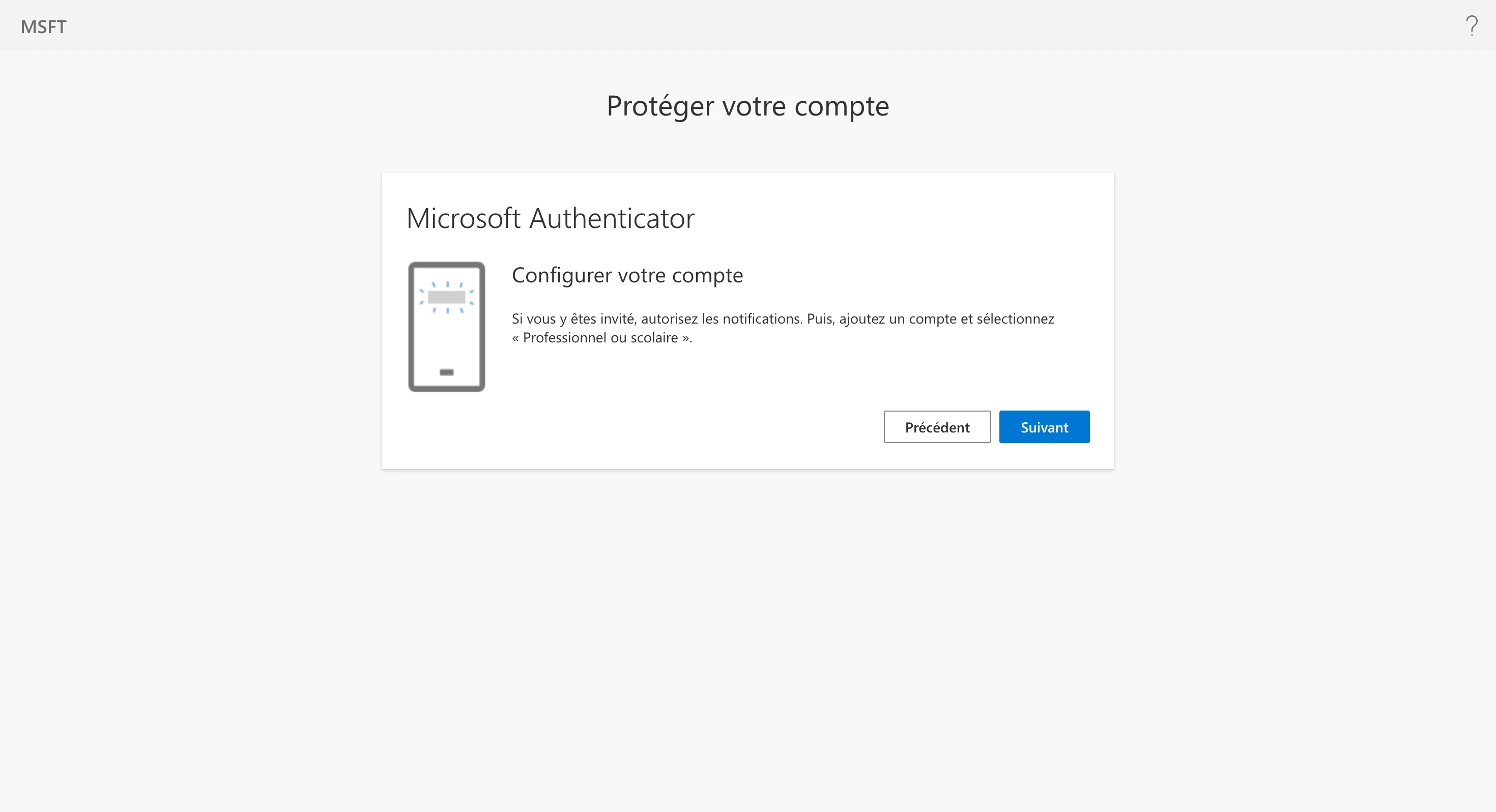
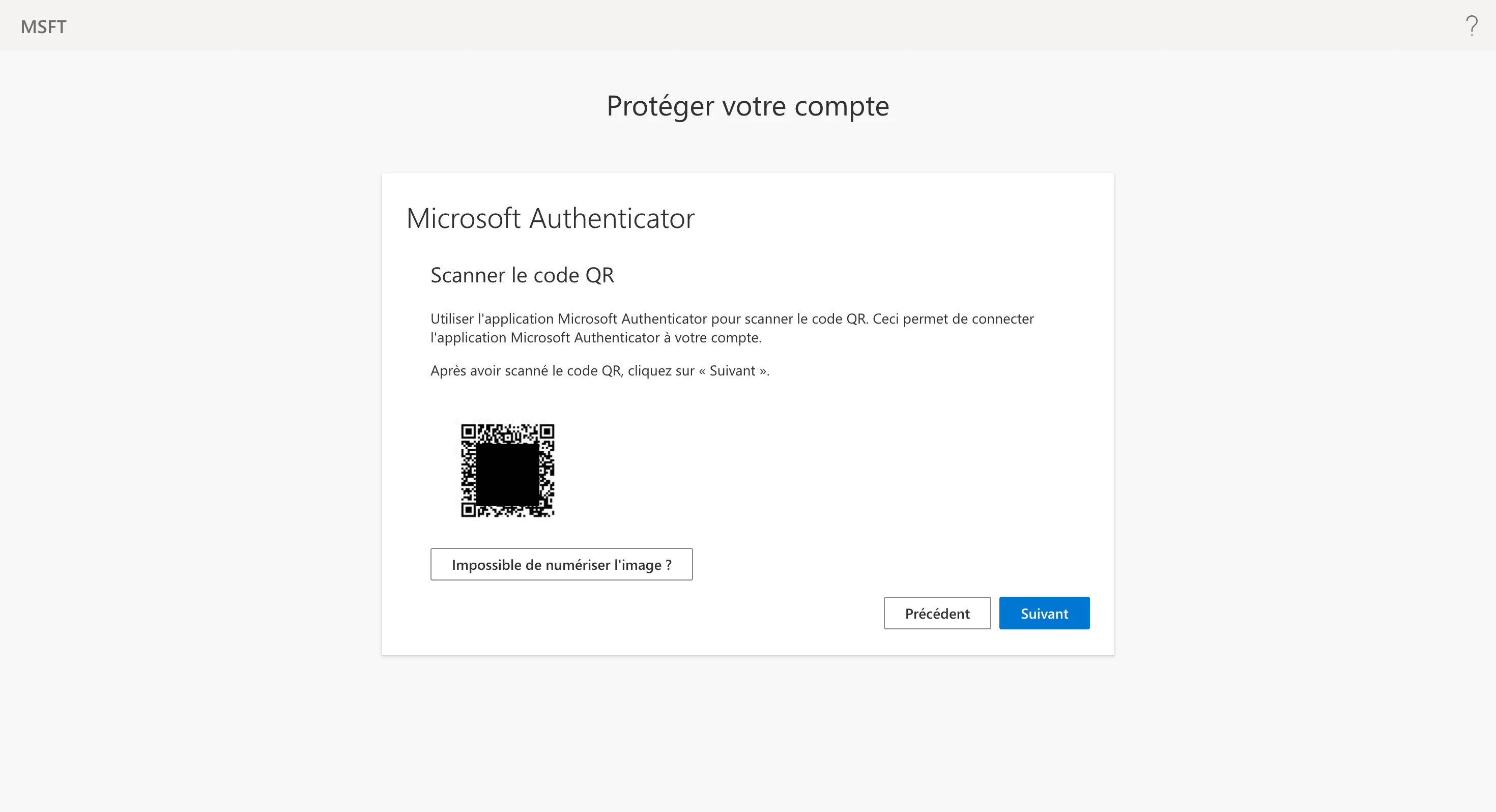
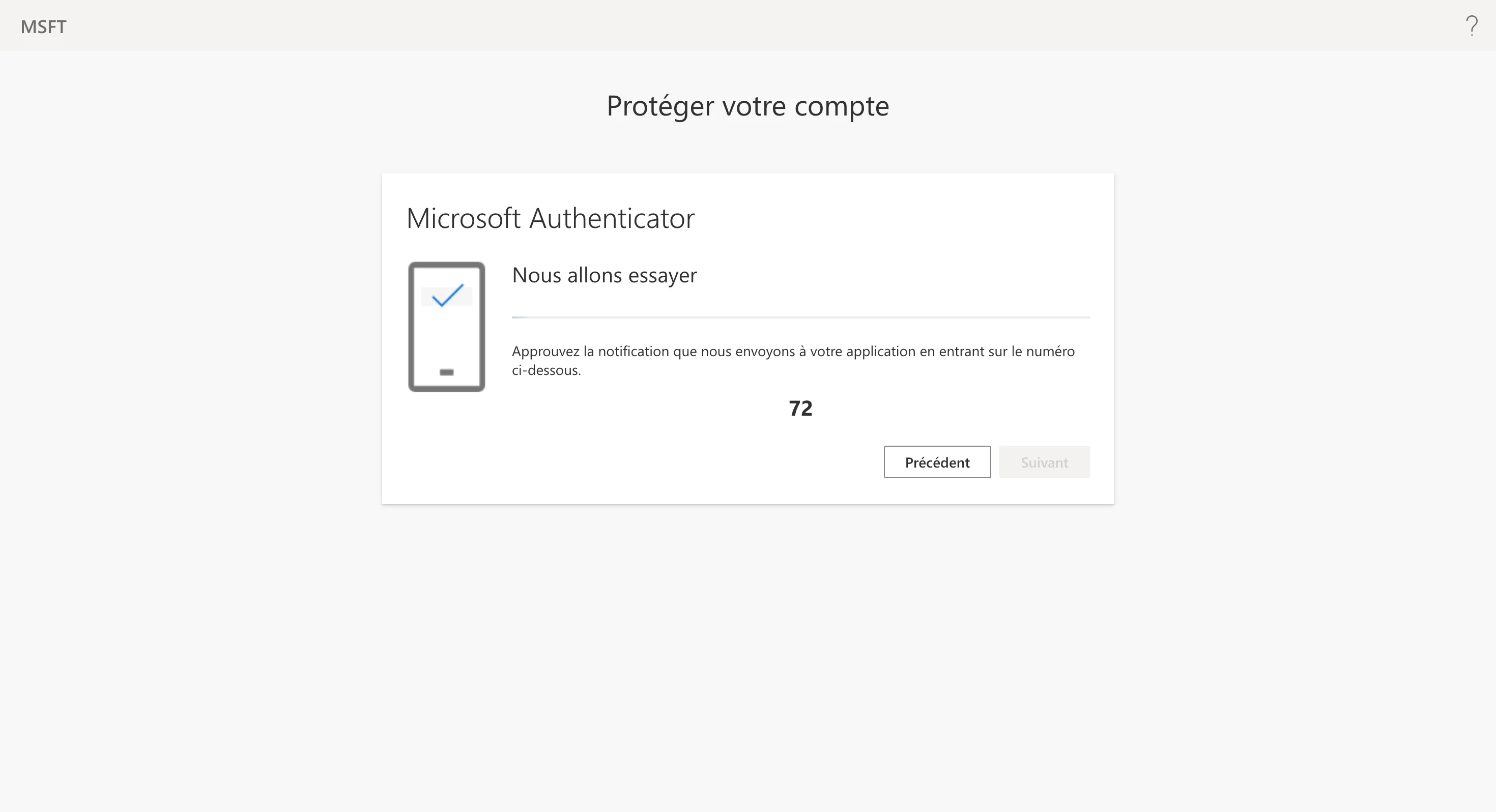
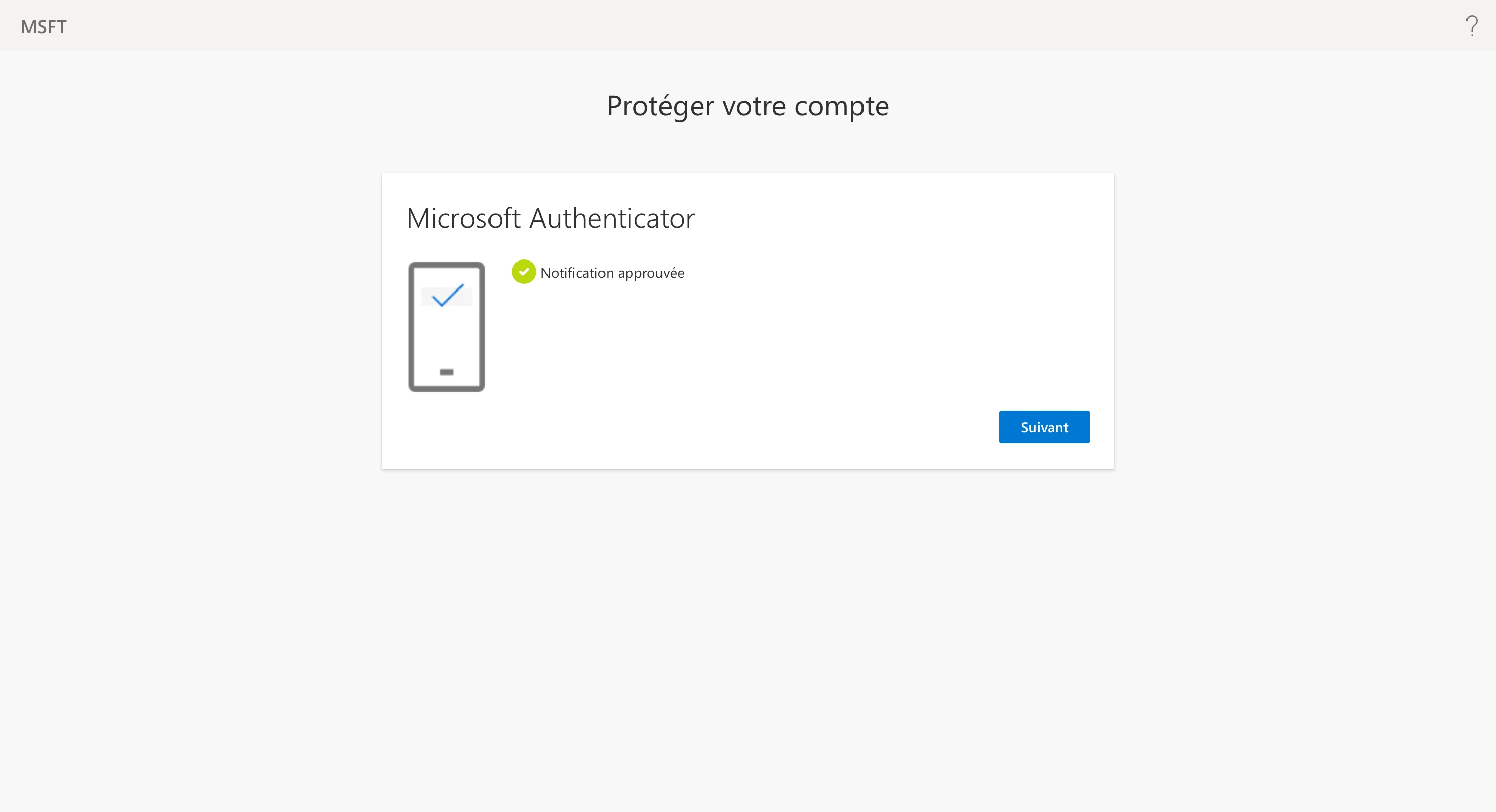
Work and school accounts often require the Microsoft Authenticator app. If the account is not enrolled yet, Microsoft walks you through it during this sign-in: install the app, add the account, scan the QR code, then confirm the number it shows.
This is Microsoft's own process — QAnswer is not involved and never sees your password or second factor. Once the account is enrolled, later connectors only need the push confirmation.
Stay signed in and consent
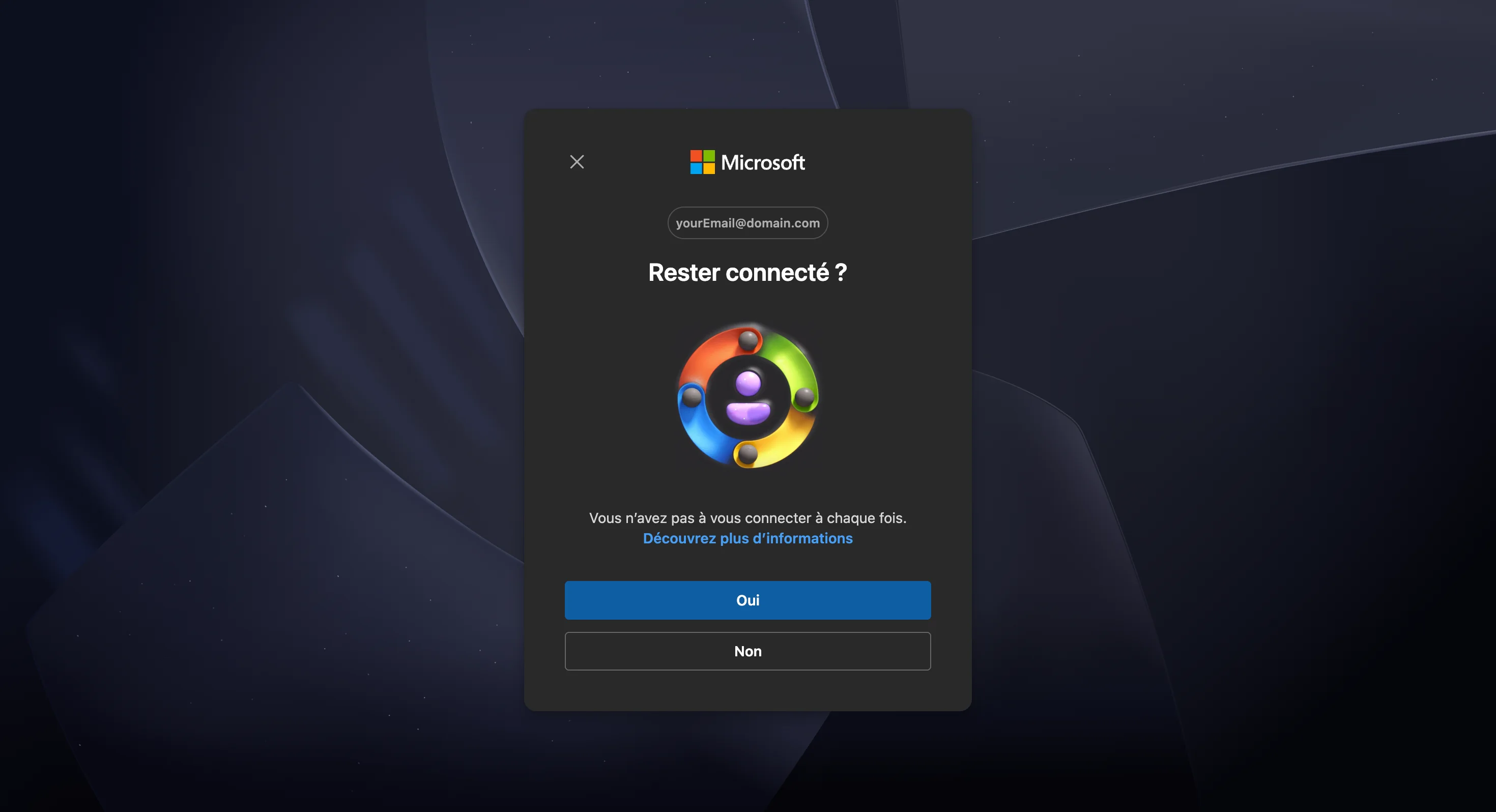
Microsoft asks whether to stay signed in. Answering Yes keeps your Microsoft session in this browser, which saves you the sign-in next time you add a Microsoft connector. It has no effect on the connector itself, which keeps its own authorisation either way.
If your organisation has not pre-approved QAnswer, a consent screen lists the permissions being requested — reading your notebooks and their metadata. Accepting it is what lets the connector list them; declining ends the flow with nothing connected.
Choose what to index
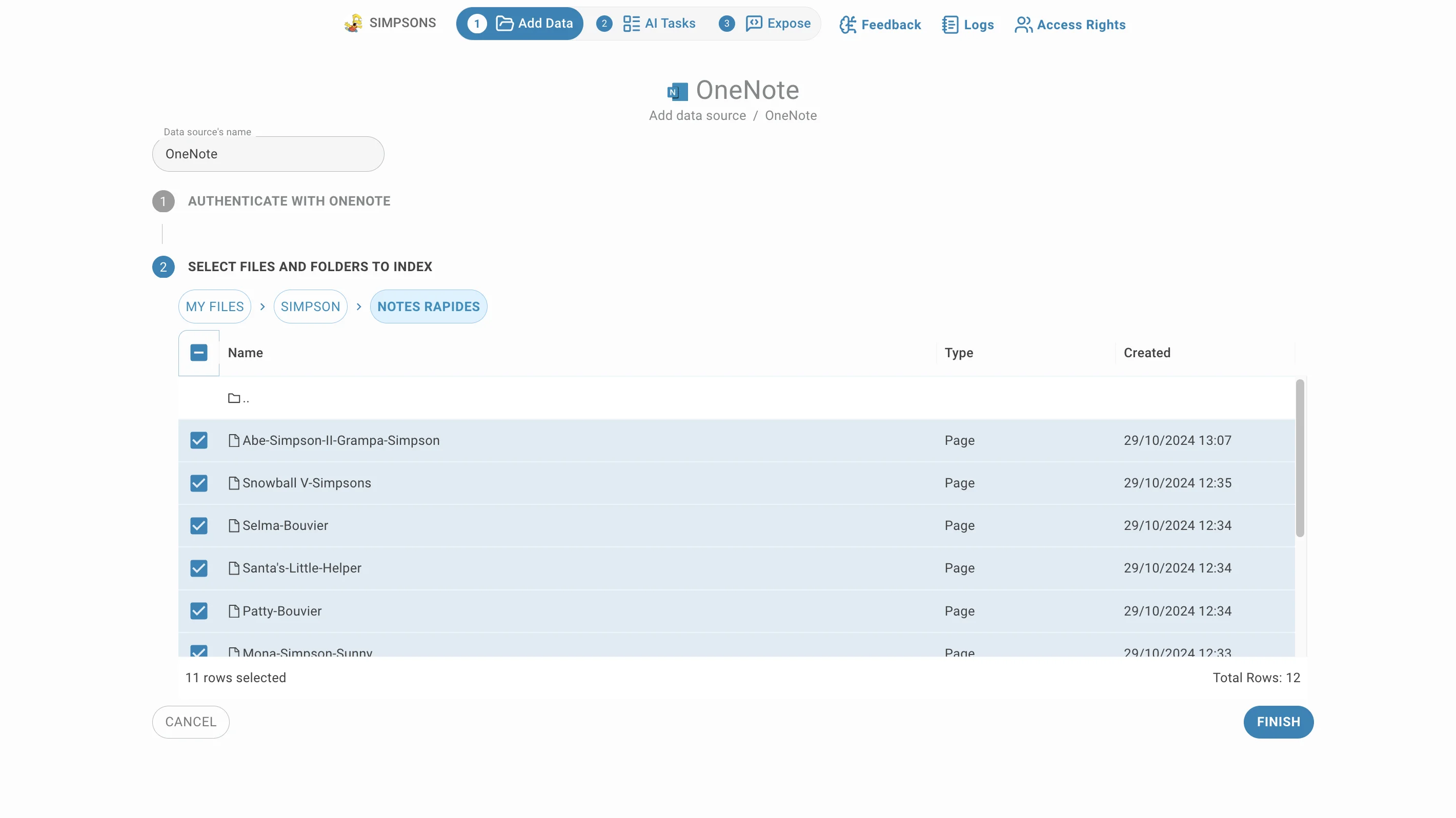
The second step lists your notebooks, and you work down the OneNote hierarchy — notebook, then section, then page:
- Click a notebook or section to open it. The breadcrumb above the table shows where you are, and the ".." row goes back up one level. Pages are the leaves; clicking one does not open it here.
- The Type column tells notebooks, sections and pages apart, and Created shows when each was made.
- Hovering a row reveals an icon that opens the item in OneNote itself, for when the title alone is not enough.
- Tick what to index. Selections survive navigation, so you can gather sections from several notebooks before finishing.
- Click Finish to start indexing.
Indexing and updates
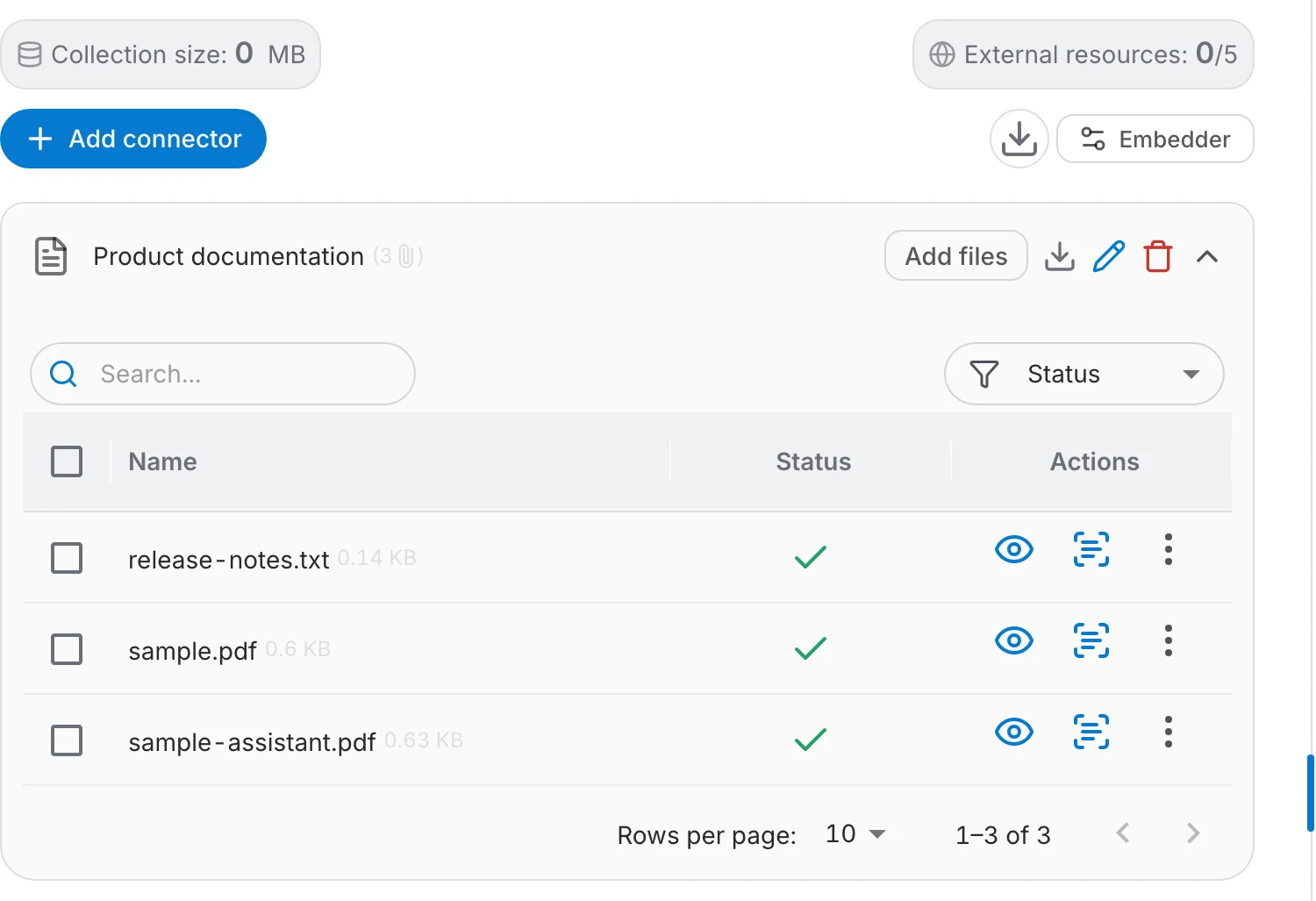
Indexed pages appear in the connector's file table, each viewable as raw text so you can check what the assistant reads:
- A green check means the page is indexed; failures are marked so you can see what did not make it.
- Add files on the connector row reopens the notebook listing, so you can index more sections into the same connector later.
- Indexing reads each page once. Later edits in OneNote are not picked up on their own — add the page again to refresh it.
Access
Once notes are indexed, their content is available to everyone who can use the assistant, whatever the sharing settings were in OneNote. Notebooks tend to hold drafts, meeting asides and personal remarks, so choose the sections you index — and the people you share the assistant with — deliberately.