Prerequisites
Info
Only platform administrators can create organizations. If you need a new organization, ask an administrator to create it from the Admin › Organizations section of the admin panel.
The Organization section is available to members of an organization — the name of your organization appears in the QAnswer sidebar.
The workspace selector
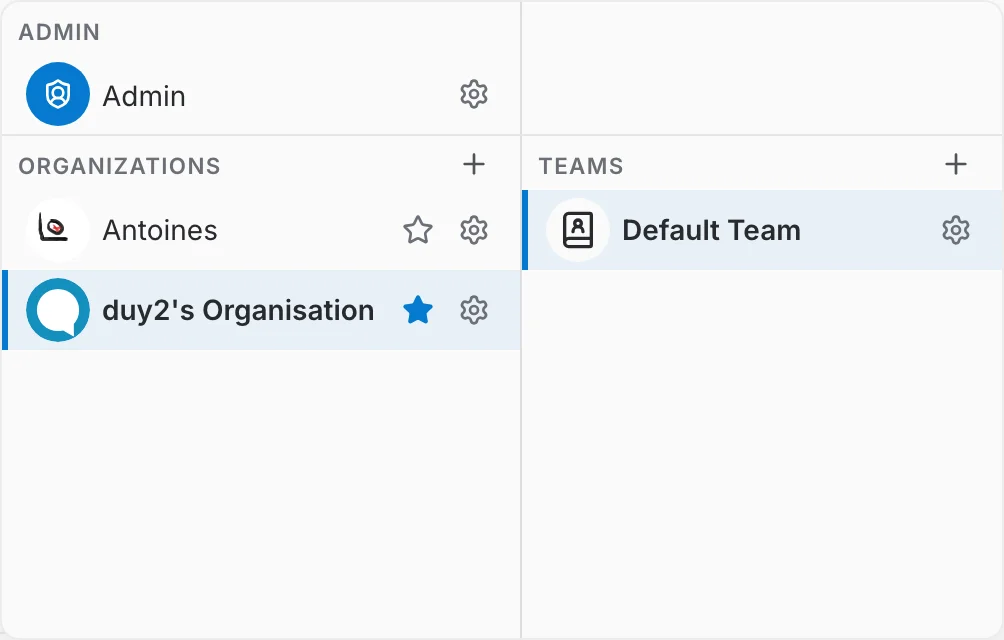
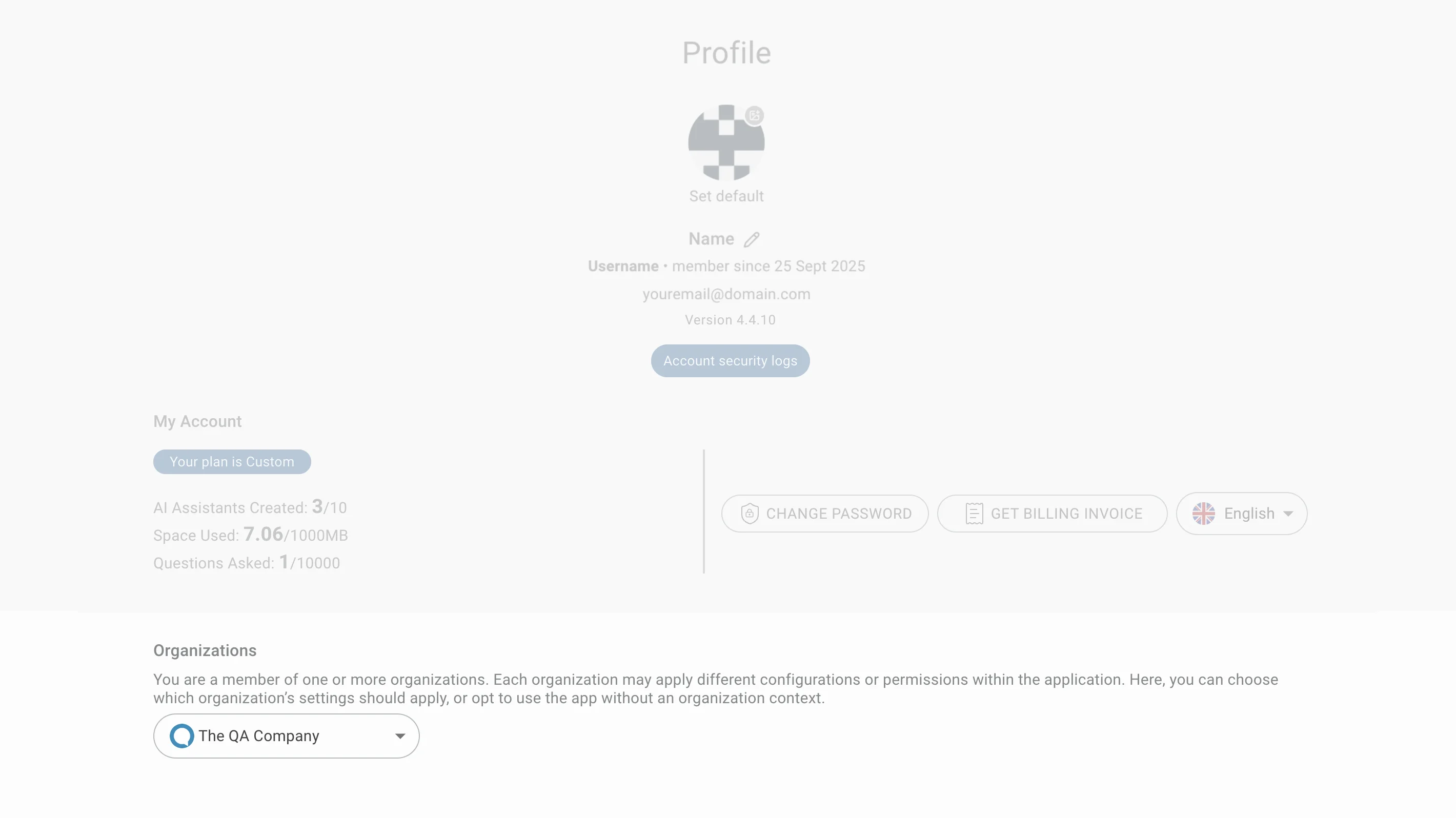
A selector at the bottom of the left sidebar shows your active workspace — the organization, and the team within it, that you are currently working in. If you belong to more than one organization or team, open the selector to switch between them. The same switch is also available on your profile page.
Changing your workspace re-scopes everything you see: the sidebar's admin pages, the users and teams you manage, and the resources (assistants, MCP servers, LM providers, connectors) shared with you all update to match the selected organization and team.