
Language Models
Language Models
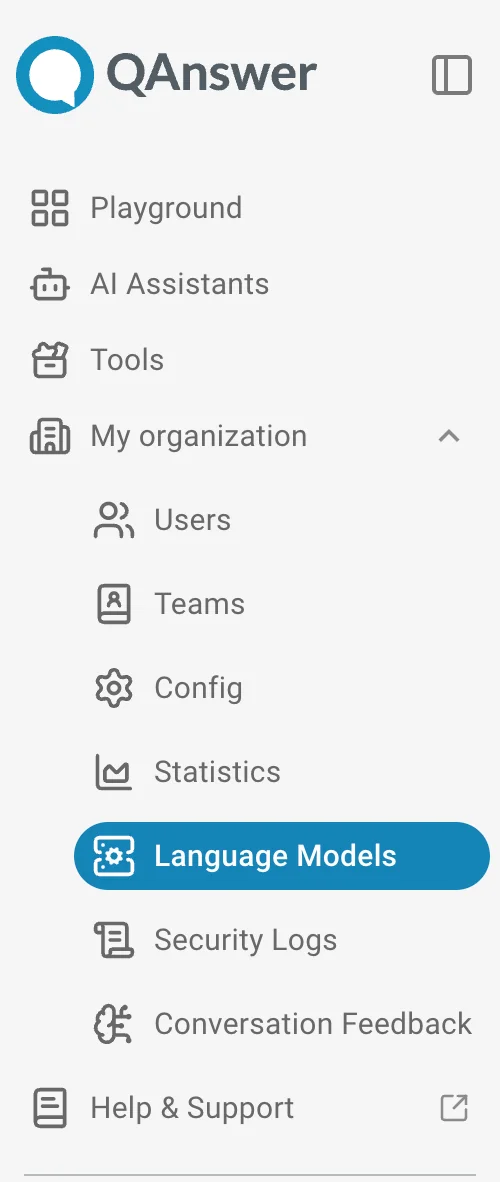
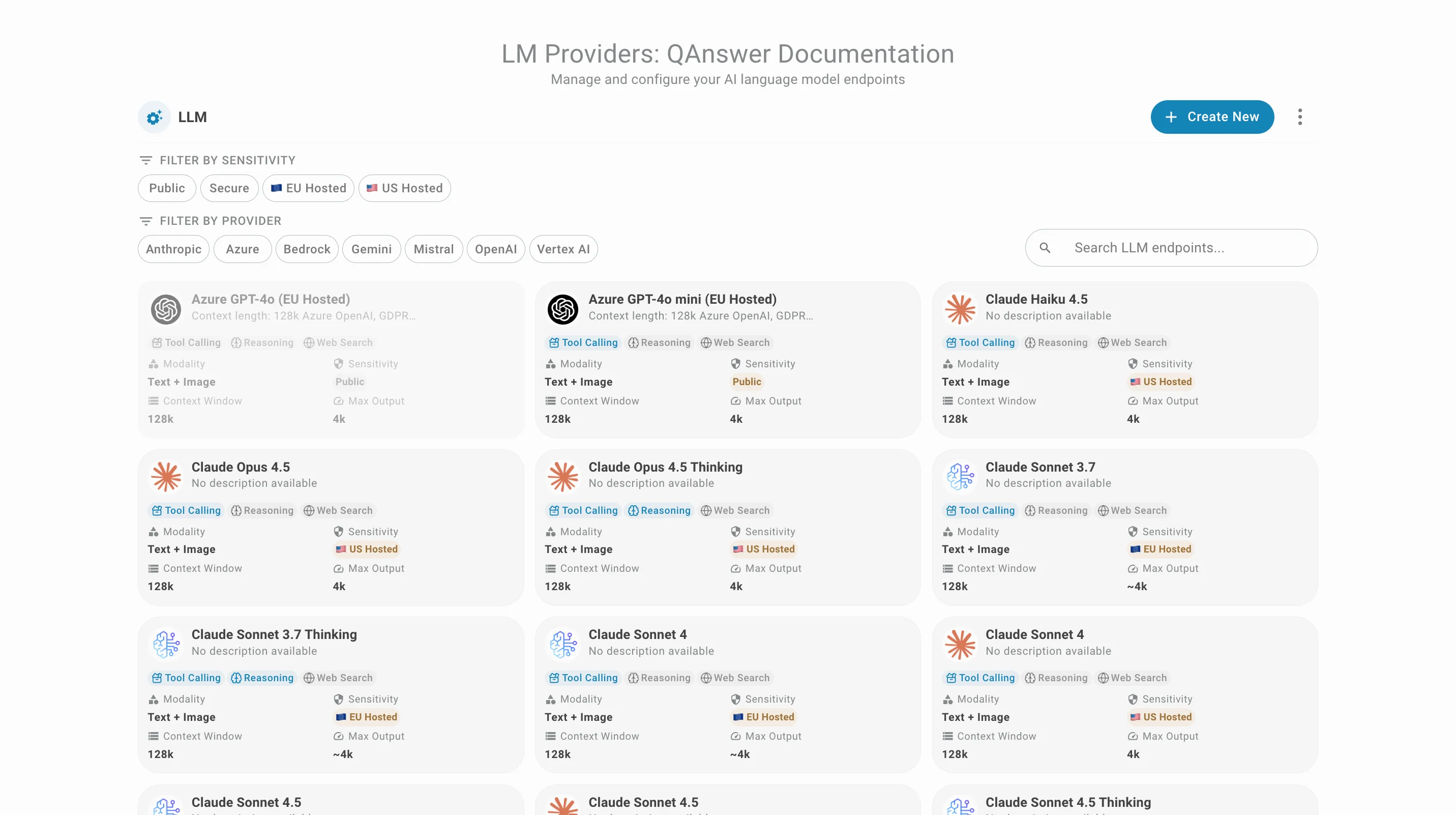
This section is only available to organization admins. It lists the large language models (LLM) and embedding models used by the organization.
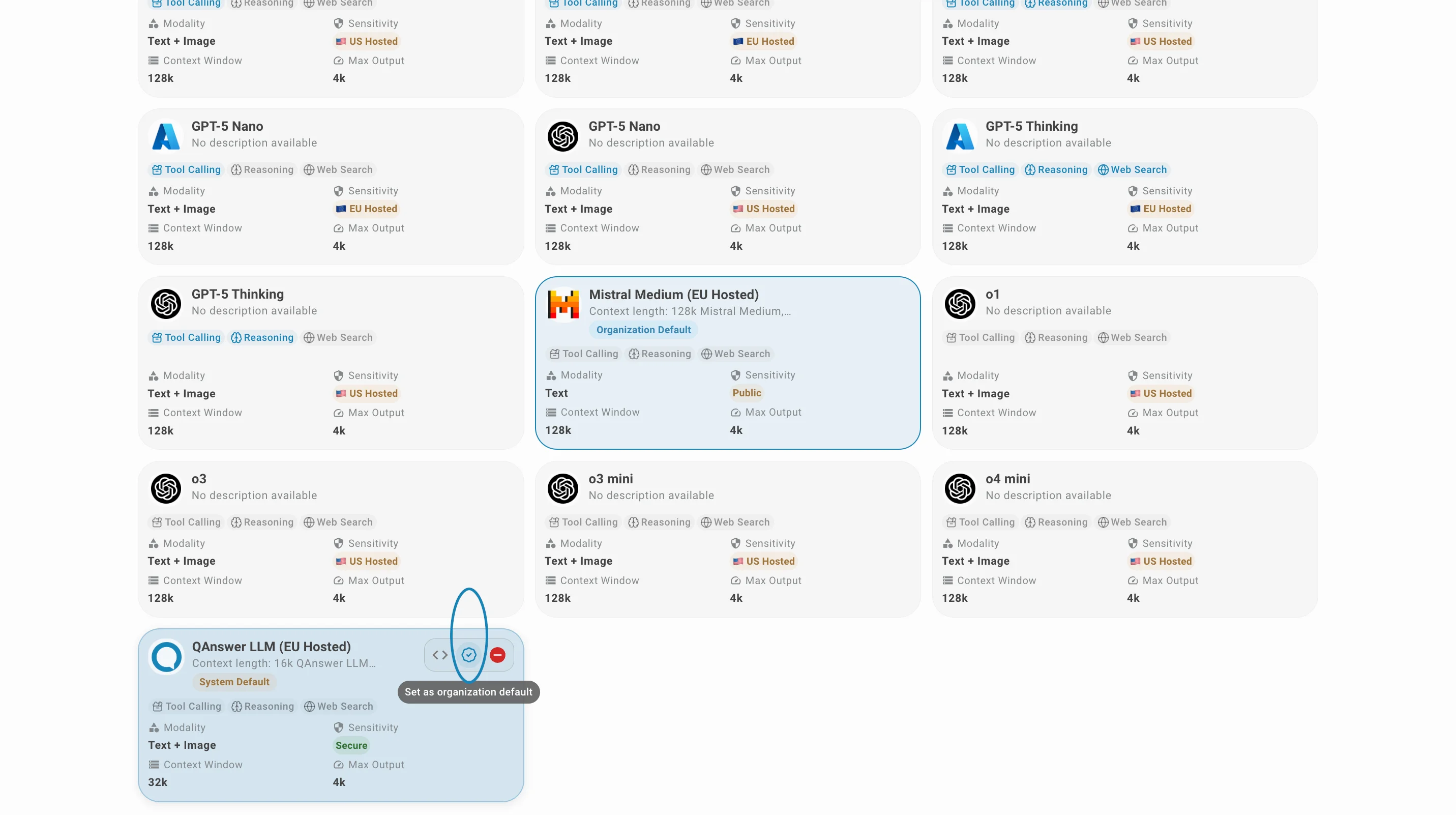
Organization admins can:
- Create new LLM and embedding models — see Admin Panel - LLM Provider for instructions on creating LLM and embedding providers.
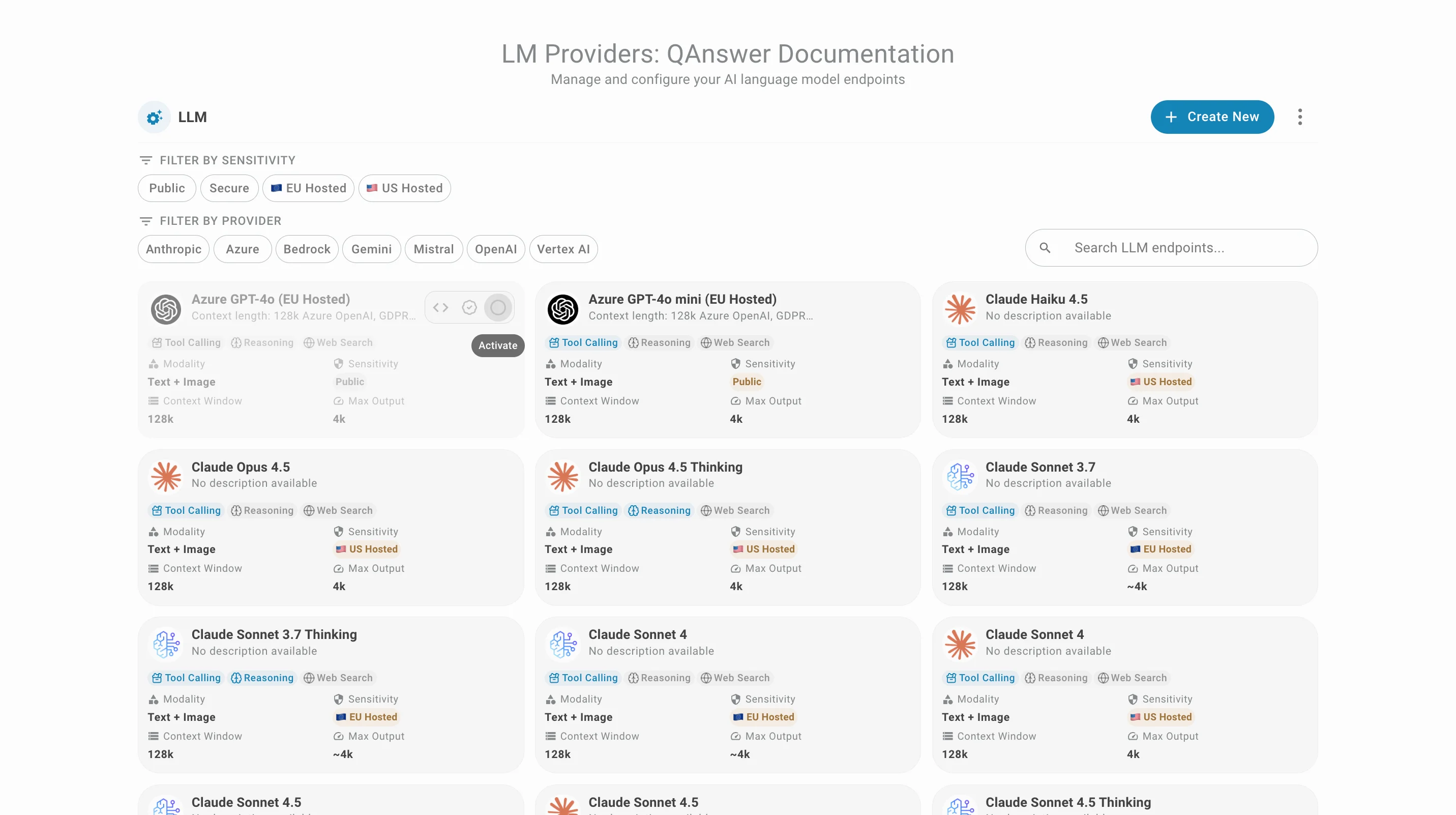
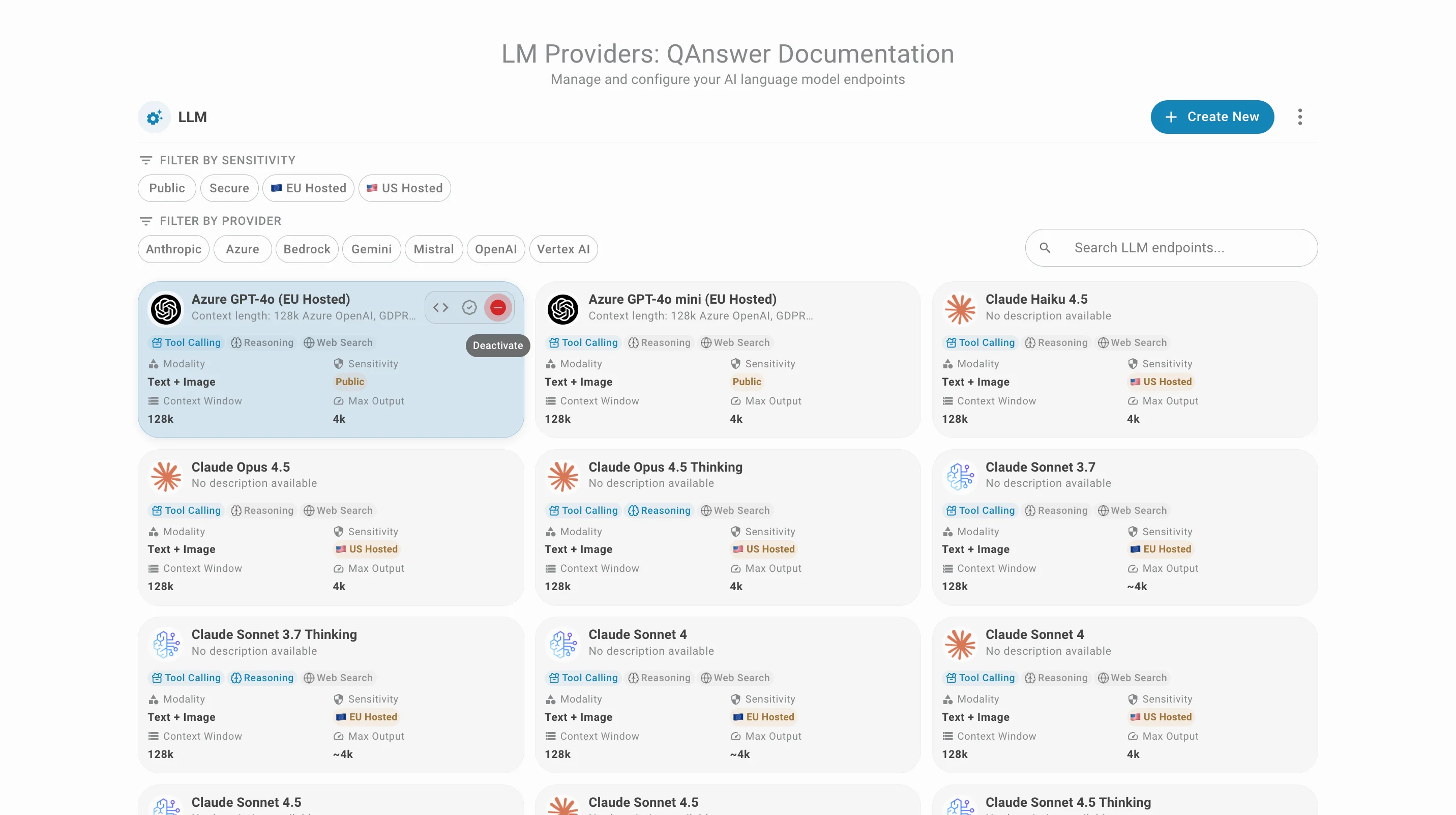
- Activate or deactivate existing LLM and embedding models for the organization
- Set a default LLM for the organization
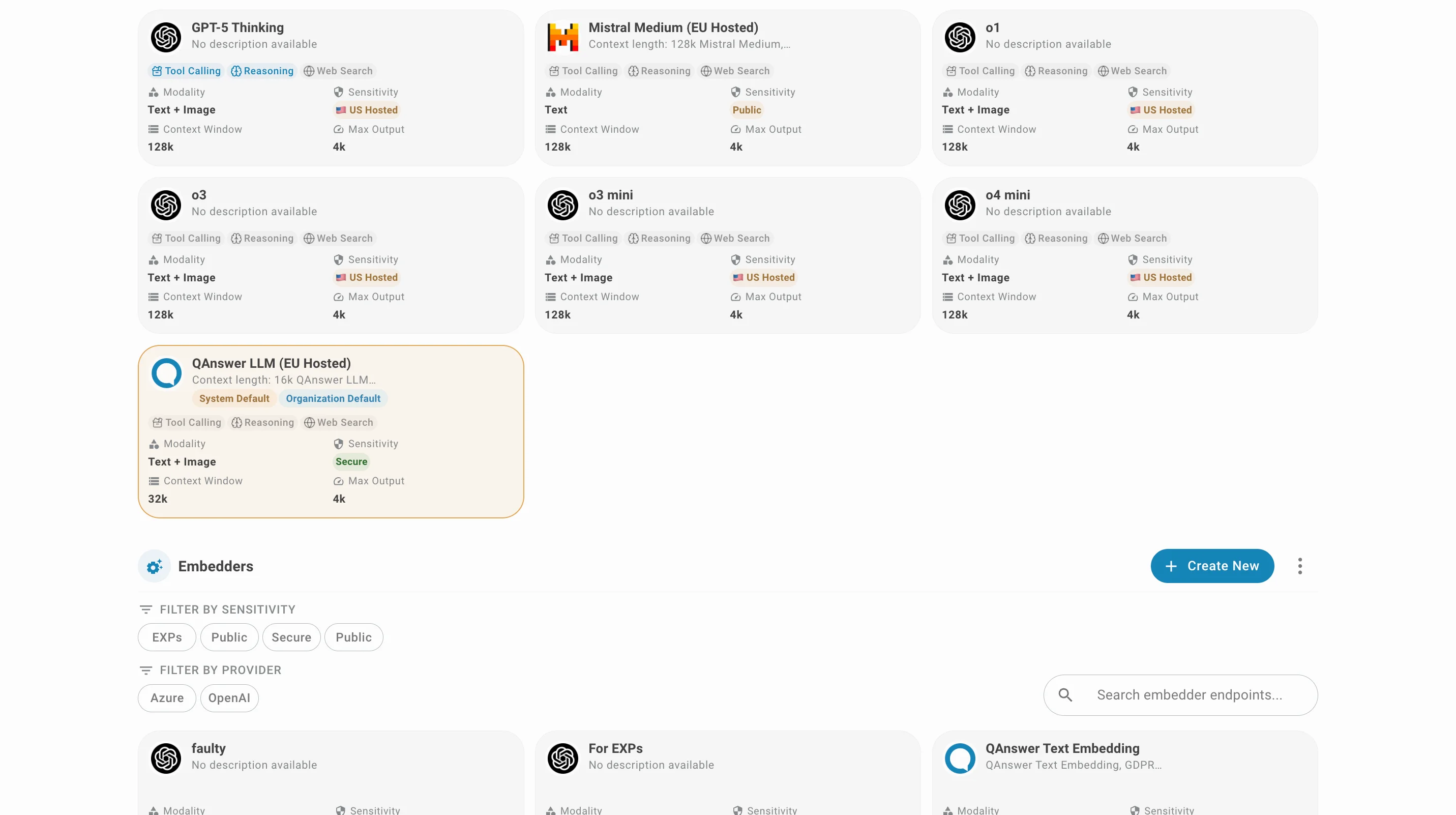
Embedders
Embedding models appear below the LLM section.
Import and Export
You can import or export the list of LLM and embedding models of your organization in JSON format by clicking the following buttons. The export is generated as a zip file and also contains the logos and cost metadata of the models and embedders.
To import or export, click on the button at the top right of the LLM or embedders section
Warning
After creating new LLM and embedding models, you cannot delete them, as they are shared across the whole platform and can be used by other organizations.