
Linker
The Linker task trains a small model that reconciles your own labels with the entities of your RDF knowledge graph. Where Entity Linker recognises whatever is in the graph, a Linker is trained for one specific job — and once trained it can be called as an API.
Set up the task
- In the assistant editor, on the General tab, click Advanced and select the Linker tile.
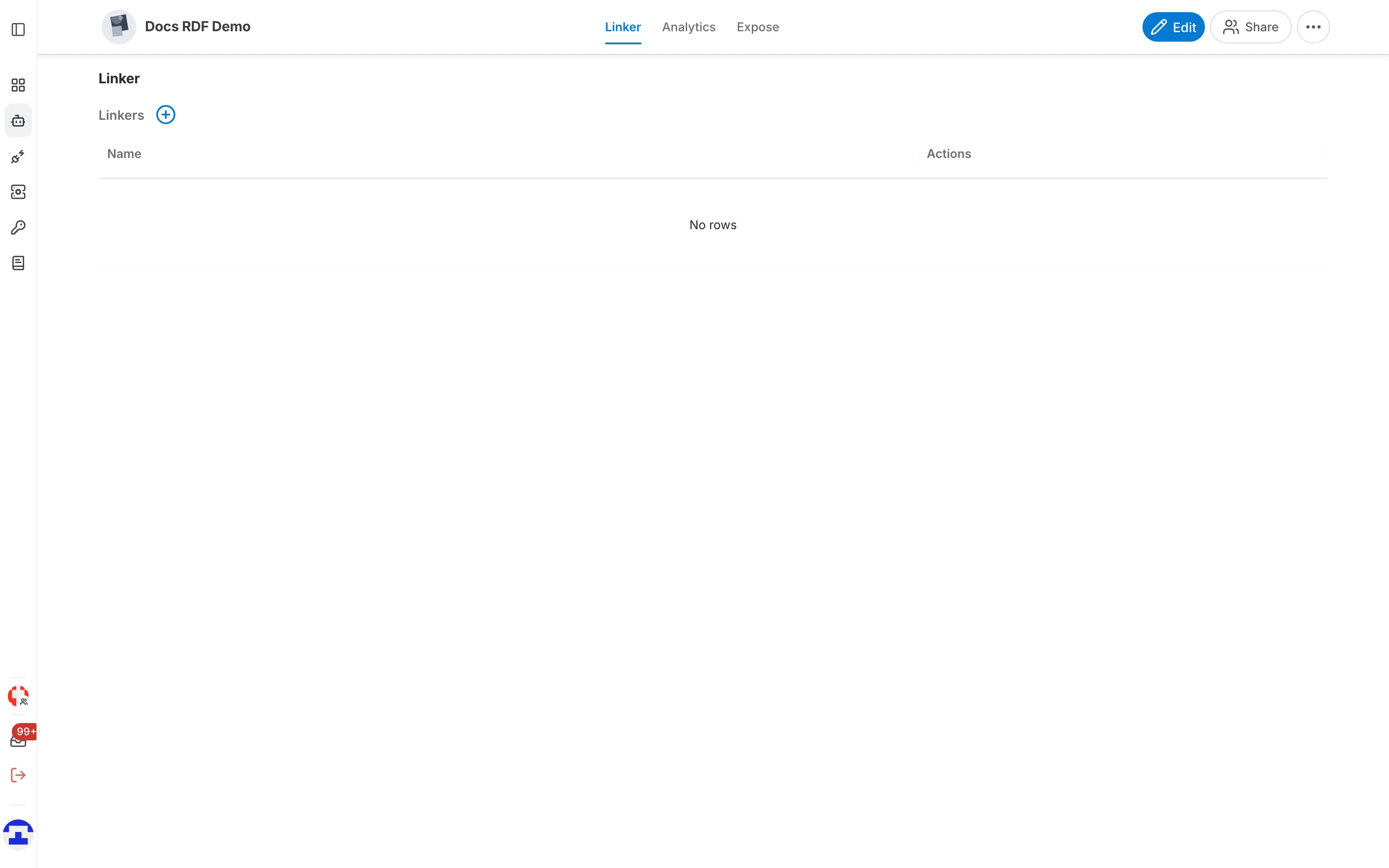
- Click Use to open the assistant's page. The first tab lists this assistant's linkers, empty at first.
Create a linker
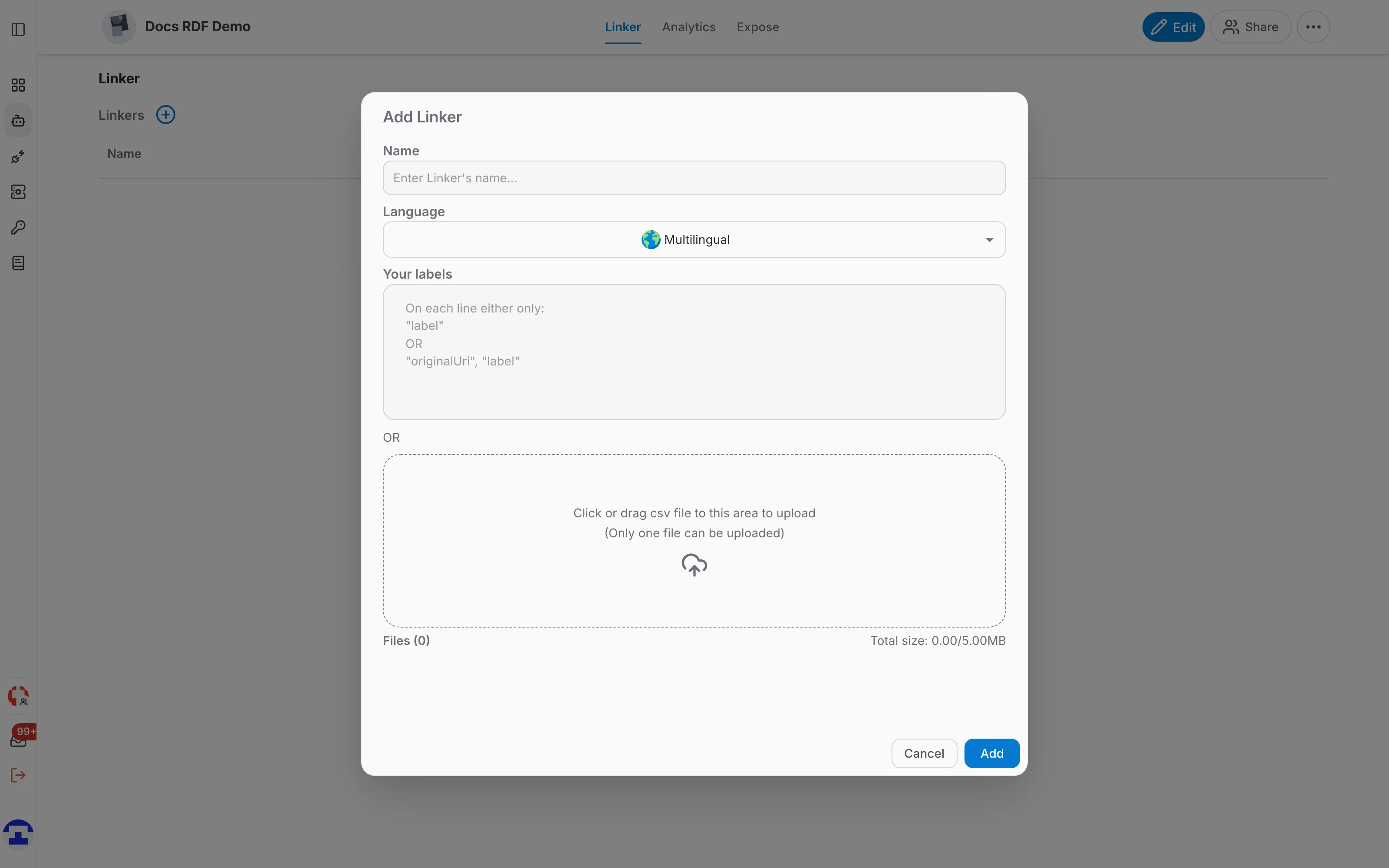
Click the + next to Linkers and fill in the Add Linker dialog:
- Name — what this linker reconciles, for example the product family or the entity type it covers.
- Language — the language of your labels. Pick the actual language rather than leaving it multilingual: a linker trained across languages performs badly.
- Your labels — one label per line. A line is either "label" on its own, or "originalUri", "label" when you already know which entity a label belongs to.
- CSV upload — instead of typing, drop a CSV of labels (one file, up to 5 MB). This is the practical route for more than a handful of labels.
Aggregate, evaluate and train
A new linker is not usable yet: you first tell it which data really belongs to it, check the result, and then train it.
Aggregate
On the Aggregate tab you choose which data instances the linker should link. Clicking a row cycles it through three states:
- true — relevant: this data belongs to the linker and should be linked.
- false — excluded: this data does not belong to the linker.
- neutral — undecided: neither relevant nor excluded. Rows left neutral simply do not contribute to training.
Evaluate
- The Evaluate tab lists the labels you gave the linker when you created it.
- Click a label to include it in or exclude it from the evaluation.
- A label that matches nothing in the RDF data shows a zero — that is usually a spelling difference between your label and the graph, and worth fixing before training.
- At least one label must be excluded before the linker can be trained.
Train and save
Click Train & Save to train the linker and see its evaluation results.
What a trained linker is for
Training a linker produces an API that reconciles labels with linked entities, so your own systems can resolve a name to an entity. See Linker API for the endpoint and its parameters.