
Discord
Video Tutorial
Discord
Watch on Tutorials page →
Follow these steps to expose your AI Assistant in your Discord server.
Install
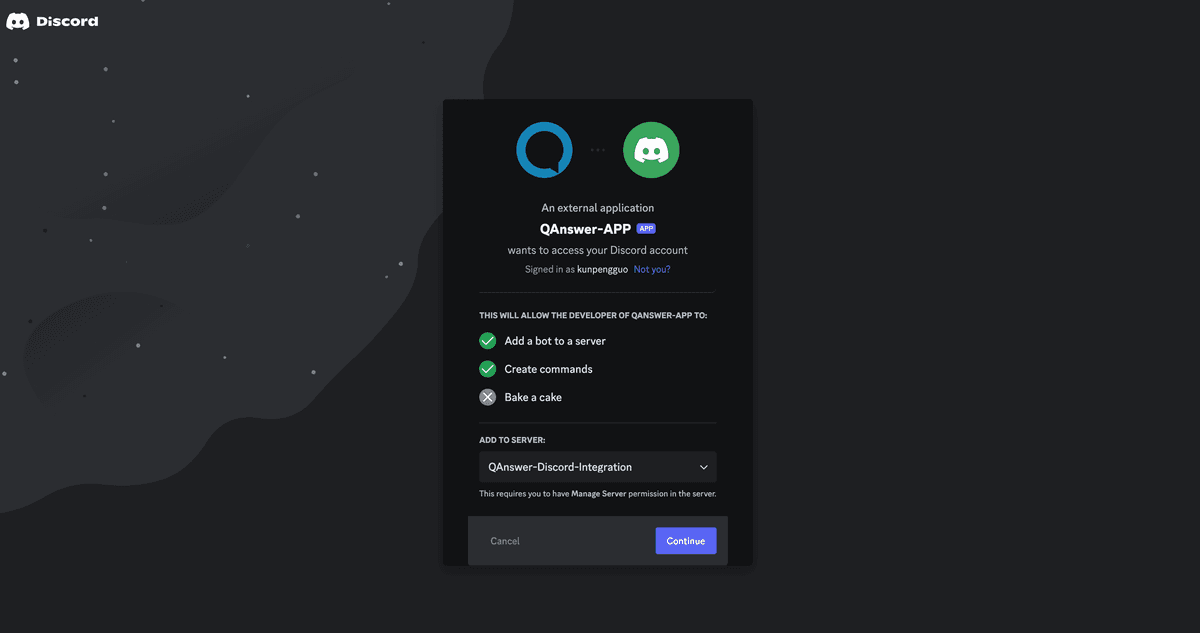
Click the OAuth link to install the QAnswer Discord Bot on your server. Server permissions to add bots are required.
Setup
Connect the QAnswer Bot to your AI Assistant:
(Admins) In any text channel, run the /setup_channel command to make the bot available to everyone.
(Users) In any text channel, run the /setup command to make the bot available to yourself only.
Enter the unique URL for your AI Assistant when prompted. This URL acts as a connection point and includes a read-only API key. Click generate to create one:

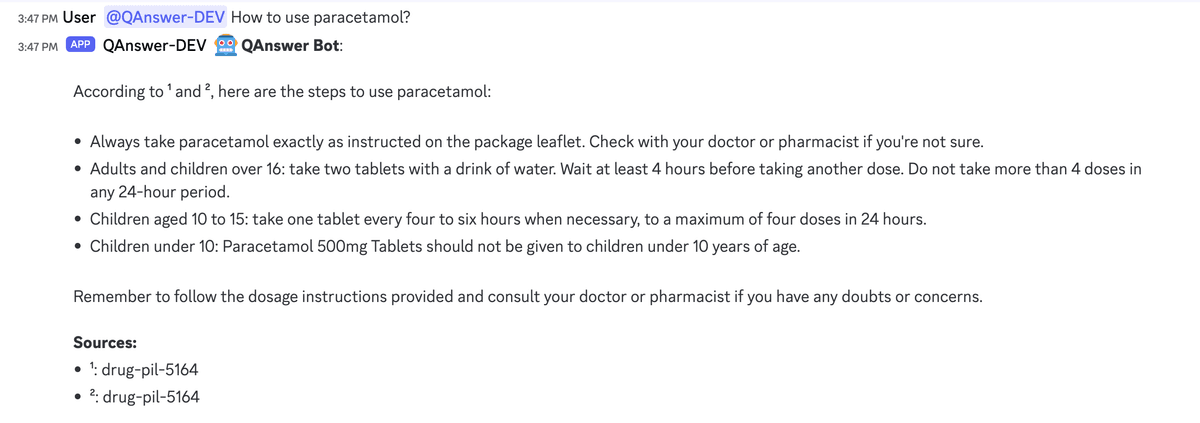
Once set up, interact with the bot directly in your Discord server. Use the /ask command for private questions — responses are visible only to you. For public queries, mention the bot (@QAnswer) followed by your question in any channel. The response will be visible to everyone in that channel.
For setup issues, contact info@the-qa-company.com.