Speech to Text
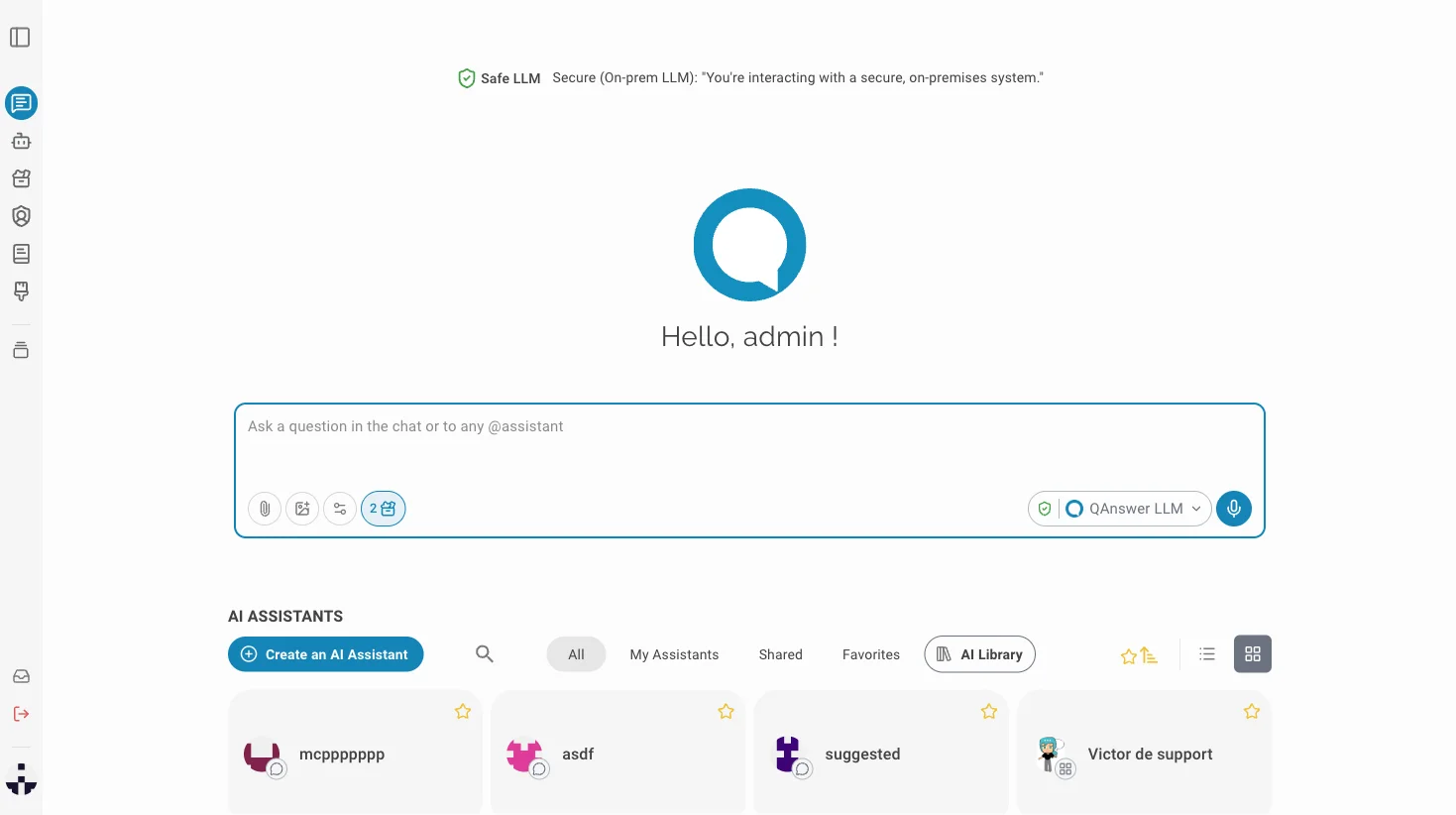
The microphone button in the chat input lets you dictate messages instead of typing. Your audio is transcribed in real time and inserted into the text field, ready to send.
Cloud
 On Premise transcription is the default — self-hosted and GDPR-compliant. No additional setup is needed.
 OpenAI
 Mistral
Info
The LLM must have tool-calling support enabled. Make sure the configured LLM endpoint supports tools, otherwise the microphone button will not be available.
Dictating a message
Click the microphone icon in the chat input bar to start recording. Speak your message, then click the microphone again (or press the send button) to stop. The transcribed text appears in the input field.