Web Search
The LLM Chat includes two built-in web tools:
- Web Search — searches the web and returns results with numbered source links.
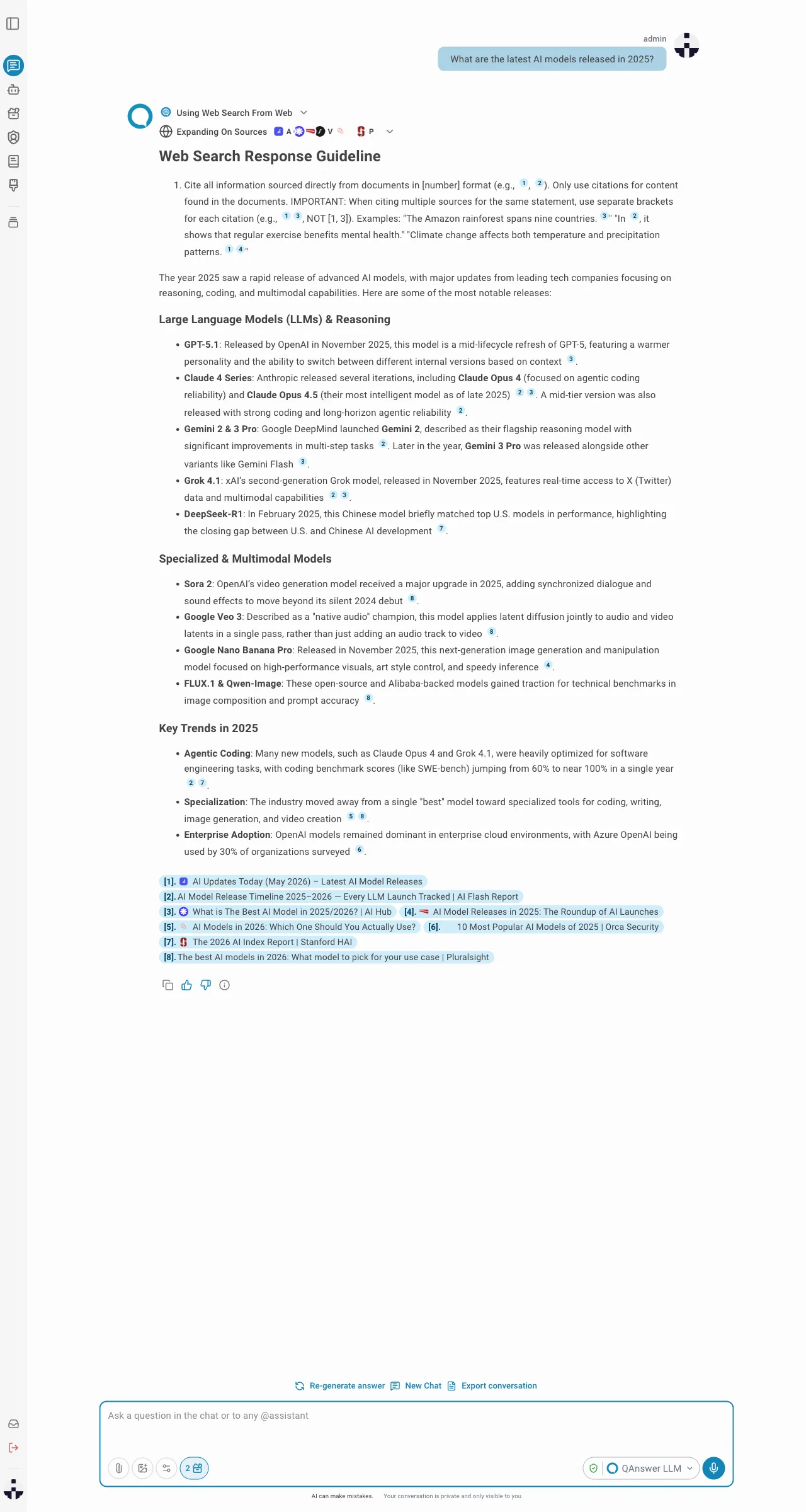
- URL Scraping — visits specific URLs and extracts their full visible text.
Cloud
 Linkup is the default provider — EU-hosted, GDPR-compliant, with zero data retention. No additional setup is needed. On Cloud it is not possible to become an admin, so this provider cannot be changed.
On-Premises
On Premise, a web search provider must be configured by an admin. See Providers for setup instructions. The following providers are supported:Linkup Brave Search
 Serper
 Exa
Exa
LinkupBrave SearchSerperExaInfo
Web Search is currently the only feature in QAnswer that cannot be provided fully on-premise. All supported providers are third-party services — there is no self-hosted or local-only option available.
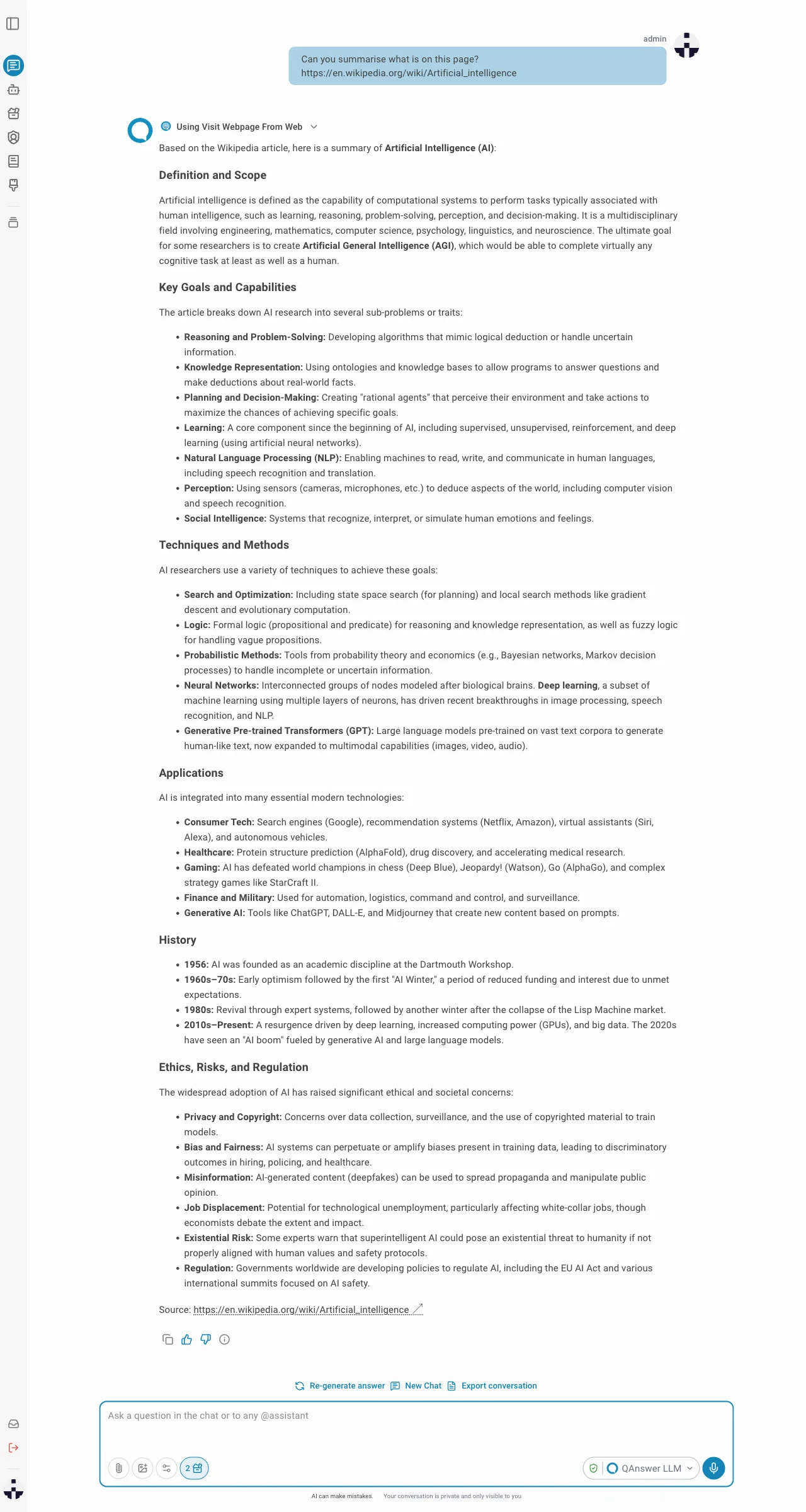
Web Search
When you ask a question that benefits from current information, the LLM searches the web and builds its answer from the results. Each claim is linked to a numbered source so you can verify it directly.
URL Scraping
The LLM can open individual pages and read their full content. This works automatically alongside web search, or by explicitly including a URL in your question.