
Licence
The Licence page controls how many seats and for how long this on-premise instance is authorized to run. Set a license key here to lift the restrictions that apply when none is configured.
License key
Paste the license key provided for this instance, then click Save.
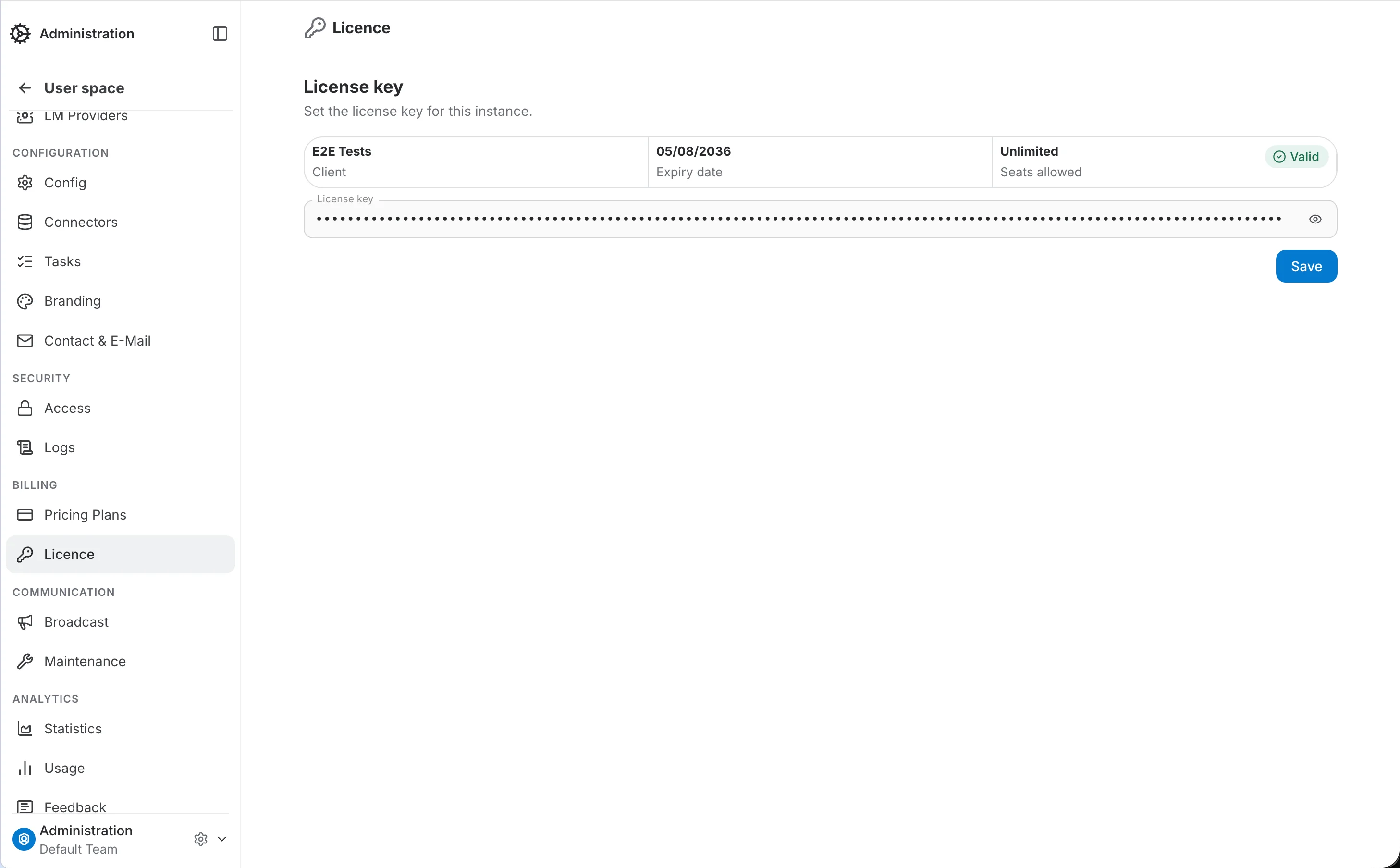
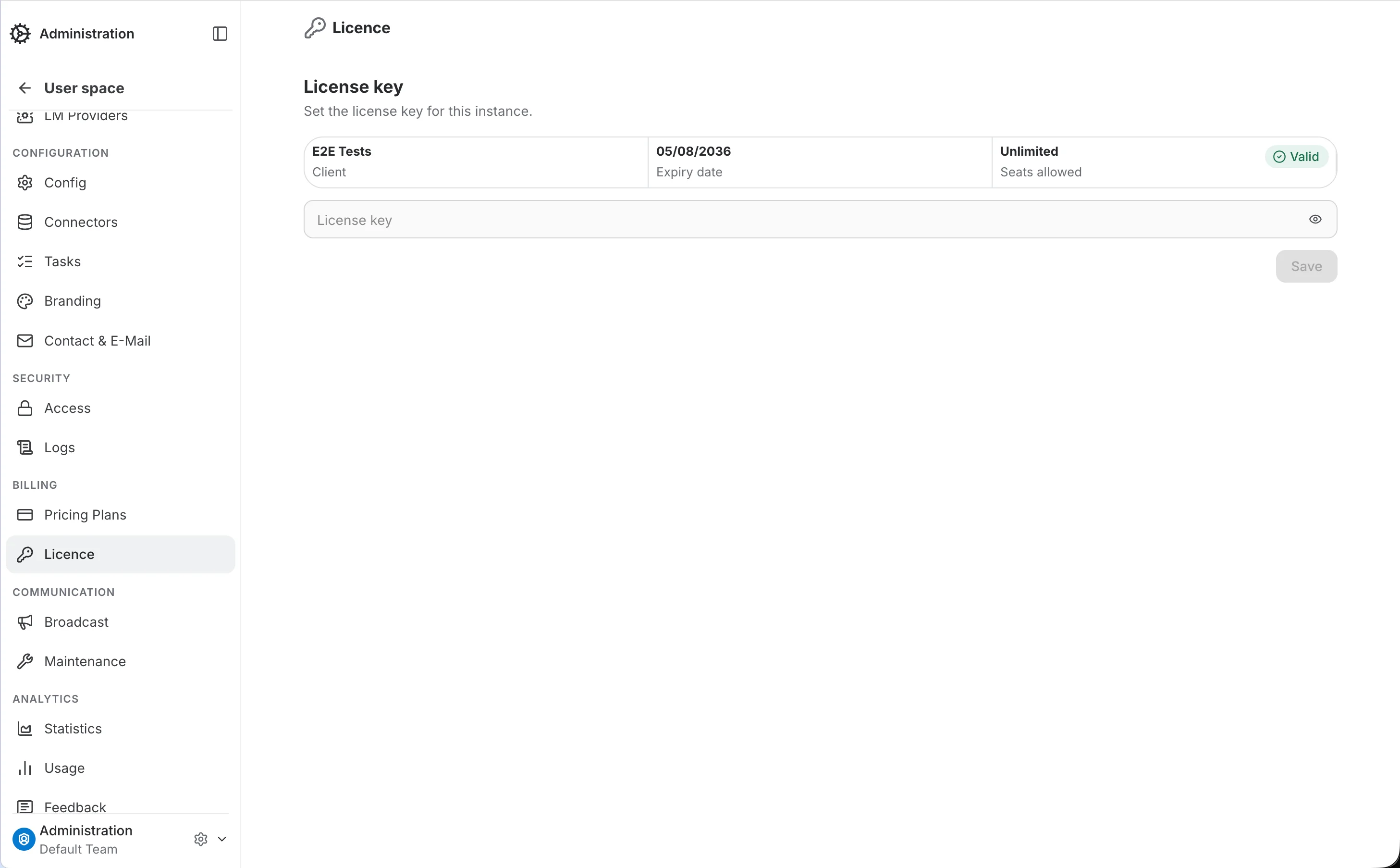
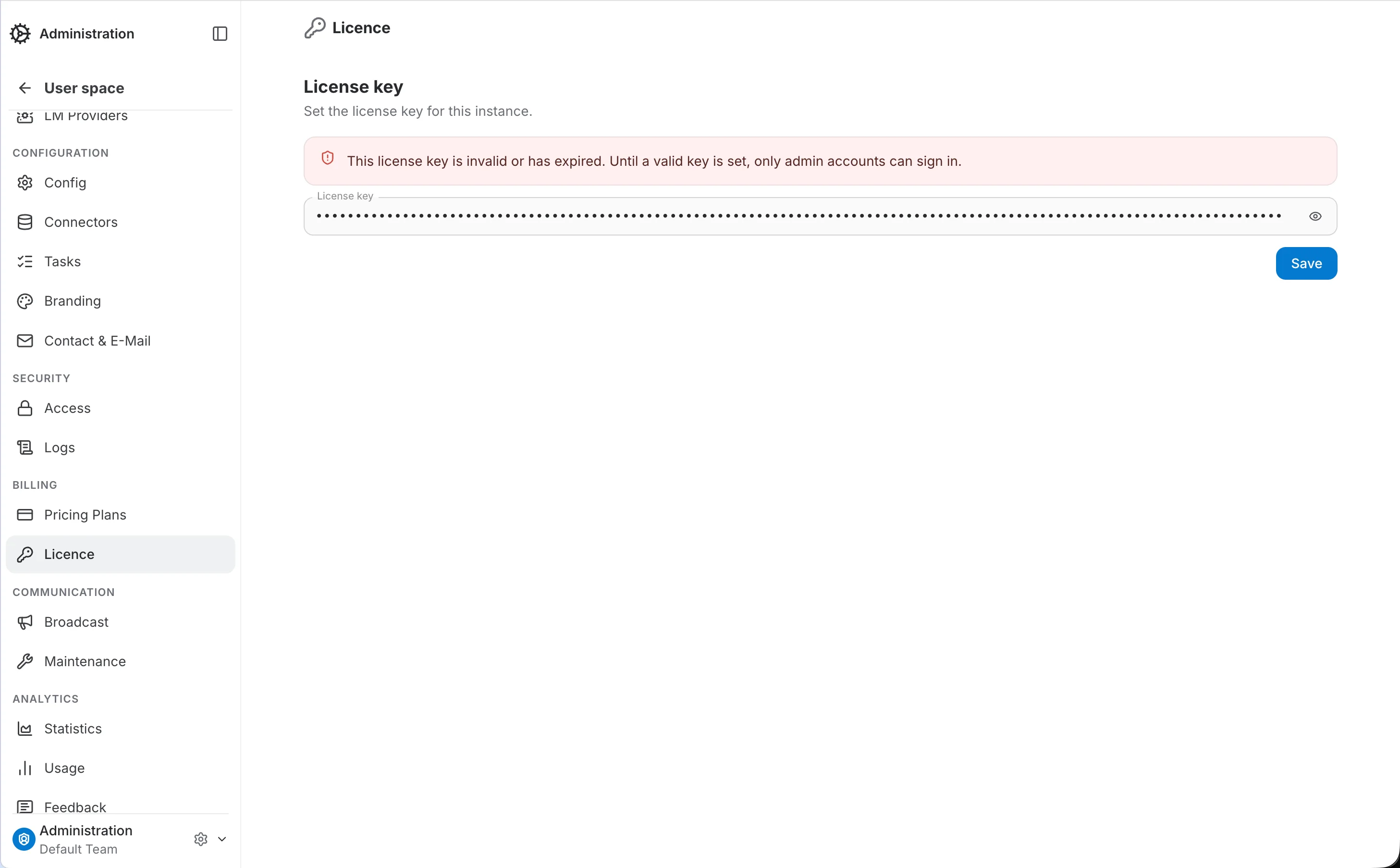
When no key is configured, or the key is invalid or expired
In either state, login is restricted instance-wide: only the admin account configured at setup can sign in, and is automatically redirected to this page to resolve it. Every other account is rejected at login with an explanatory message.
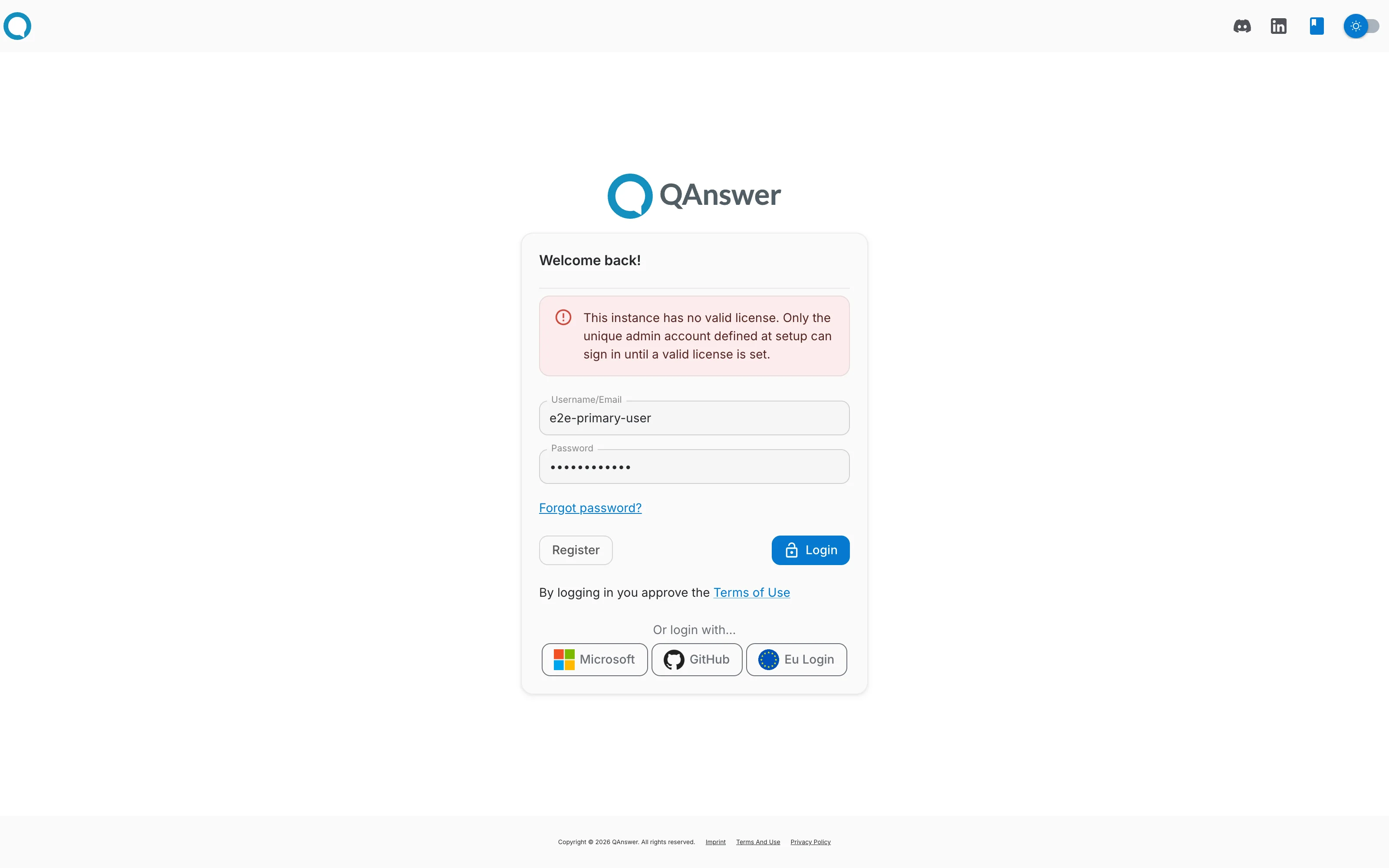
A non-admin account attempting to sign in during either state is rejected outright, with an inline error explaining that only the admin account can sign in until the license is resolved:
Seat limits
A license can cap the number of user accounts ("seats") this instance may have. Once that limit is reached:
- Creating a new user from the admin Users page is rejected with an error explaining the limit was reached.
- Non-admin accounts are also rejected at login once the total number of registered users exceeds the seat limit.
A license with no seats claim is unlimited.