
Web Search Providers
Overview
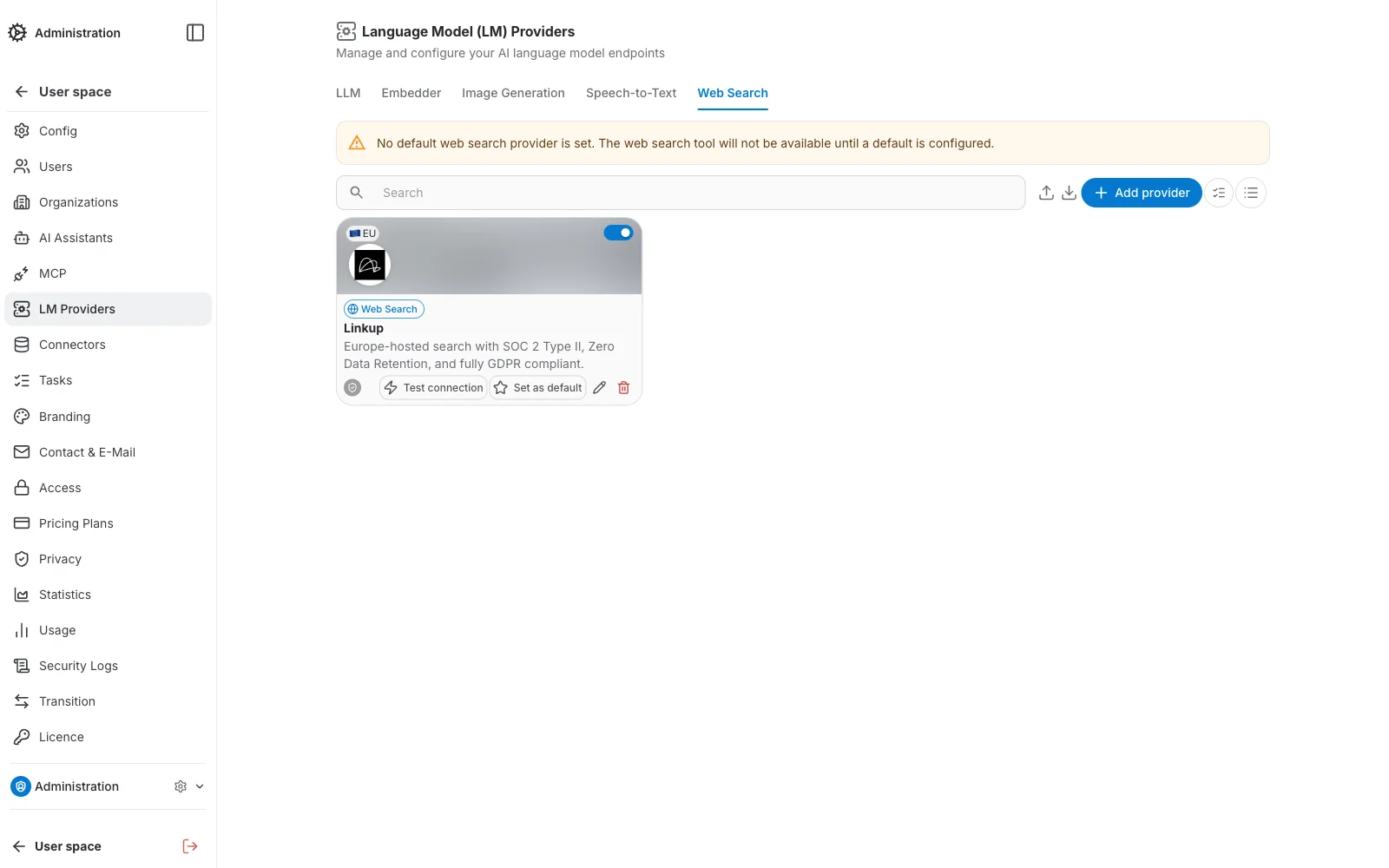
The Web Search tab, under LM Providers, manages the providers QAnswer uses to search the web — this powers the built-in web search tool available in the chat:
Adding a Provider
Click Add provider to open the two-step creation wizard.
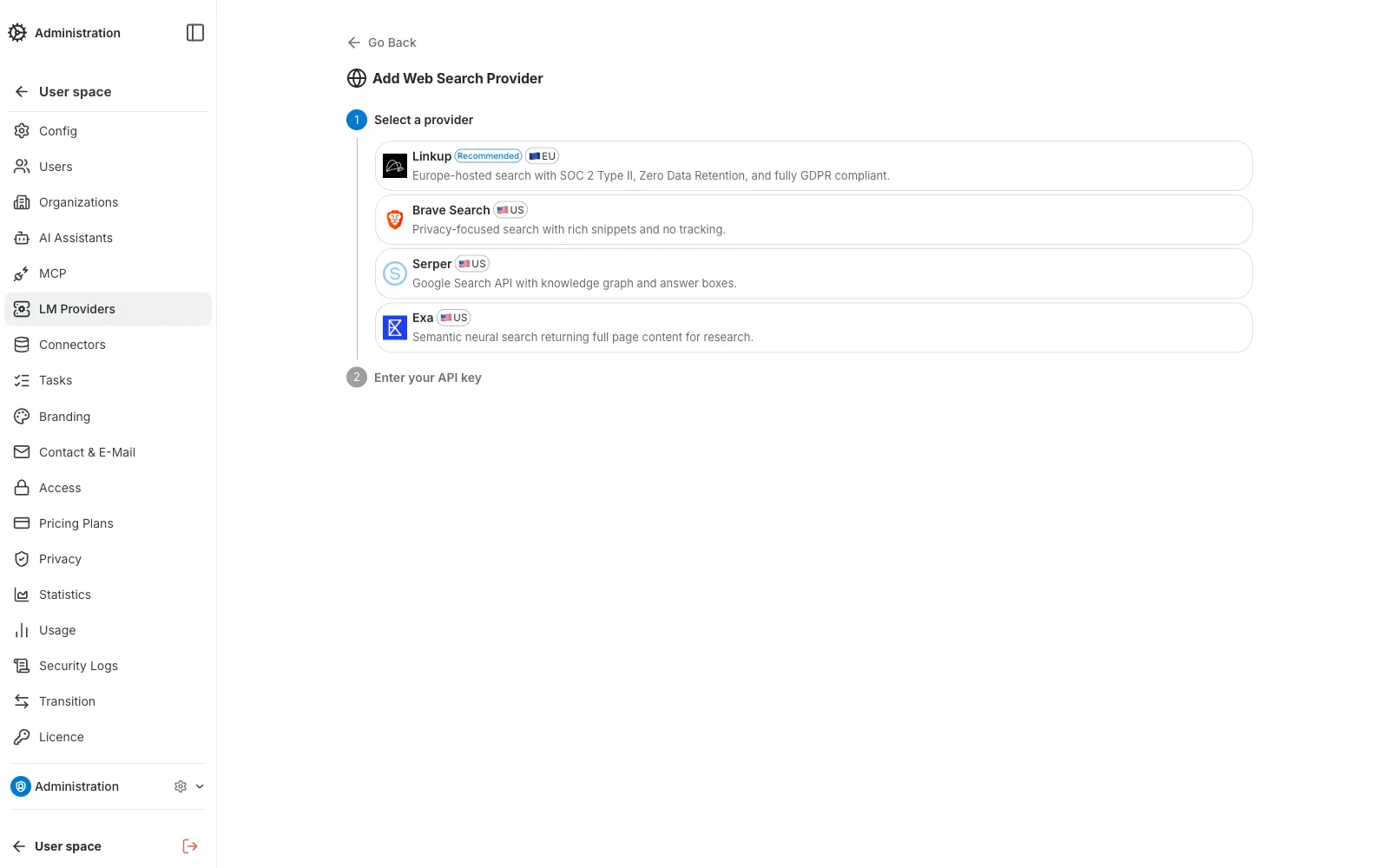
Step 1 — Select a provider
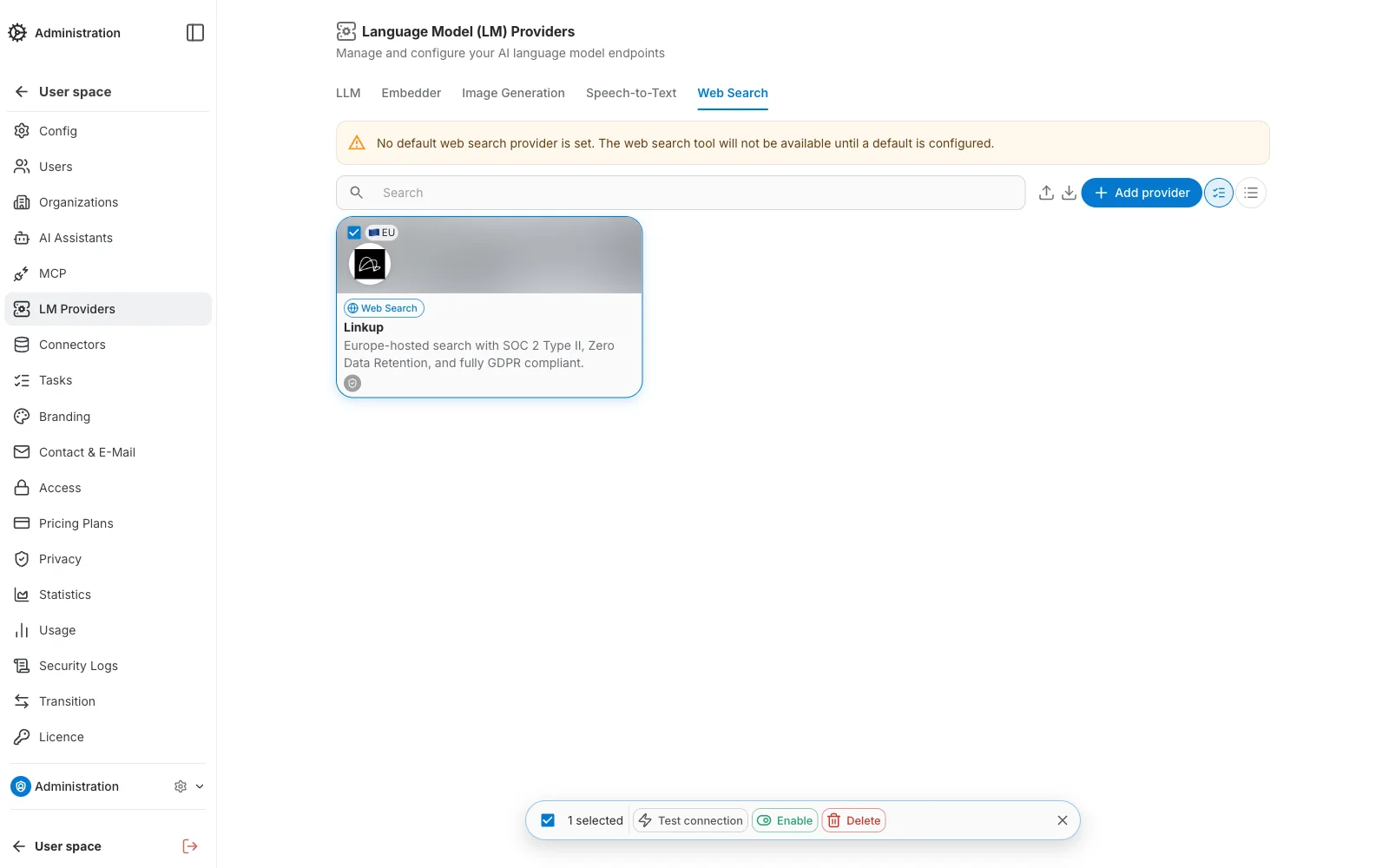
Pick a provider tile. Linkup is Europe-hosted with SOC 2 Type II, Zero Data Retention, and fully GDPR compliant. The available providers are:
- Linkup — 🇪🇺 EU-hosted · RecommendedEurope-hosted search with SOC 2 Type II, Zero Data Retention, and fully GDPR compliant.
- Brave Search — 🇺🇸 US-hostedPrivacy-focused search with rich snippets and no tracking.
- Serper — 🇺🇸 US-hostedGoogle Search API with knowledge graph and answer boxes.
- Exa — 🇺🇸 US-hostedSemantic neural search returning full page content for research.
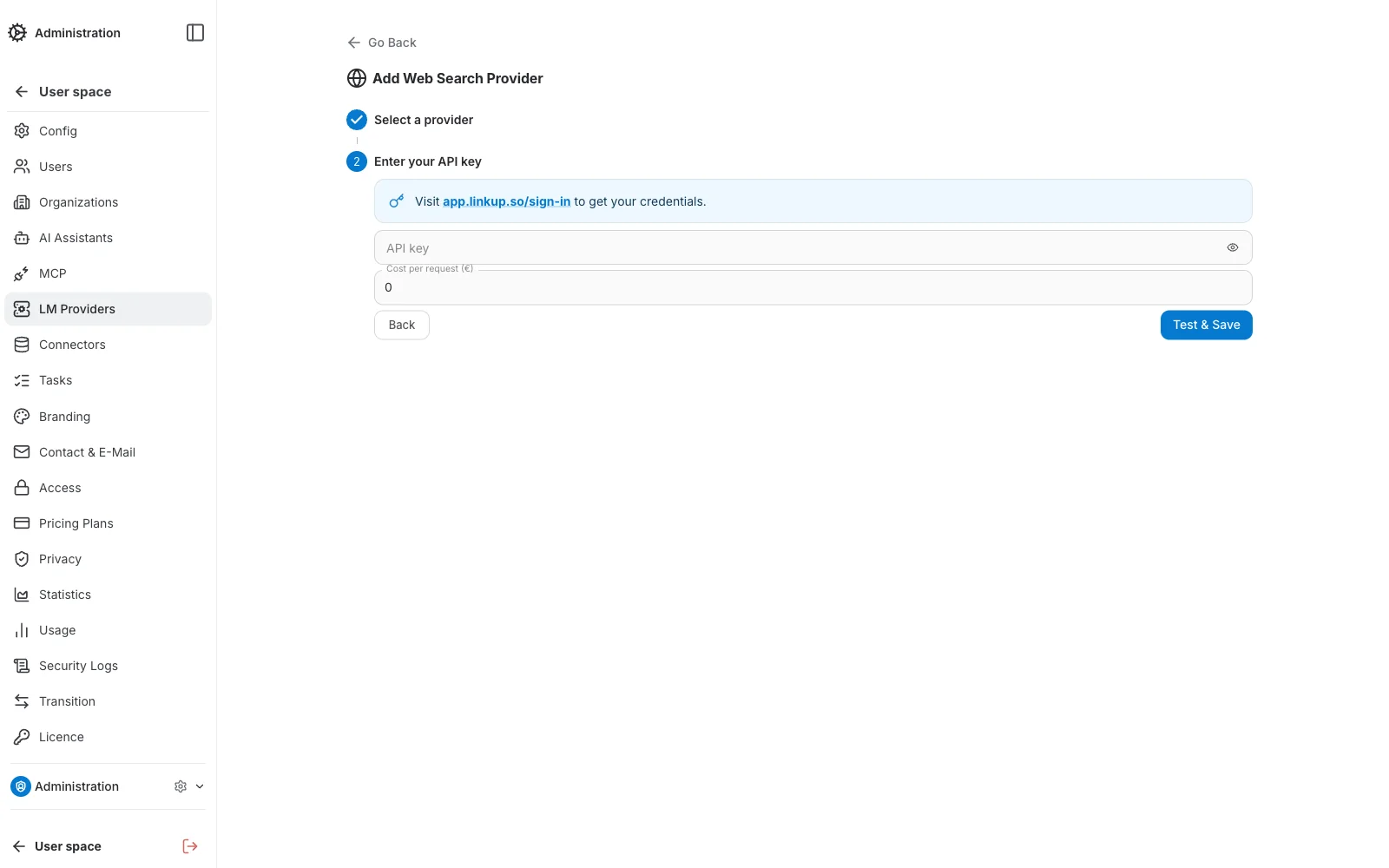
Step 2 — Configure credentials
Like Speech-to-Text providers, Web Search providers have no internal/display name — the form is a single short section:
- API key — the provider's credential. Each provider's dashboard link is shown in the form to help you get one.
- Cost — cost per search request, used for usage reporting.
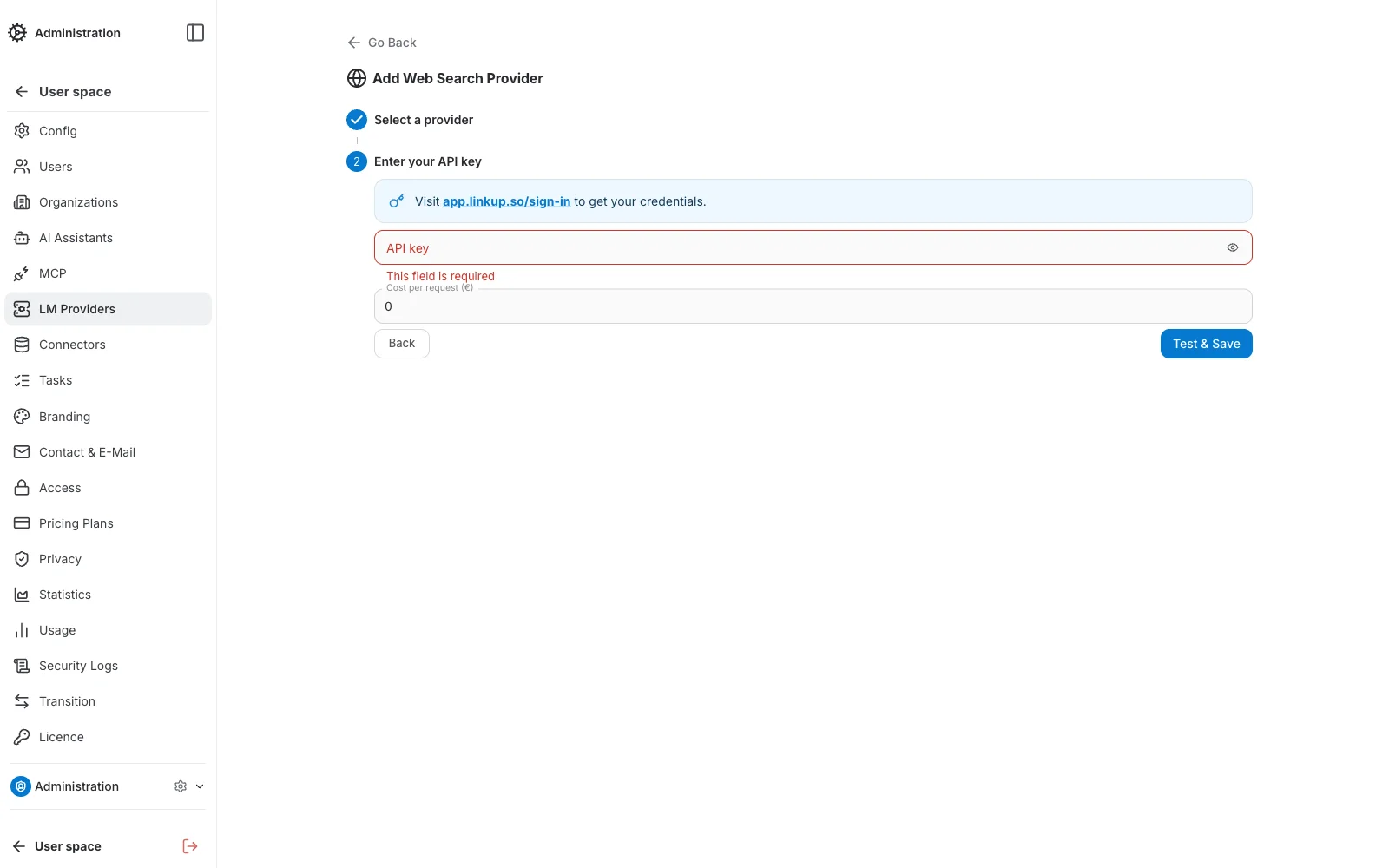
Required-field validation
Submitting the form with the API key empty highlights it in red with an inline error message, so it's easy to spot before saving.
Managing Existing Providers
Each provider card lists its Test connection, Set as default, Edit, and Delete actions. Above the list, a few tools help manage larger sets of providers:
- Search — filters the list by name as you type.
- Grid / List toggle — switches between a card grid and a compact list layout.
- Select mode — checks off multiple providers to run a bulk Test connection, Enable, or Delete from the batch bar that appears at the bottom of the screen.
- Edit — opens the provider on a dedicated page, read-only until you click Edit; the same form as creation.
Import and Export
You can import or export the list of web search providers of your organization in JSON format using the toolbar buttons above the list.
Use the search box before exporting to only include the providers matching your current search filter — handy for exporting a subset of a large list.