
Embedders
Embedders are the one kind of provider you cannot swap freely: an assistant's documents are indexed with the embedder that was active when they were uploaded, so changing the embedder means re-indexing that content.
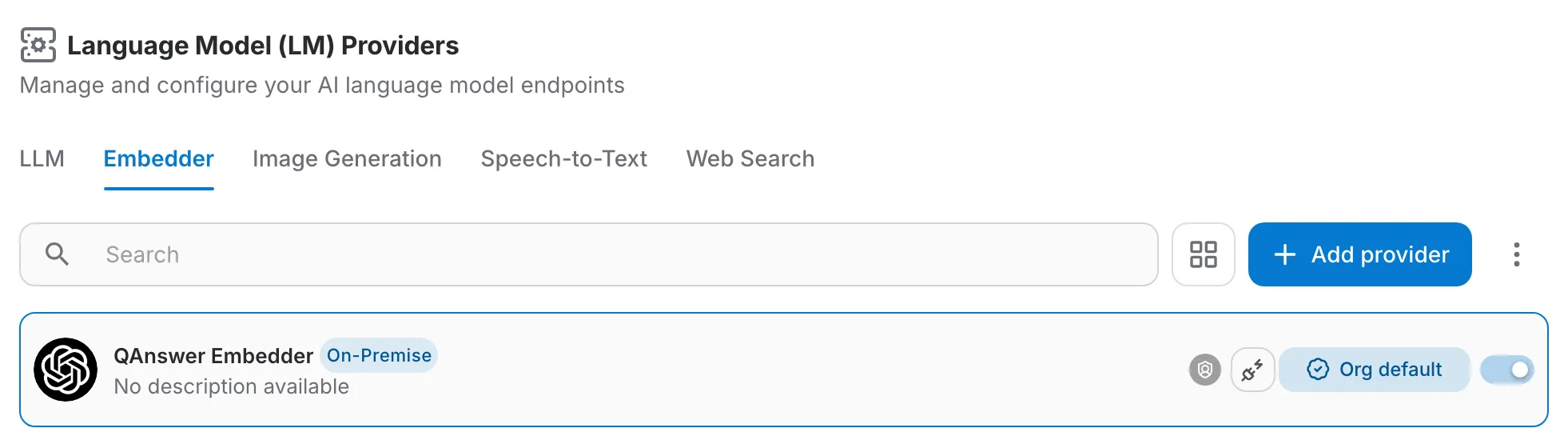
An embedder that is still used by an assistant cannot be deleted or switched off. QAnswer tells you so and offers to take you to the Transition page for exactly that embedder, so you can move the content first.
Moving content to another embedder
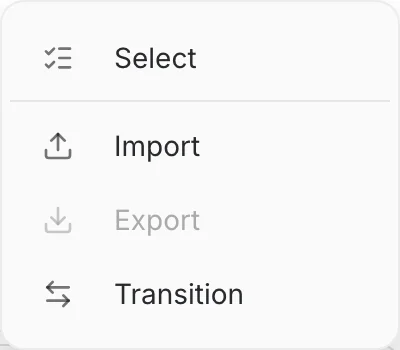
Open the ⋮ menu on the Embedder tab and click Transition.
Pick the embedder you are leaving and the one you are moving to, and QAnswer counts what is in scope before anything happens — assistants and chatbot playground assistants together. Launch reindex then re-indexes that content in the background.
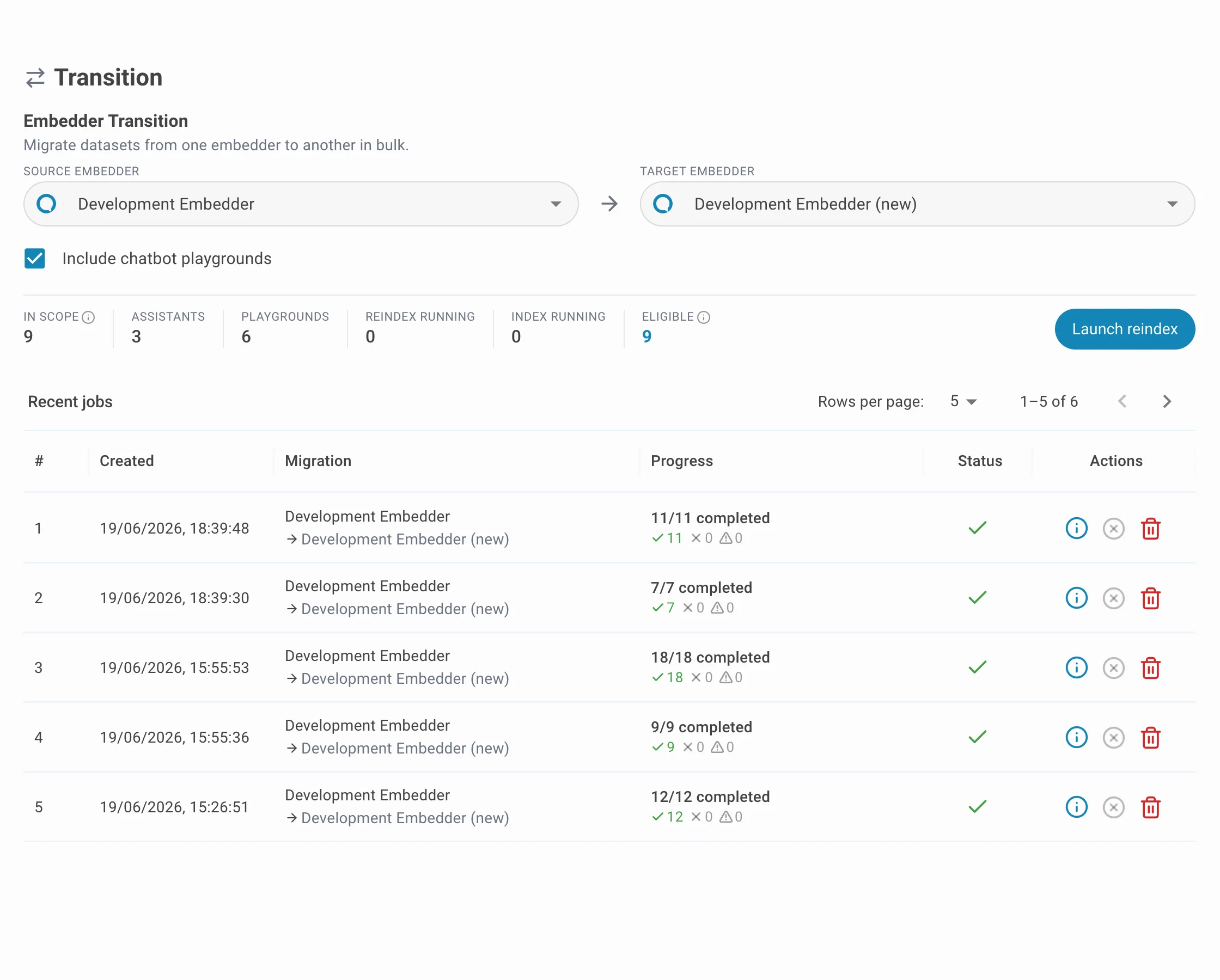
Every document in scope is embedded again, so run a transition when the system is quiet and keep the old embedder active until the jobs listed under Recent jobs have finished.