
First Login
The first time you sign in to QAnswer cloud, by email or with an OAuth provider, a Welcome aboard! window asks for a few details about you before you can use the platform.
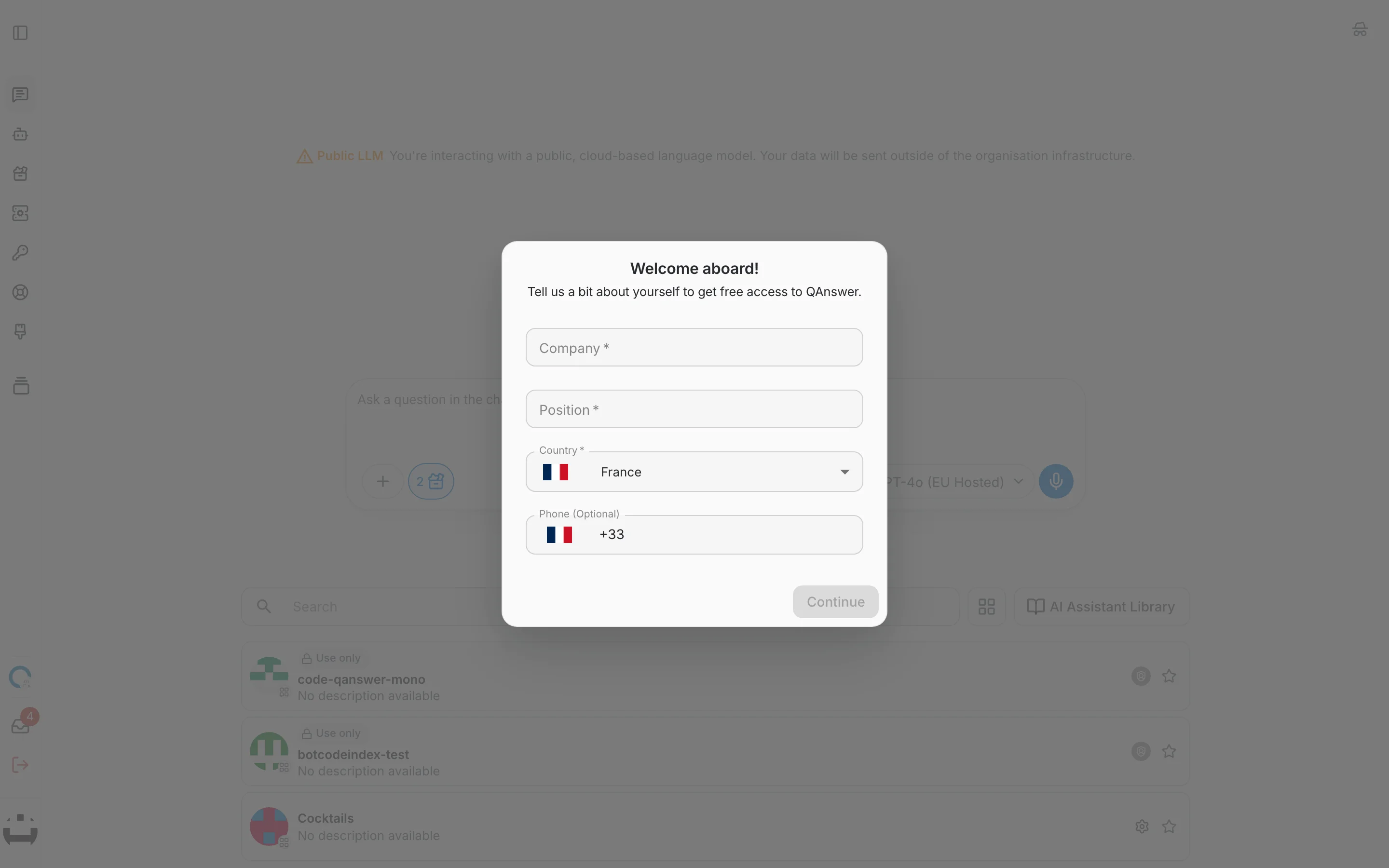
The form
The window has four fields:
- Company (required) — the organization you work for.
- Position (required) — your role or job title.
- Country (required) — already filled in with the country estimated from the IP address you signed in from. When it cannot be determined, the region of your browser's language is used instead. Pick another country from the list if it is wrong.
- Phone (optional) — the dialling code of the selected country is filled in for you, and changing the country resets it to that country's code. Leave only the code to skip the phone number.
Continue becomes available once Company, Position and Country are filled in. Click it to save: a confirmation message appears and the window closes. The window has no close button, so it stays open until the form is sent.
When it appears
The window is shown only to new users of QAnswer cloud:
- Never on an on-premise installation.
- Only once: as soon as your details are saved, it does not come back.
- Not if you already belong to an organization other than your personal workspace, for example because you joined through an invitation.
- Not when the administrator has replaced the standard login page with an SSO login flow.
Info
These details cannot be changed later from your profile. Administrators can read them in your user details, see Users.