
Wix
Video Tutorial
Wix
Watch on Tutorials page →
Info
Before following this section, add data to your AI Assistant as described in the Data Sources Section and test it in the AI Task Section.
Follow these steps to embed your AI Assistant as a chatbot widget in Wix.
Customize
Customize the widget and save it.
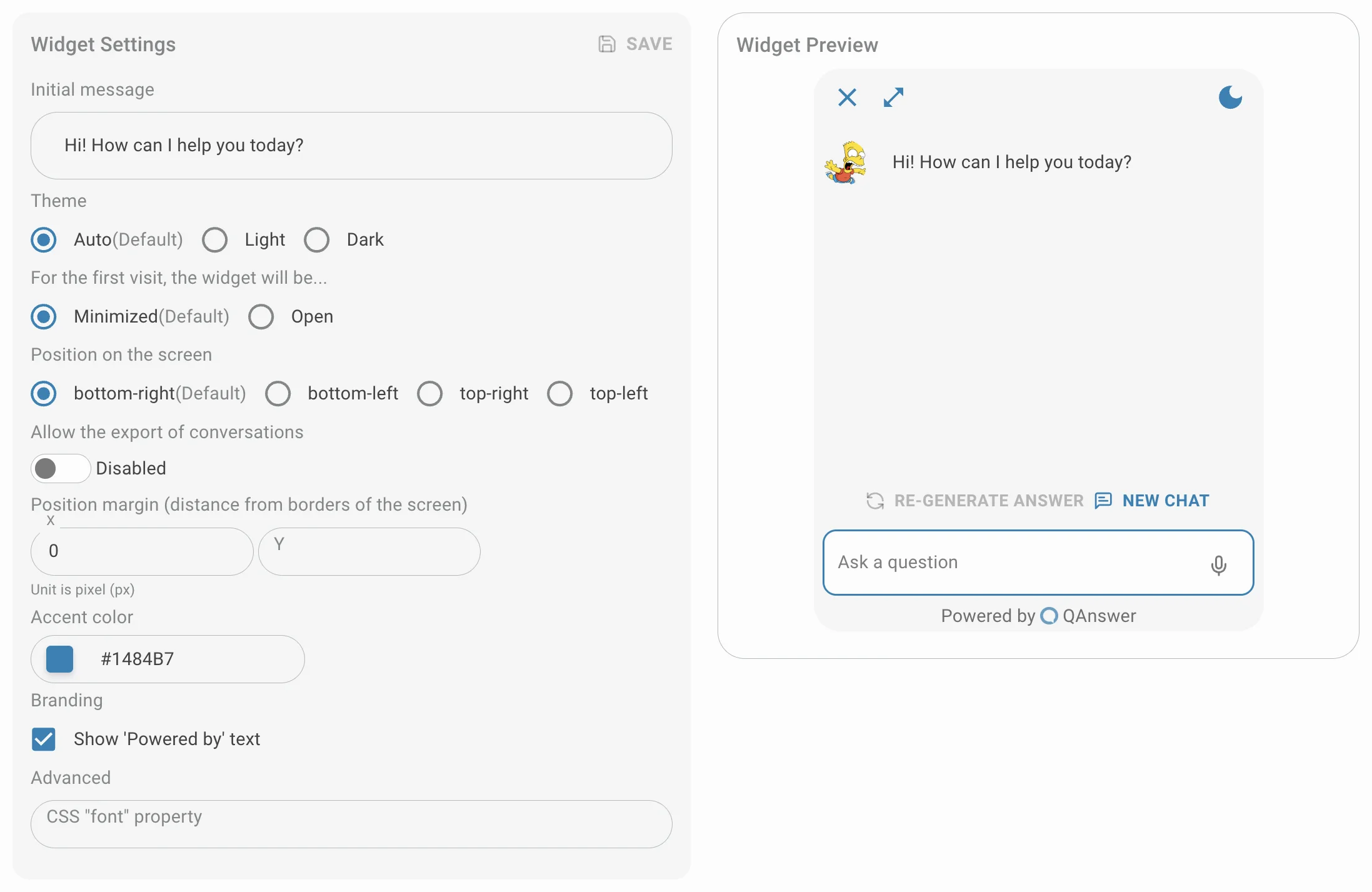
Make public
In the Choose your access step, select Public. To keep the assistant private, select Only with an API key and pick or generate a key for the widget instead.

Setup
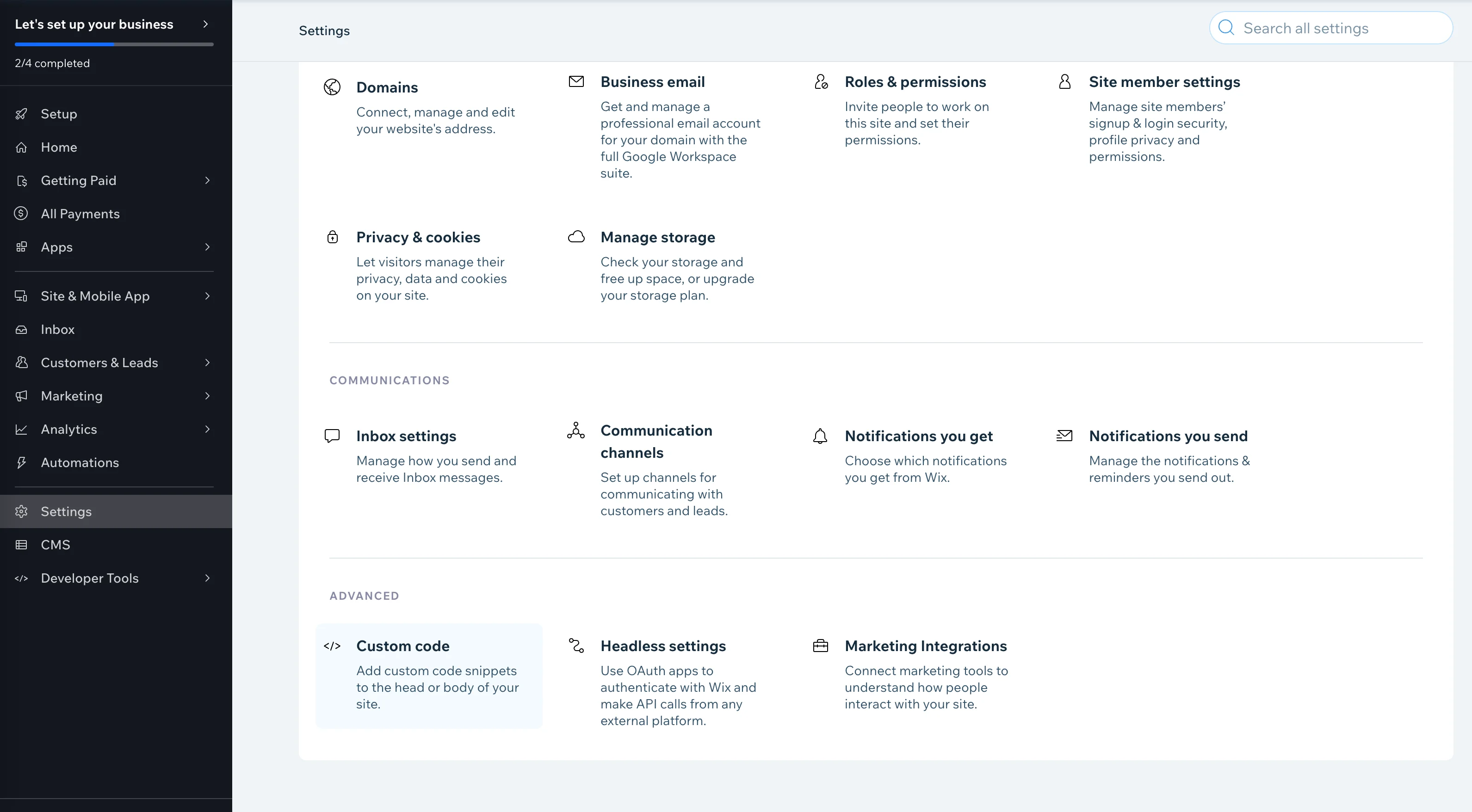
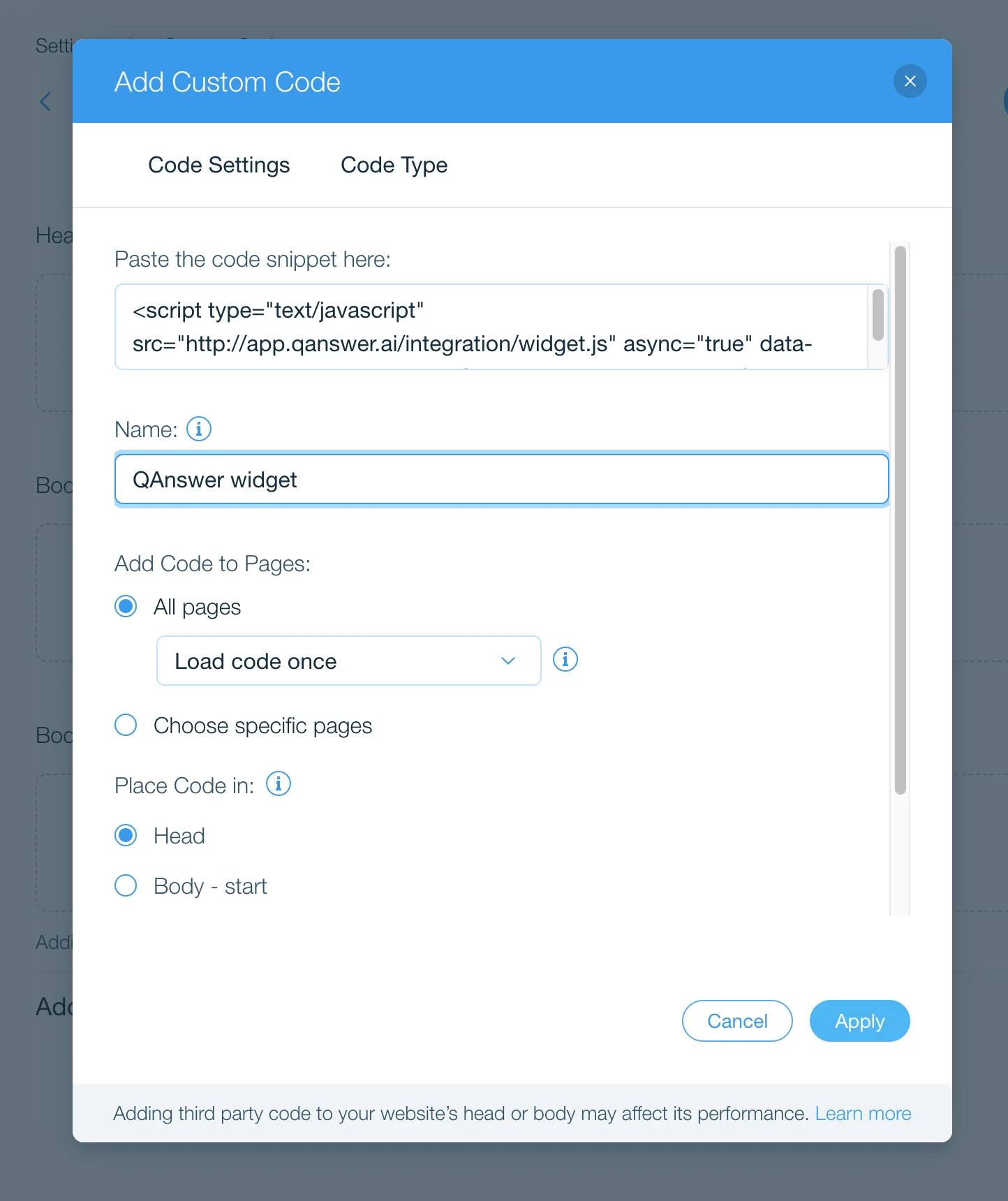
In your Wix admin dashboard, go to "Settings" in the left sidebar. Navigate to "Advanced" > "Custom code" and click "Add Custom Code".
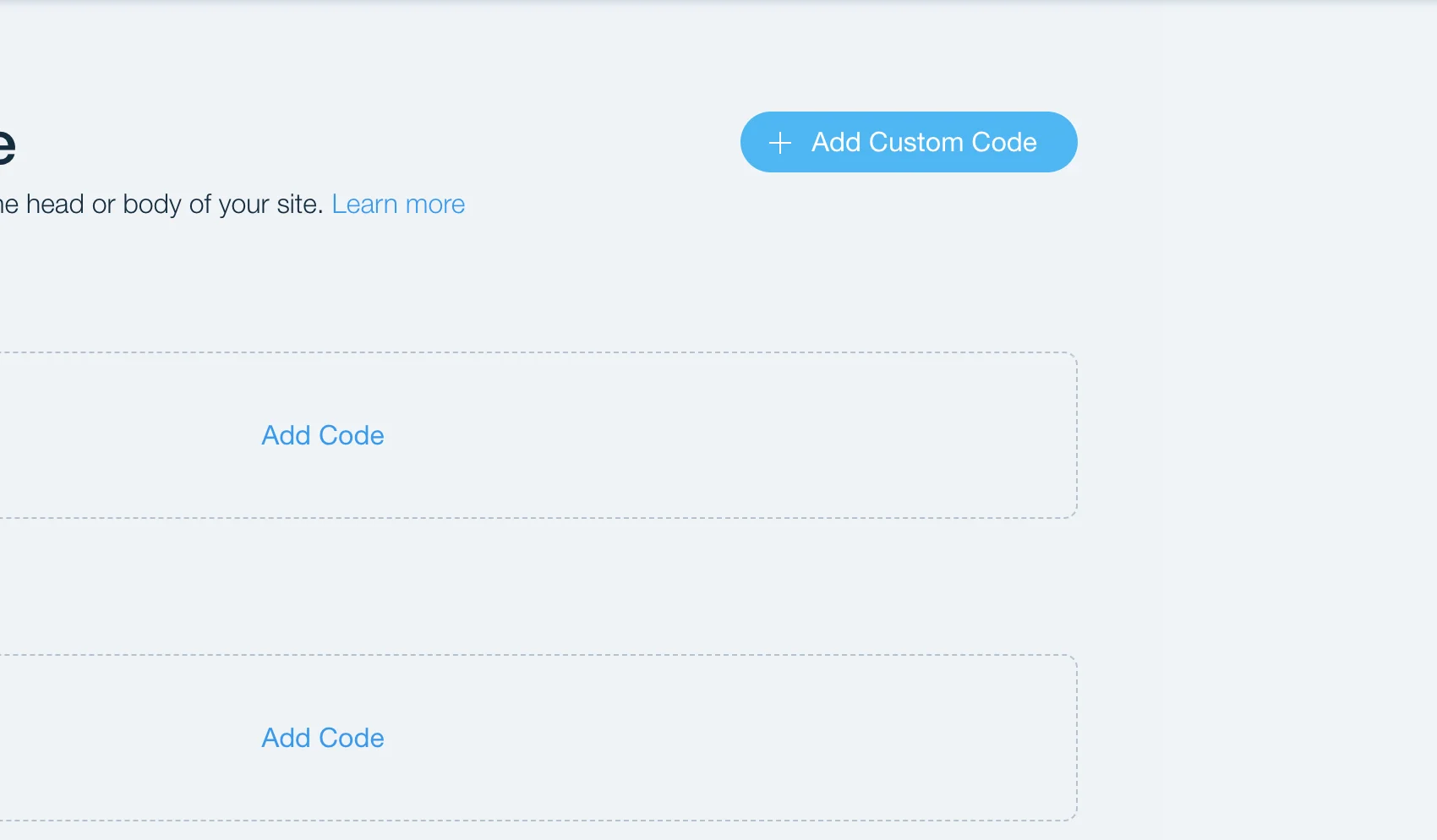
Paste the QAnswer code snippet into the text box, enter a name such as "QAnswer widget", then select "All pages", "Load code once", and "Head" for the remaining settings.
Apply
Click Apply to save the changes.