
Message Retention
By default, the messages of your organization's chats are kept indefinitely. Message retention deletes, every night, the messages older than a period you choose. The chats stay, without their old messages, and the files sent with a deleted message are deleted too. The retention of AI conversations does not apply to these chats.
Setting it up
Open the organization settings, click Communication, then Set up in Message retention.

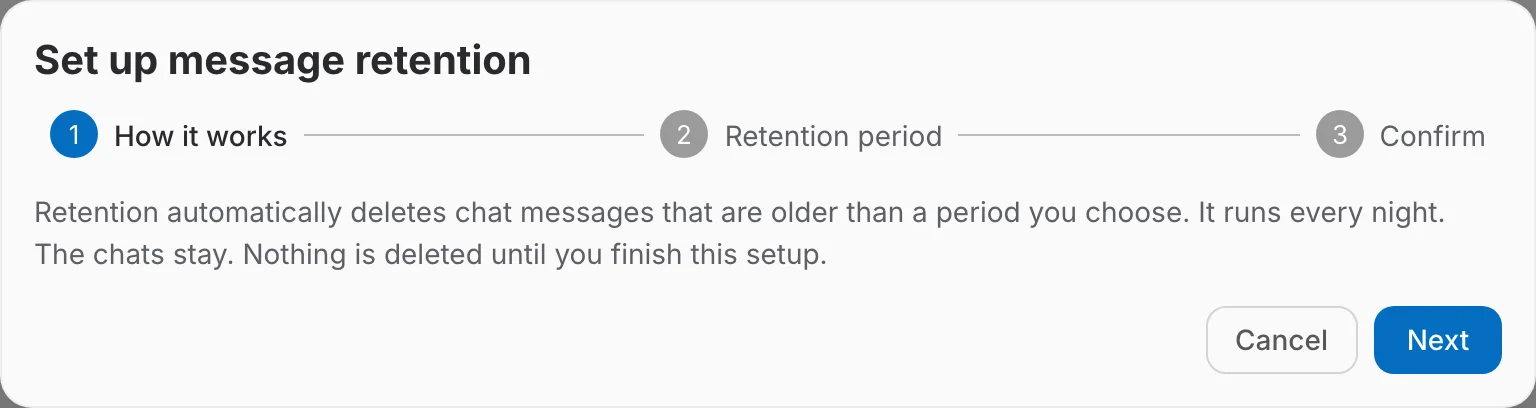
A dialog takes you through three steps:
- How it works — what retention deletes. Nothing is deleted until you finish the setup.
- Retention period — how long messages are kept, in days, months or years.
- Confirm — check the period, then turn retention on.
Once retention is on
The messages older than the period are deleted on the next nightly run, and every night after that. Run now applies it straight away, after a confirmation, and Turn off stops it: messages are then kept indefinitely again.
Each change is recorded in the organization's security logs as Retention policy updated.